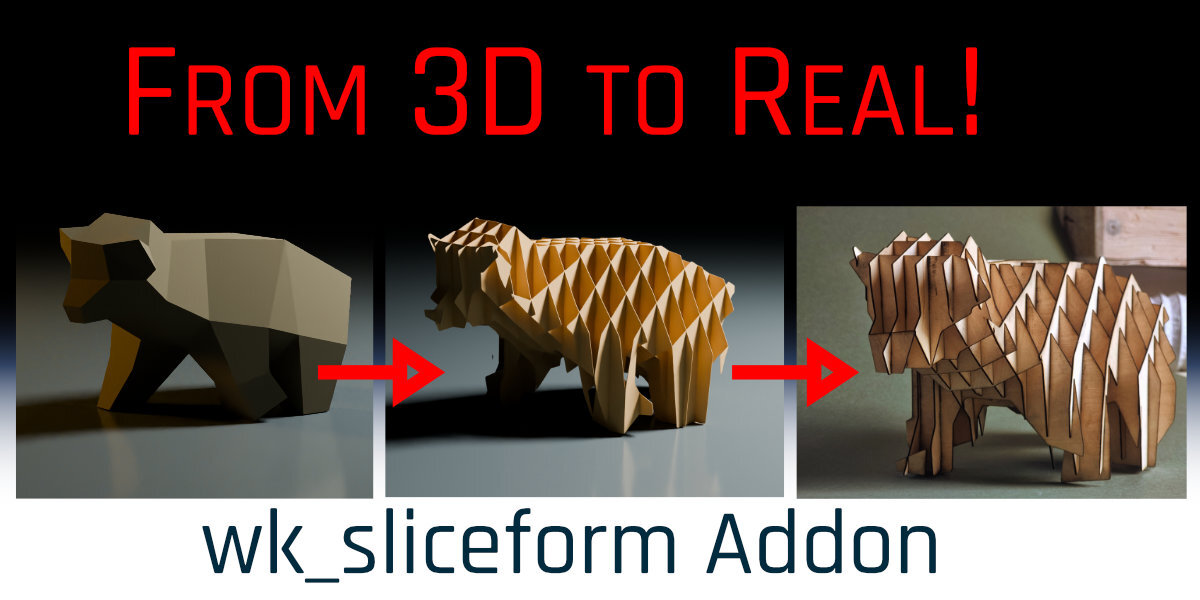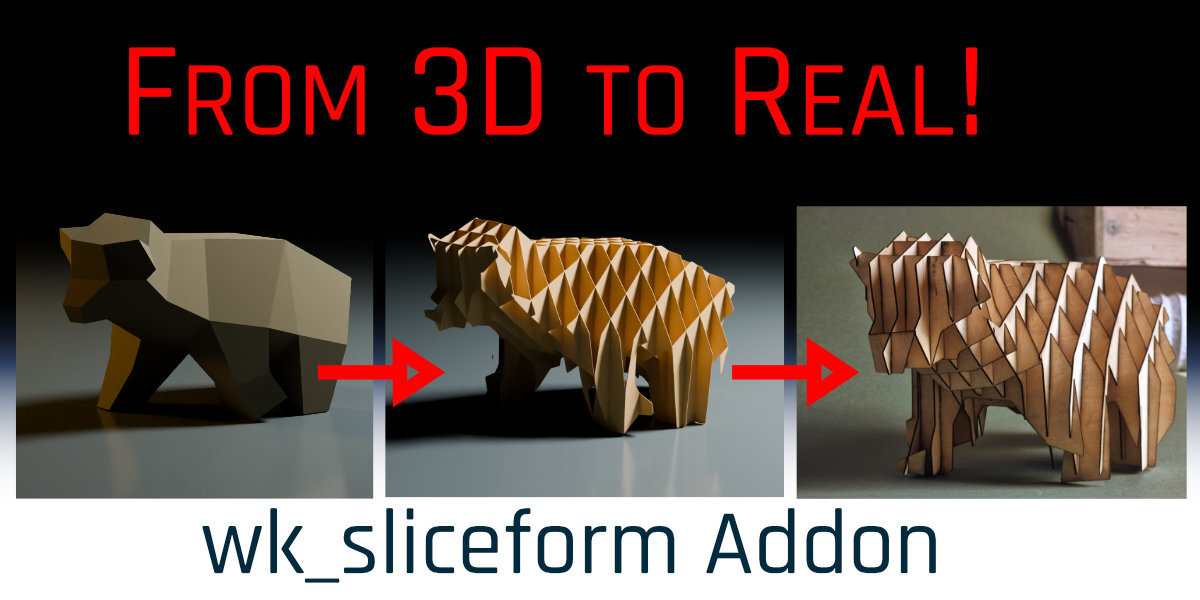
Sliceform Popup Tools is a Blender add-on for turning a 3D mesh into intersecting flat pieces that can be assembled as a sculpture or folded into a pop-up card. Its four modules handle mesh preparation, slicing, slot creation, and pop-up mechanics.
Prepare a mesh, cut slices, and add interlocking slots
MeshMaker combines objects and uses voxel remeshing to close holes and prepare watertight geometry. You can adjust the voxel size to balance detail against processing demands, and use Solidify or Displace to address thin or leaky surfaces.
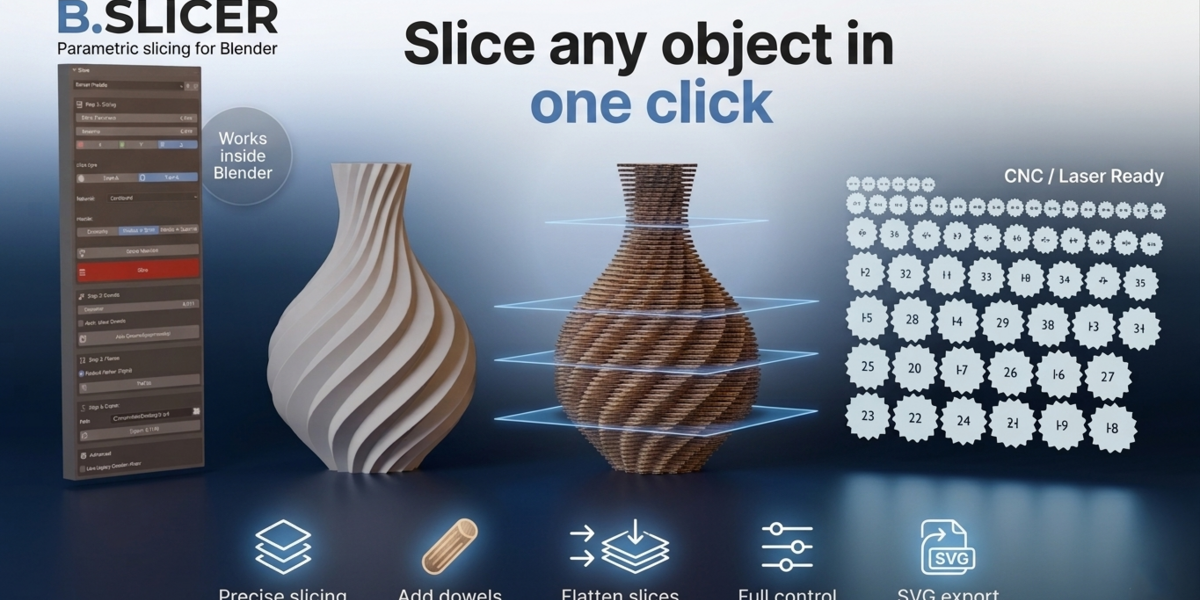
SliceMaker sets a grid by the number of slices along the X and Y axes and an offset from the object's boundary. It then uses boolean operations to cut the mesh into flat pieces. SlotMaker adds interlocking slots based on the material thickness you enter, such as the 1.5 mm cardboard example on the product listing. Slice numbers such as x01 and y02 can be added to help with assembly.
Add pop-up mechanics and arrange the parts
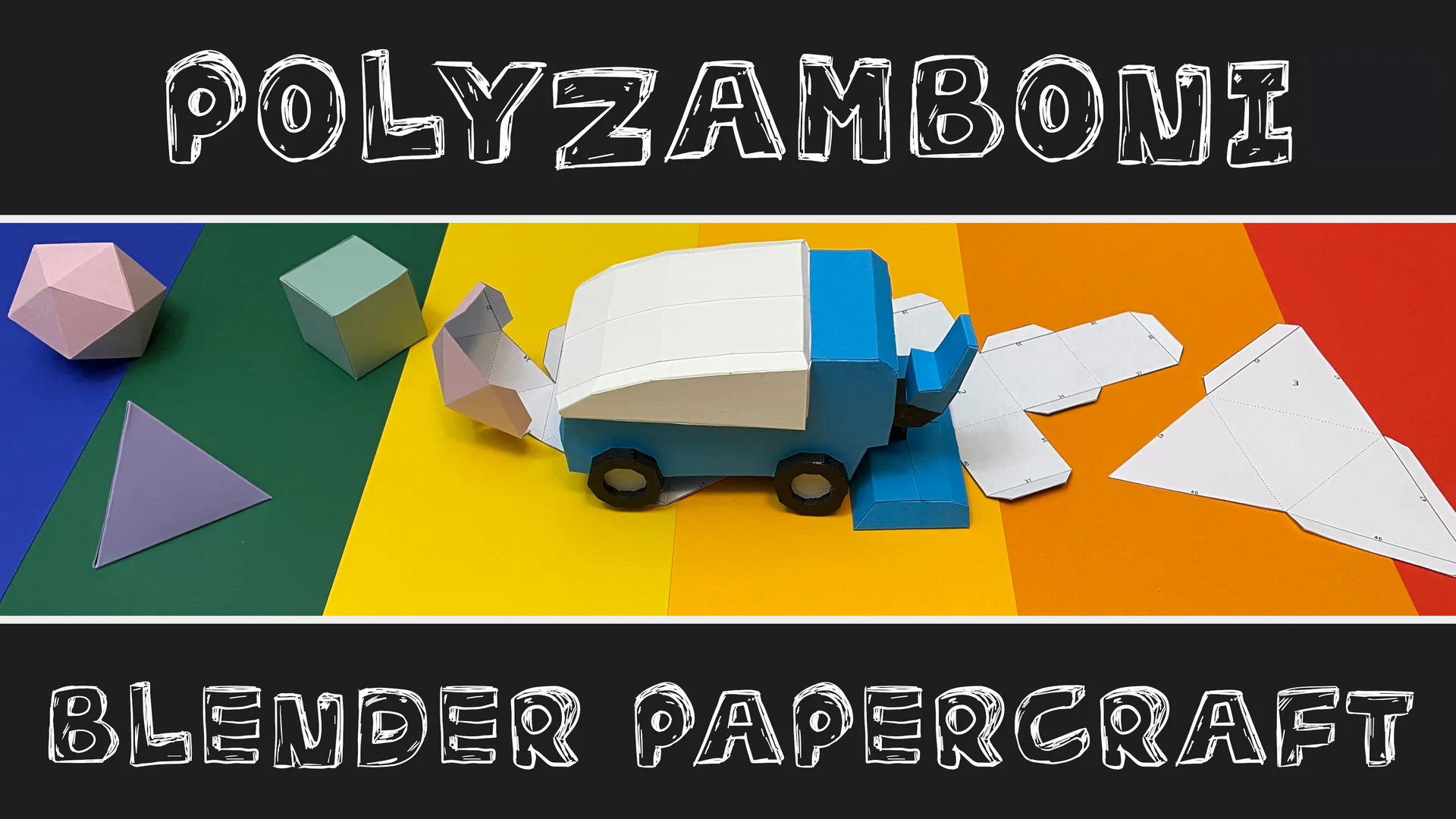
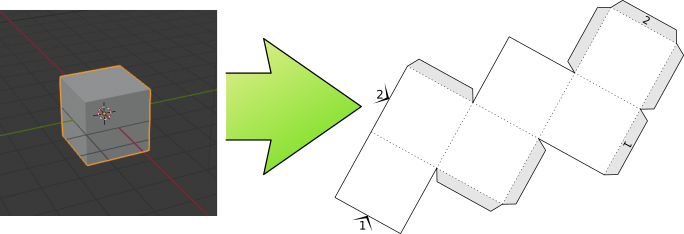
TabMaker creates folding boxes with glue tabs that attach to a base card and intersecting slices. The integrated SVG Arrange Layout tool flattens and arranges the pieces, sorting them alphabetically for easier recognition in vector software.
The product listing recommends the free Outline To SVG add-on for exporting SVG files. Sliceform Popup Tools prepares the flat, front-facing objects for that export workflow.
Changes in version 1.5.0
Version 1.5.0 renames the Debug checkbox to Step by Step. With this option on, you can reverse the red and blue boolean cubes, reversing the slots to help with overhangs. The update also warns when voxel settings are too fine, applies an object's rotation or scale automatically, and places slices more appropriately when the object's pivot is offset.
Who it may suit
The add-on is aimed at makers using laser cutters or plotters, designers and educators prototyping in 3D, and artists building sculptural sliceforms. It supports physical projects in paper, cardboard, wood, or metal. The product listing gives Blender version support as 3.5 to 5.1 and specifically notes compatibility with Blender 5.1. Check the Superhive product listing for current product details.