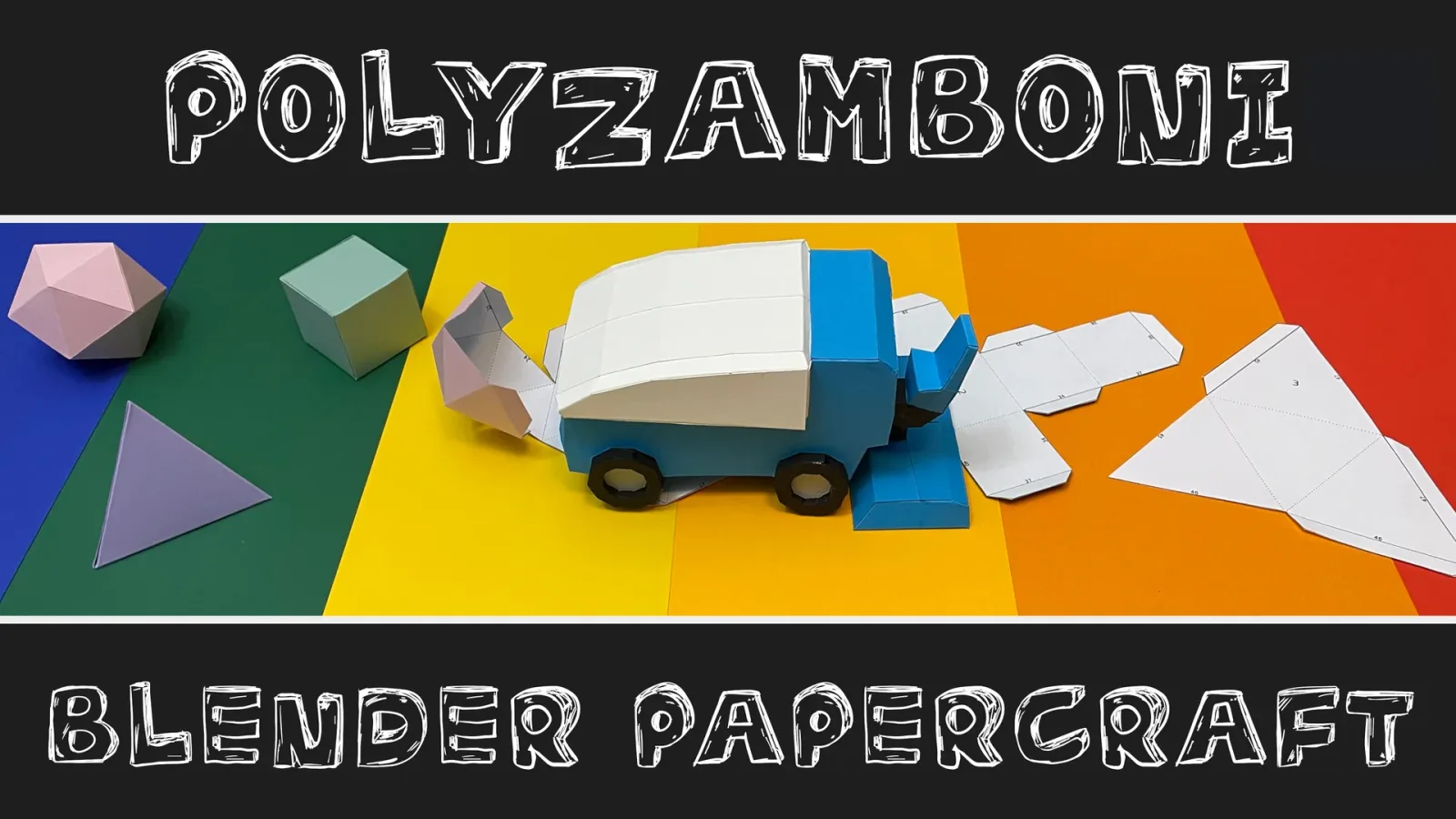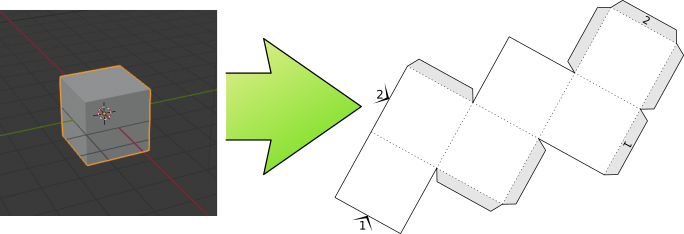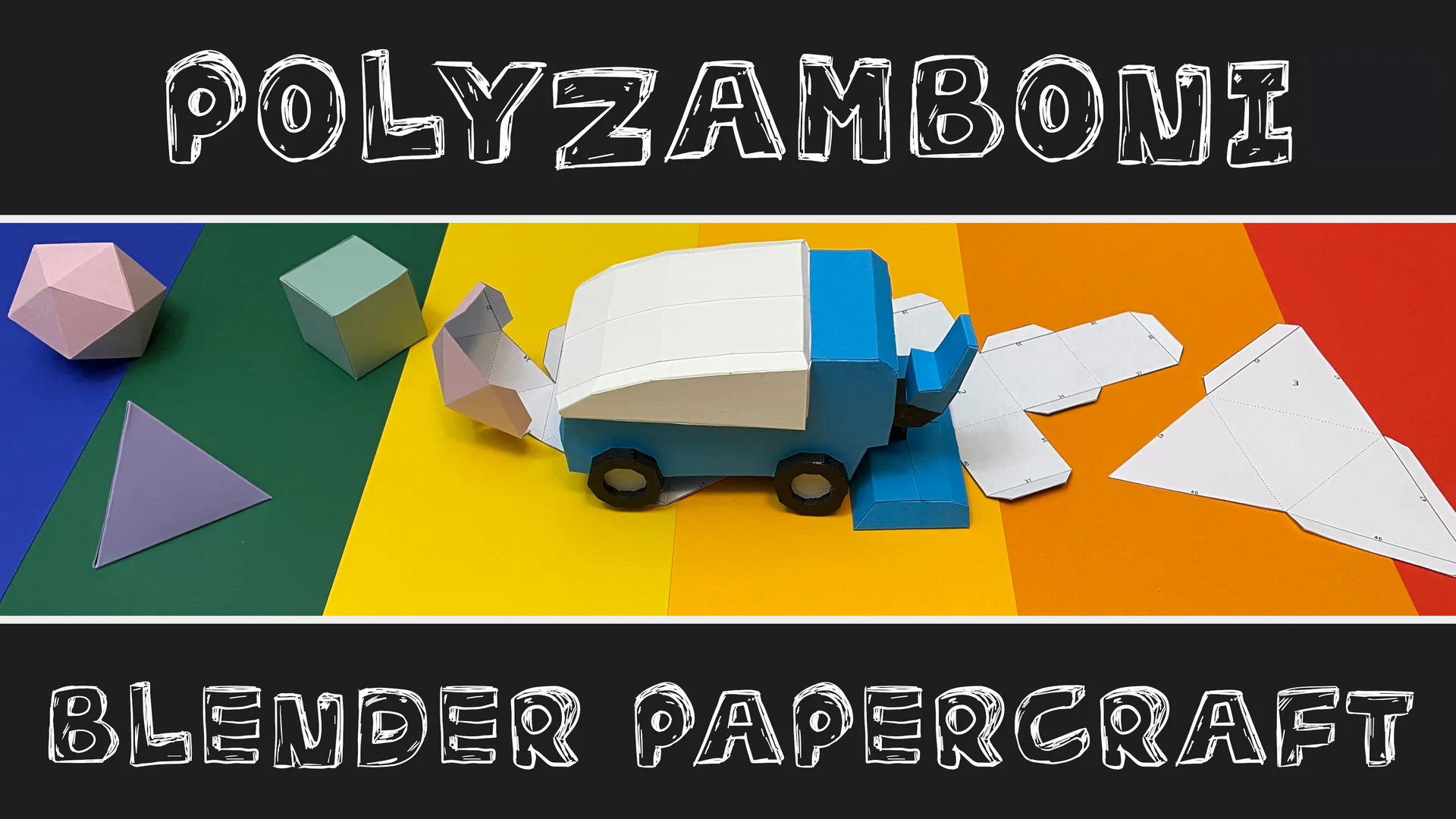
PolyZamboni is a Blender add-on for turning low-poly meshes into papercraft instructions. It unfolds a mesh into flat pieces, gives you tools to decide where pieces separate and join, and exports assembly sheets as PDF or SVG. It suits artists who want to build a paper version of a Blender model and adjust the cut pattern or page layout before printing.
Unfold and edit the mesh
Start with a selected mesh and run Unfold this mesh. The first unfold begins with no cuts. Auto Unfold adds cuts so the connected faces can lie flat. You can choose an X, Y or Z axis for the loop pattern and set a maximum number of connected faces. Separate Materials creates cuts between faces with different materials, while Remove Auto Cuts clears automatically added cuts. Manual cut and glue tools let you control edges; Alt+C opens the cut menu, and Alt+X opens the glue flap menu. Recompute Flaps places glue tabs at cut edges.
Check overlaps before printing
Edge markings and patch colors report different things. Red, green and blue edge marks indicate manual cuts, manually glued edges that Auto Unfold must preserve, and automatic cuts. Patch colors show unfolding quality: green regions flatten without overlap, yellow regions have overlap only between glue flaps, orange regions can unfold, but their faces overlap on the plane, and red regions cannot be unfolded. A red region prevents a paper model from being created until it is resolved. The preview also marks glue flaps that overlap other instruction content.
Arrange and export the instructions
You can group pieces into build sections and number their assembly steps. Create a print review to preview the pages, then move or rotate pieces and change a step number before exporting. PDF and SVG settings include model size, paper size, margins, spacing between pieces, font size and color, edge appearance, and face texturing. Model size and margins use the current Blender scene units. Finish editing the cuts before arranging pages, because changing the cuts clears the saved page layout.
Materials, compatibility and mesh limits
Paper instructions can show solid material colors or a single texture image. PolyZamboni reads base colors from Principled BSDF nodes and images from Image Texture nodes; multiple textures are not supported. Some meshes need repair before unfolding, including those with non-manifold vertices or edges, faces that touch along multiple edges, faces the triangulator cannot process, or highly non-planar faces. The add-on warns when geometry fails and can select affected faces for repair.
The Blender Extensions listing provides version 1.3.1 for Blender 5.1.0 or later, with builds for Windows, macOS Intel, macOS Apple Silicon and Linux. It is licensed under GPL-3.0-or-later. See the PolyZamboni documentation and source repository for the editing and export workflow.