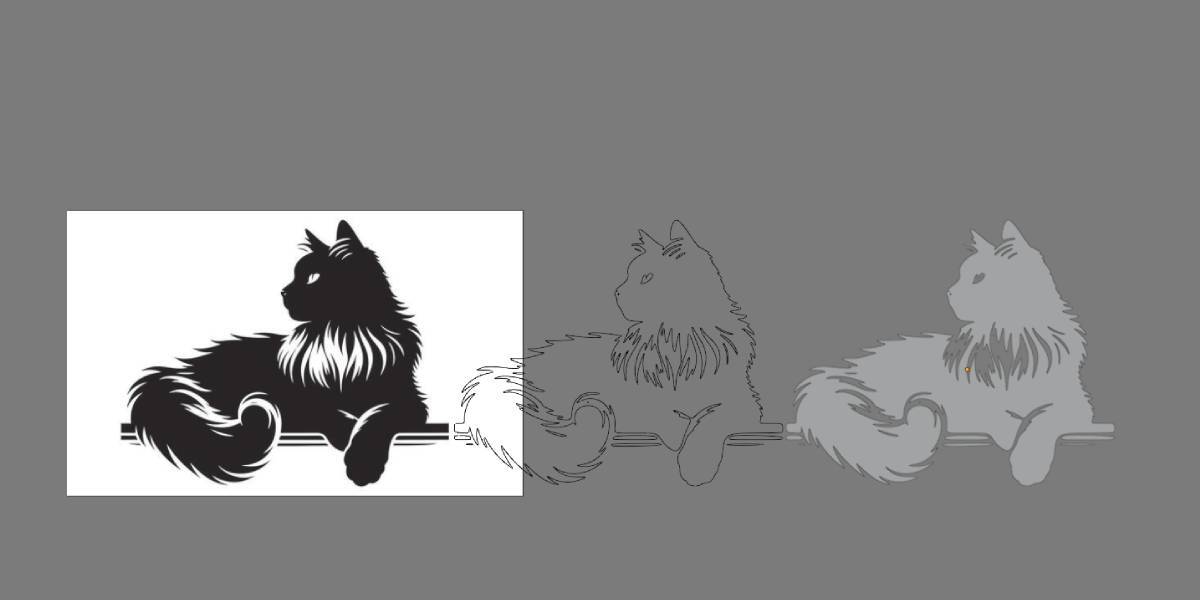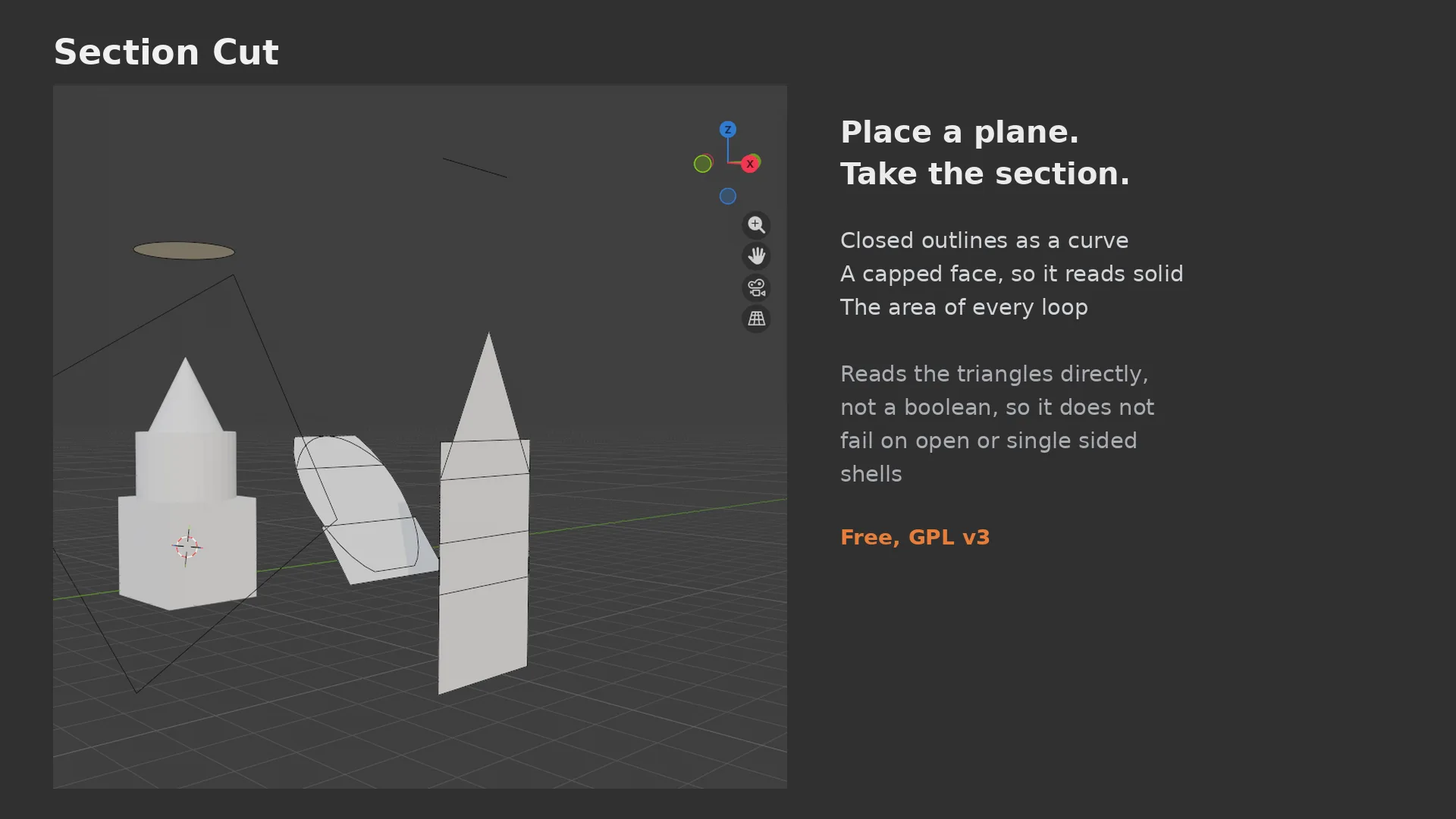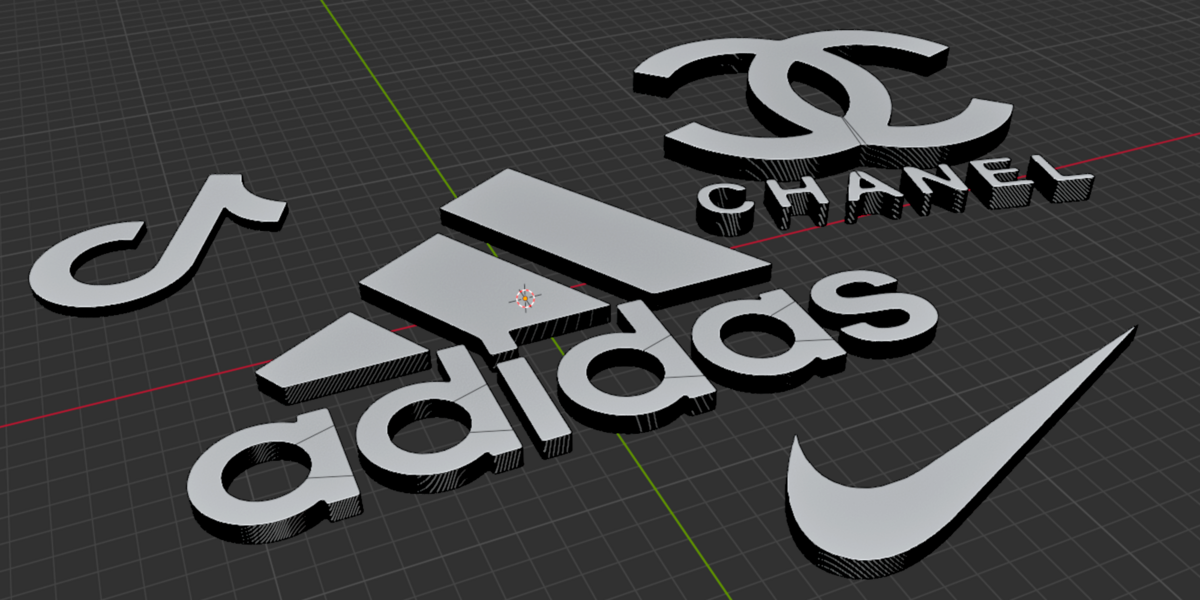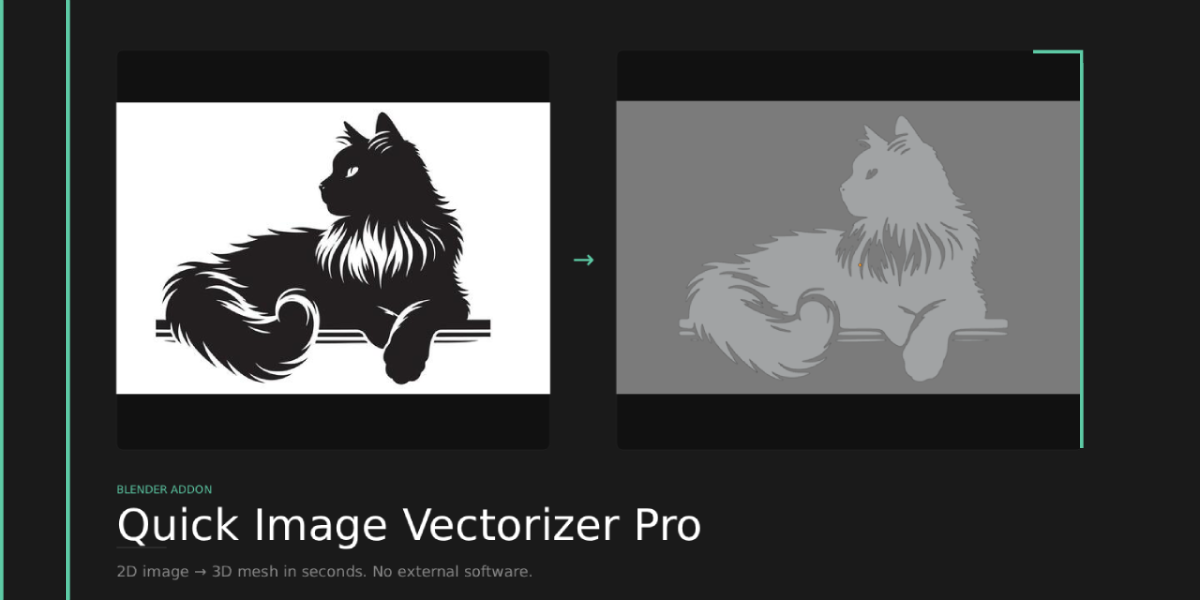
Quick Image Vectorizer Pro is a Blender add-on by Gsoos for turning 2D images into mesh or curve objects. It accepts PNG, JPG, BMP, and other common image formats, with a live threshold preview so you can adjust a trace before creating the output.
Trace one image or a folder
Use the add-on for a single image or process a folder in batch. Each traced image becomes a named object organized in collections. Mesh and curve output are both available; you can add thickness with a Solidify modifier, then choose filled faces or outlines.
The threshold preview updates in Blender’s 3D viewport as you adjust the slider. Presets save threshold, smoothness, and simplify values for reuse, while a reference overlay keeps the source image aligned with the trace.
SVG export and color tracing
Calibrated SVG export uses real-world dimensions in millimeters and is intended for workflows involving laser cutters, plotters, or Illustrator. This is a separate output option from creating a Blender mesh or curve.
Color Trace is marked experimental. It separates an image into color layers, with each layer becoming an object with a matching material. The developer says it works best with flat illustrations and solid colors.
Requirements and installation
The documentation says Blender 4.0 or later is required; the marketplace lists compatibility from Blender 4.0 through 4.5. Potrace is bundled for Windows. On macOS, install it with brew install potrace; on Linux, use sudo apt install potrace. The FAQ says to set the Potrace path in the add-on preferences on macOS and Linux.
- Download the ZIP file and open Blender’s Edit → Preferences → Add-ons settings.
- Choose Install, select the ZIP, then enable Quick Image Vectorizer Pro.
- Open the 3D Viewport sidebar with the N key and select the Vectorizer tab.
The add-on may suit motion designers, game artists, and people converting icons or illustrations into editable geometry. Before installing, check the product listing for current compatibility and license details, and consult the installation documentation and FAQ for setup requirements.