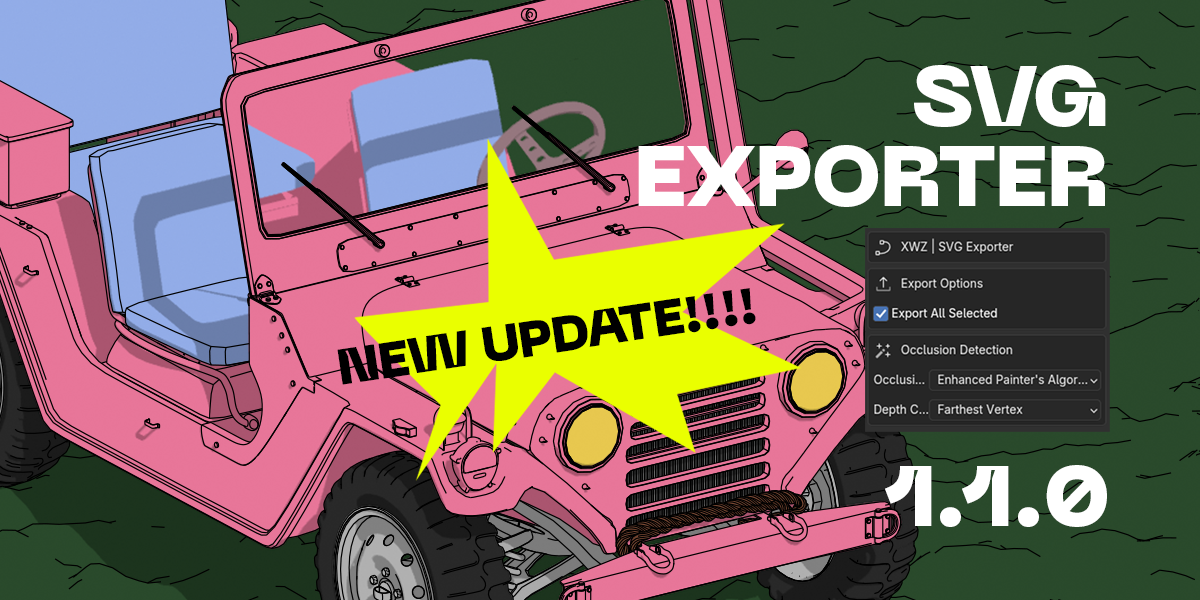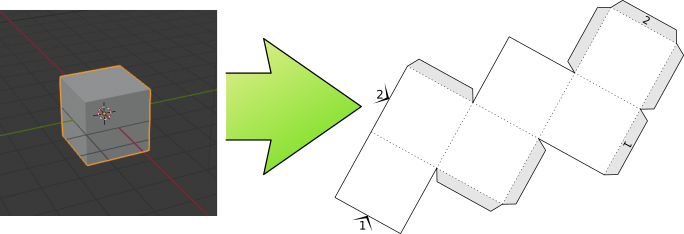
Export Curve as SVG adds an SVG export workflow to Blender for curve geometry. Select objects in your scene, choose File > Export > Curve as SVG (.svg), adjust the export settings, then click Export SVG. The project README describes the menu path and available controls.
The README lists view projections, grouping, page sizes, fills, and strokes. It also says non-curve types can be converted to curves automatically. These options suit workflows that move curve-based drawings or outlines from Blender into an SVG-based design process.
Export curves from the camera view
The Blender Extensions listing highlights camera-view export, including a workflow for exporting Line Art modifier output after converting it to curves. This gives artists a way to carry camera-framed line work into an SVG export.
Compatibility and installation
The Blender Extensions catalog lists version 2.0.0 with Blender 5.0.0 as the minimum version. Its extension record lists file access for exporting SVG files to a location you choose. Follow the Blender extension installation guide to install it.