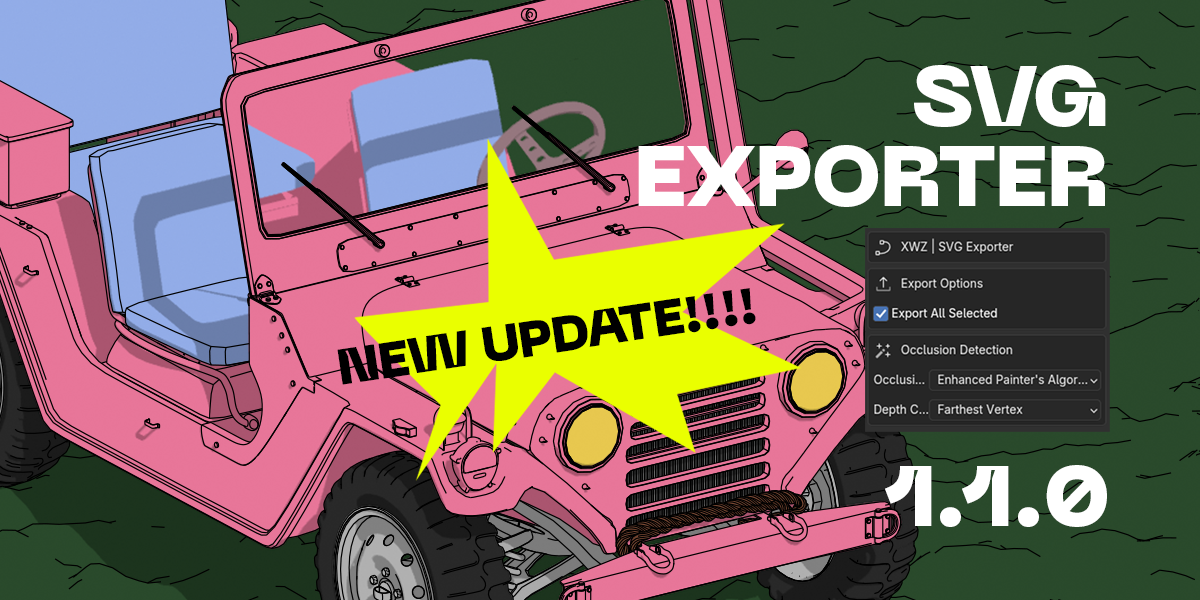
SVG Exporter is a Blender add-on that exports selected mesh faces and curves as resolution-independent SVG path data. It projects geometry from a top or camera view and converts mesh objects to curves during export. The result is suited to workflows that need vector paths from a Blender scene for further editing.
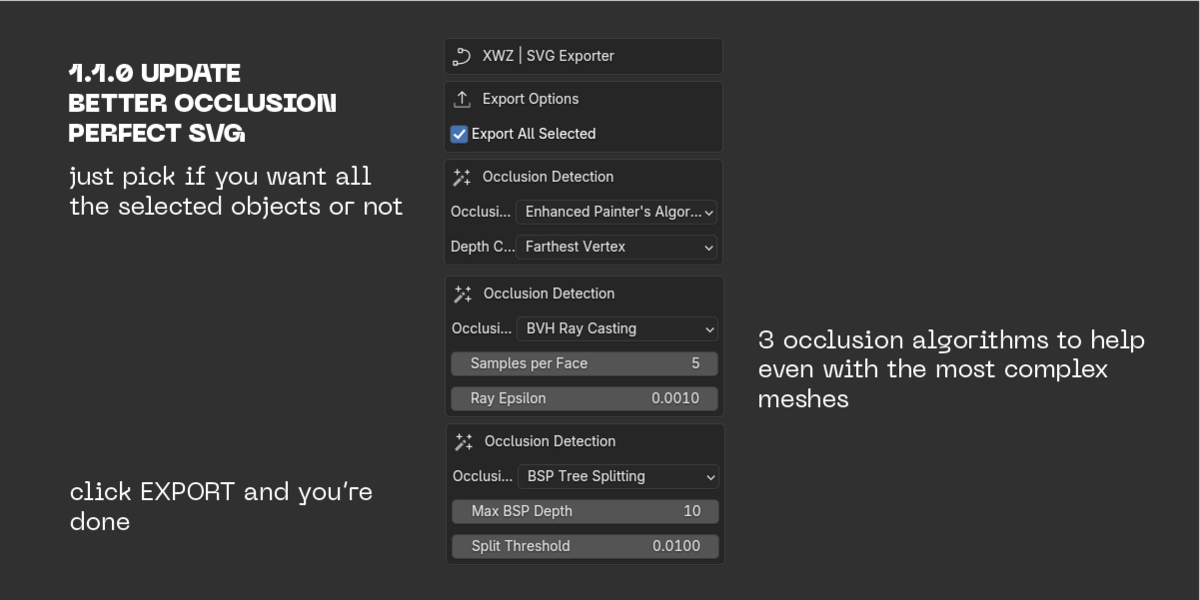
You can export one object or several selected objects, then customize the SVG path styling in the export panel. Occlusion controls which geometry appears from the chosen view, so the output can reflect visible surfaces rather than simply drawing every face on top of one another.
Choose an occlusion method
The add-on provides three approaches, each with a different speed and accuracy tradeoff:
- Enhanced painter's algorithm: sorts by depth and offers center, average, or farthest vertex sampling. The documentation recommends it for most uses.
- BVH ray casting: uses Blender's BVH tree for ray-based occlusion. It is marked experimental and includes adjustable sampling and epsilon tolerance for self-occlusion.
- BSP tree splitting: recursively splits intersecting polygons. The documentation describes it as mathematically accurate without z-fighting artifacts, but also as the slowest option.
For a routine export, start with the painter's algorithm. Try BVH ray casting when you want to evaluate its experimental approach. BSP splitting is an option when its documented accuracy is more important than export speed.
Export an SVG from Blender
- Download the add-on ZIP and install it from Blender's Edit > Preferences > Extensions or Add-ons section using Install from Disk. Enable the entry named SVG Exporter.
- Select one or more curve objects. Mesh objects are also supported and are converted to curves for export.
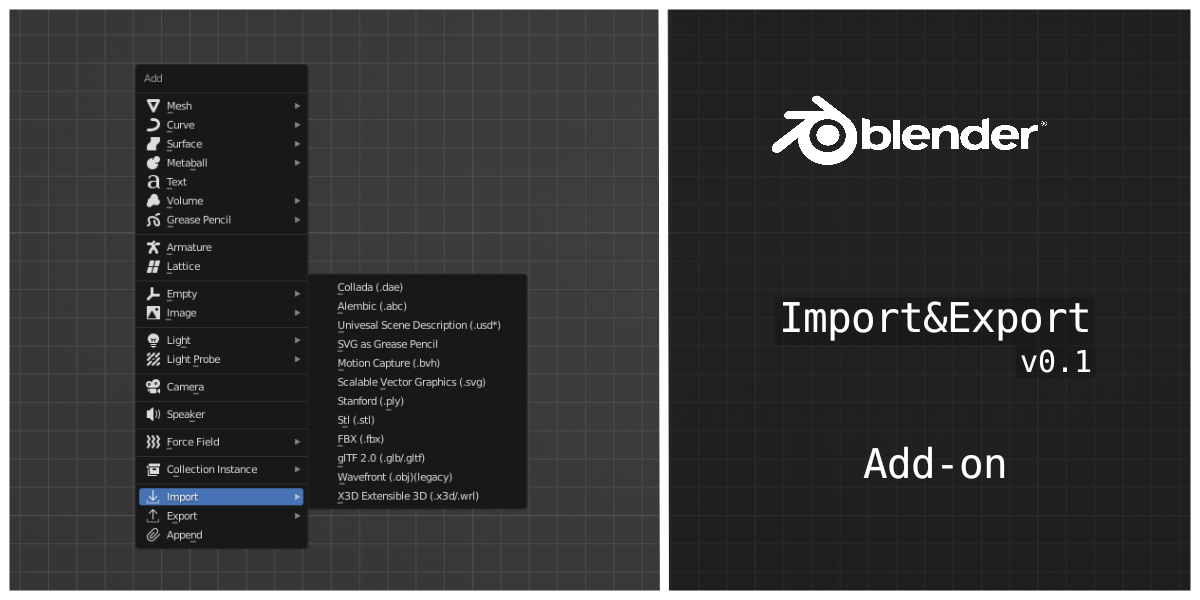
- Open File > Export > Scalable Vector Graphics (.svg), choose the projection and occlusion settings you need, set a file path, and click Export SVG.
The product documentation describes the installation and export controls. Check the release page for the current download.
Compatibility and version
The product listing reports compatibility with Blender 4.2 through 5.0 and identifies the add-on as GPL licensed. Version 1.1.0 is described as a complete rewrite with improved occlusion algorithms and drawsvg integration. Since supported Blender versions and releases can change, confirm the current details on the product listing before installing.