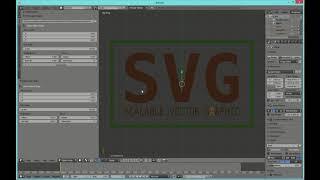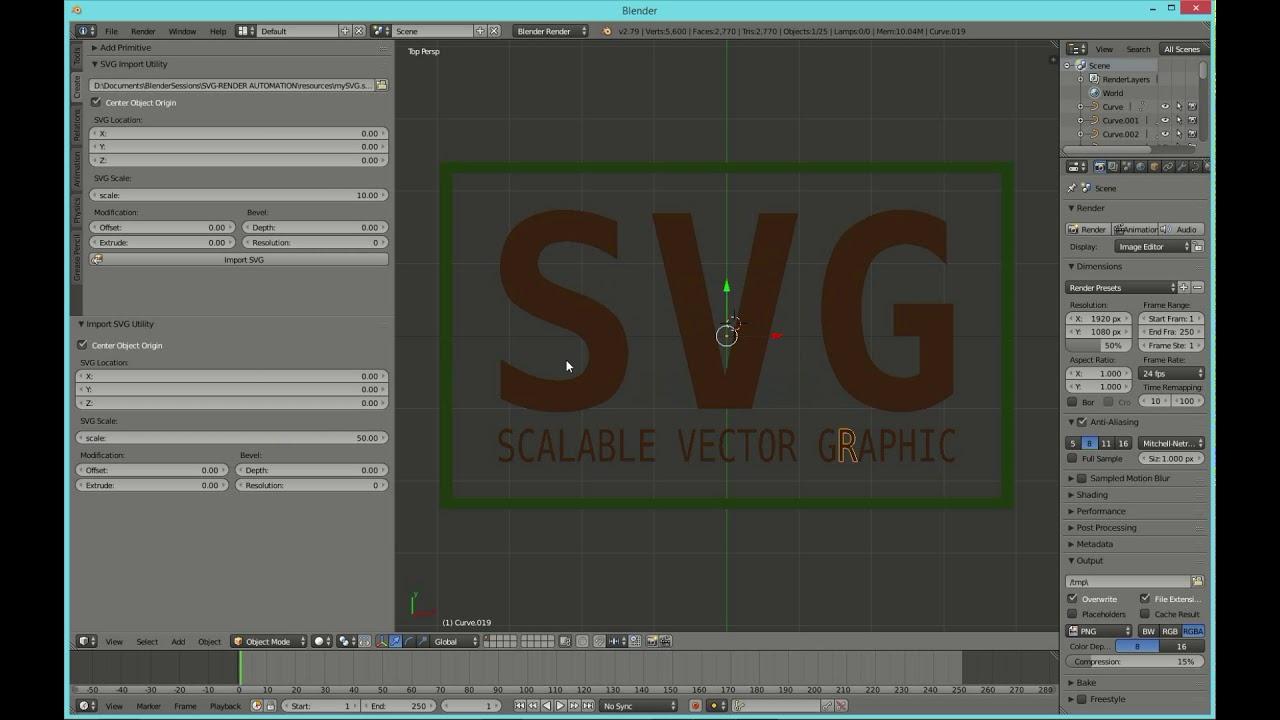
Svg Import Utility is a Blender add-on by Jon McBride for preparing SVG artwork after it enters Blender. Its tool panel scales, moves, and centers imported objects, then applies extrude and bevel curve modifiers across the SVG objects. The version listed for Blender 3.1 also lets you extrude and bevel selected splines.
Why the scaling tools help
The documentation notes that Blender's existing SVG importer can bring graphics in at a very small scale and place the origin off to the side. Scaling artwork up in that state can move it out of view, and curve extrusion or bevel settings can react strongly to small adjustments. Svg Import Utility centers the SVG and applies scale to curve objects so their curve modifiers behave properly.
Importer limits
The add-on uses Blender's existing SVG importer, so it does not resolve all of that importer's limitations. The documentation names line weights, text elements, and raster images among the affected areas. It also says that only path information is imported, so convert SVG text to paths before importing it.
Blender compatibility
The Superhive listing names Blender 2.79, 2.8, 2.81, 2.82, and 3.1. The supplied listing does not name later releases. Check the product page or the project repository for current details before installing.
Installation and license
The seller's FAQ describes installing the downloaded .py file through Blender Preferences, under Add-ons, using the option to install an add-on from a file. The Superhive listing identifies the license as GPL and links to the project repository.