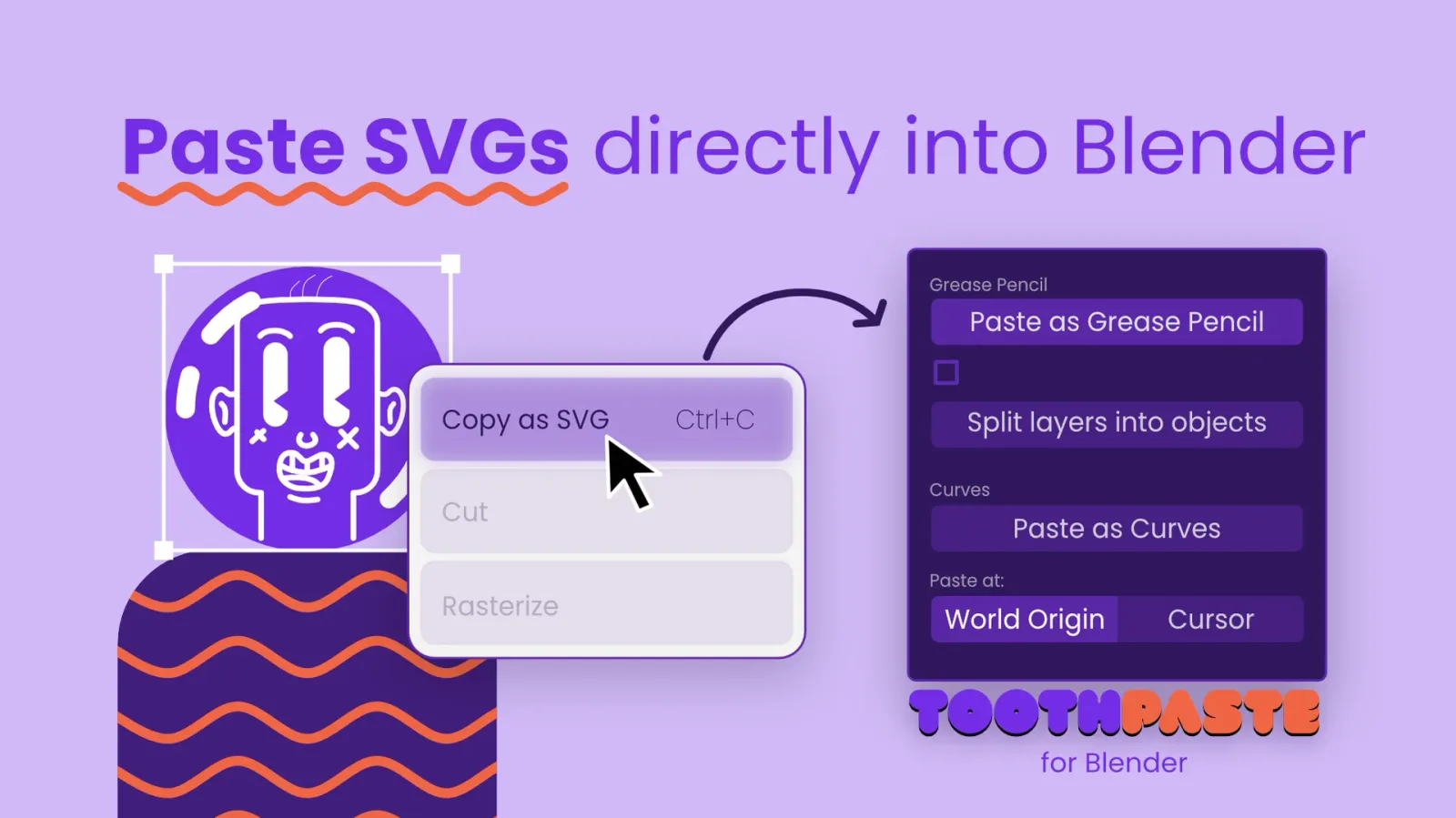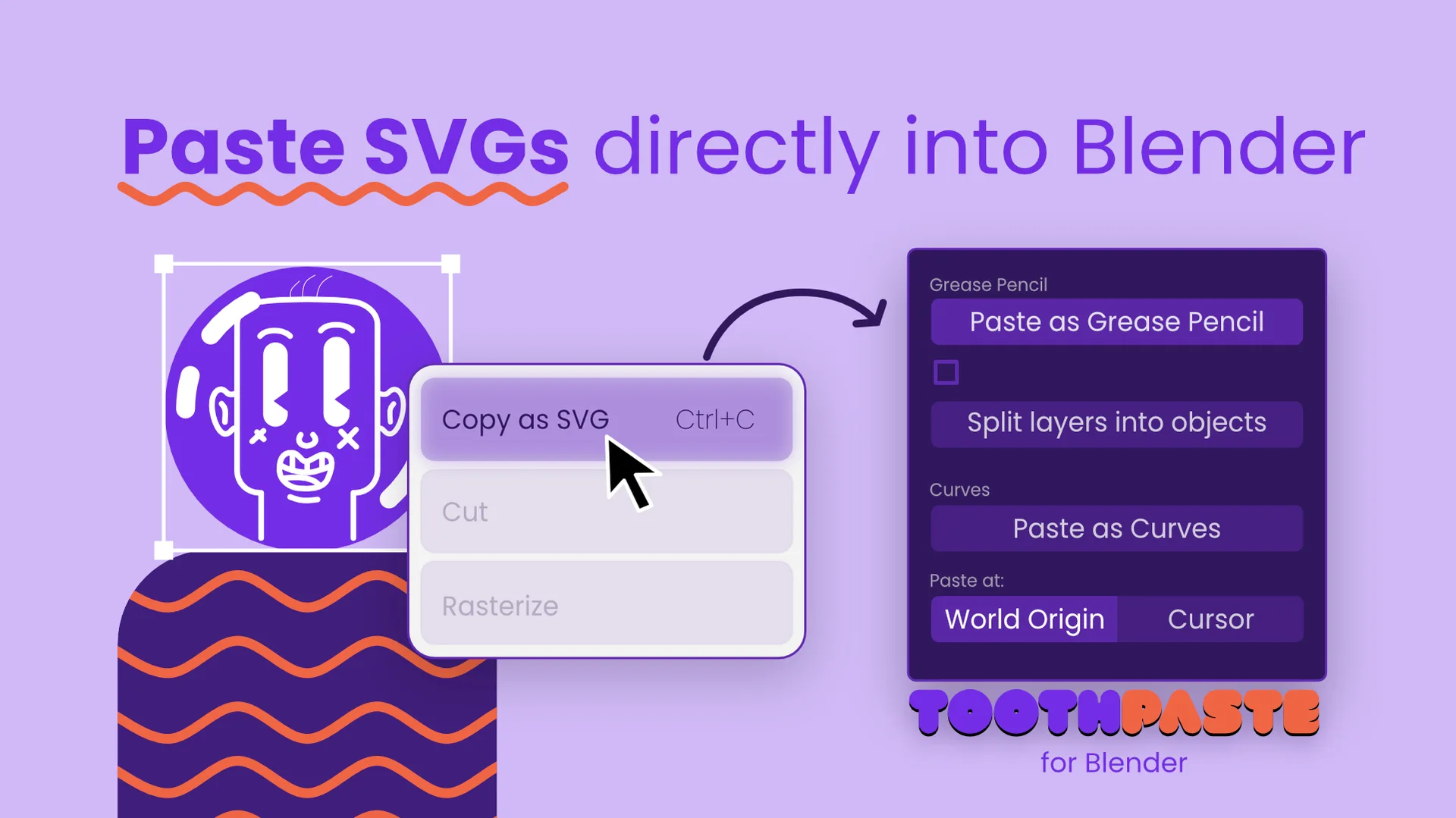
ToothPaste (Paste SVGs) is a Blender add-on for moving SVG artwork from vector design apps into Blender. It pastes SVG content from the clipboard or imports SVG files as Grease Pencil, Curves, Text, or Images. Gradient mapping for Grease Pencil fill materials is partial, and some gradients may need manual adjustment; SVG filters, patterns, and blend-mode effects are not fully supported. The Blender Extensions listing provides release details, while its extension record lists its supported formats and requirements.
Paste SVGs as Grease Pencil or Curves
Copy SVG content to the clipboard, then use ToothPaste in Blender to bring it in as Grease Pencil or Curves. ToothPaste can split imported SVGs into Grease Pencil layers and rebuild mask or clip relationships where possible; its Curves option imports SVG paths as native Blender curve objects. ToothPaste can also import SVG files as Grease Pencil or Curves.
Version and permissions
The Blender Extensions API lists version 1.1.7 with Blender 5.0.0 as the minimum version. It lists the license as GNU GPL version 3.0 or later. The declared permissions cover pasting SVG data from the clipboard and reading SVG files and installed fonts, with a font-list cache. Check the current listing for release details before installing.