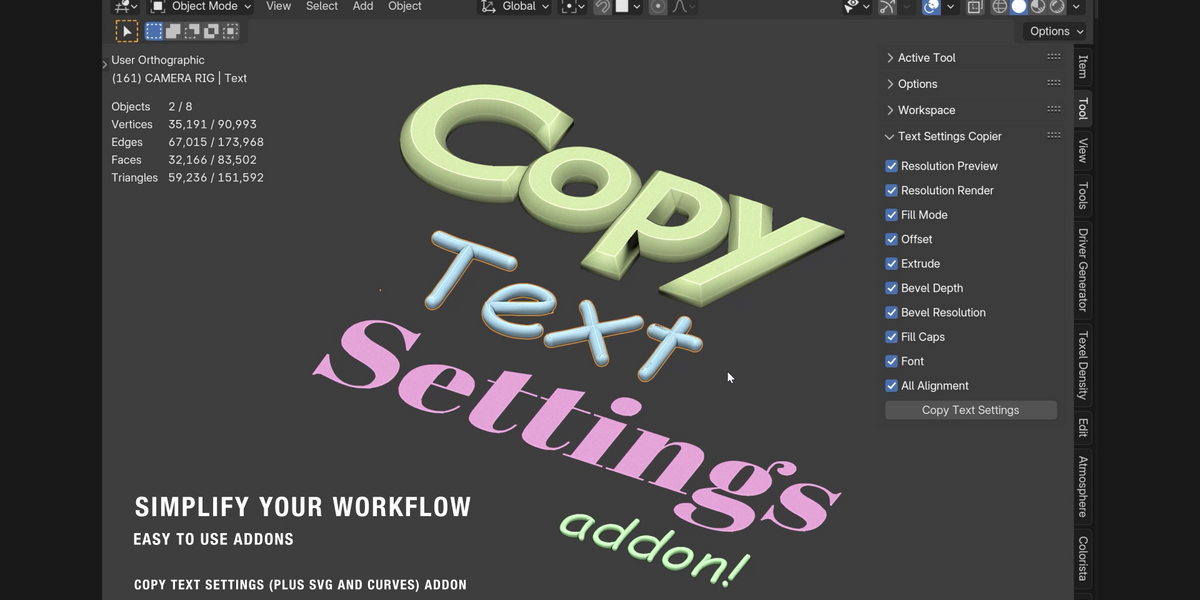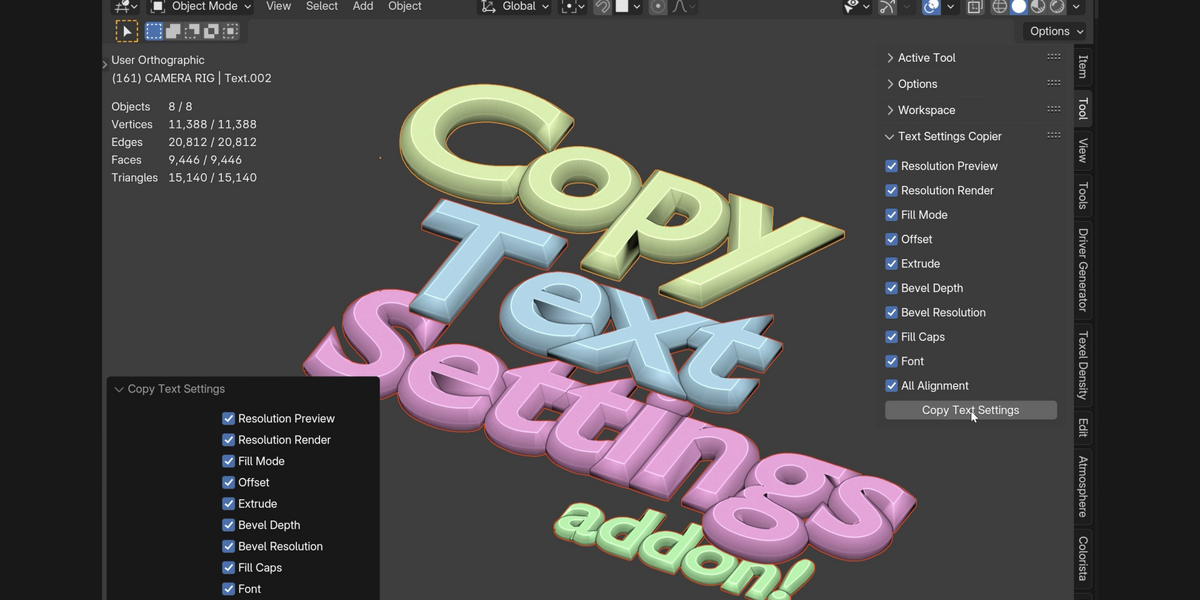
Copy Text Settings (Plus SVG and Curves) AddOn transfers selected settings between Blender text and curve objects, including SVG imports. It covers font and geometry properties such as resolution, extrusion and bevel depth, plus fill mode and alignment. You choose which options to copy, which is useful when several objects need to share only part of their setup.
Settings you can transfer
Examples of transferable settings include:
- Fonts and font settings
- Resolution
- Extrusion
- Bevel and bevel depth
- Fill mode and alignment
For example, to give several titles the same font and extrusion, select those properties for transfer and leave other options unchecked.
Access and choose options
Open the add-on from the Side Panel under the Tools tab, or press Ctrl+L to find it in the "Link/Transfer Data" popup. In the bottom panel, check or uncheck options to choose which properties to transfer before applying them.
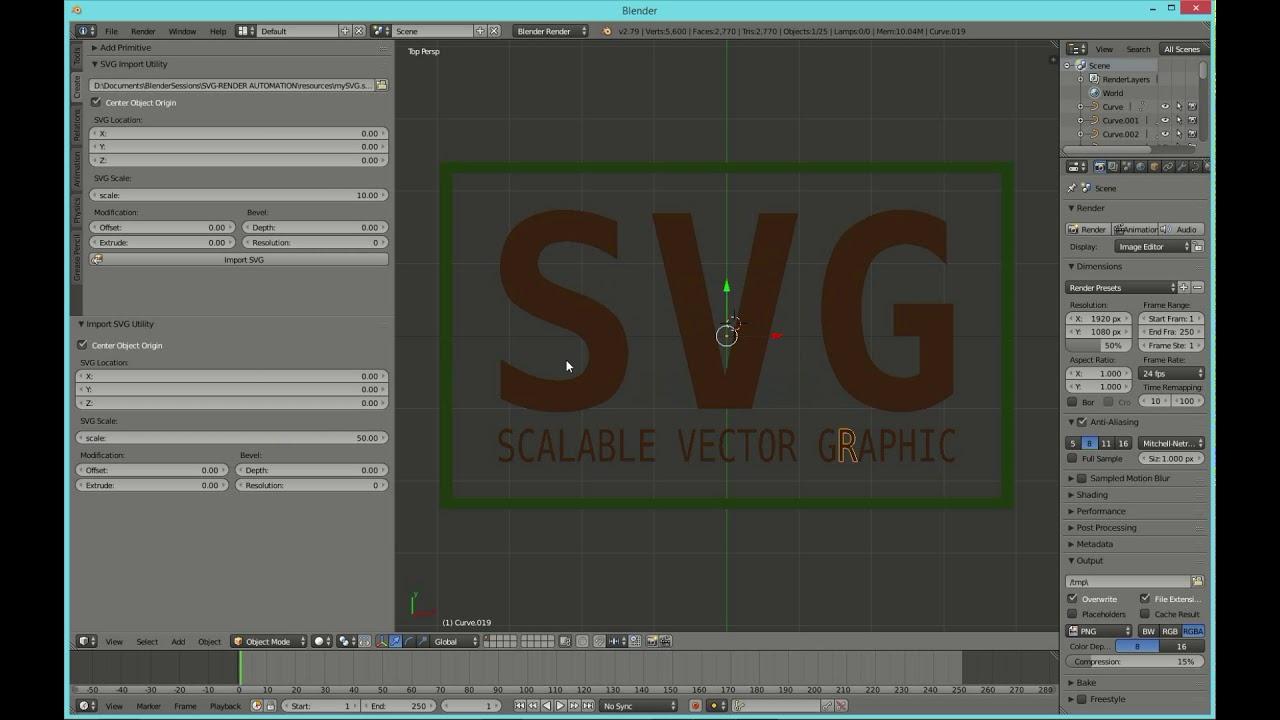
Text, curves and SVG imports
The product supports both text and curve objects, including SVG imports. This makes it relevant to Blender projects that combine typography with imported vector artwork or use several text and curve objects with shared settings. The listing does not break down which options apply to each object type, so check the available controls for the objects you are working with.
Compatibility and license
The Superhive product listing names Blender 4.0, 4.1 and 4.2 and lists the add-on under the GPL license. Compatibility with later Blender releases is not stated; check the current product details or ask GabrielMoro before using a newer version. A demo video is also available.