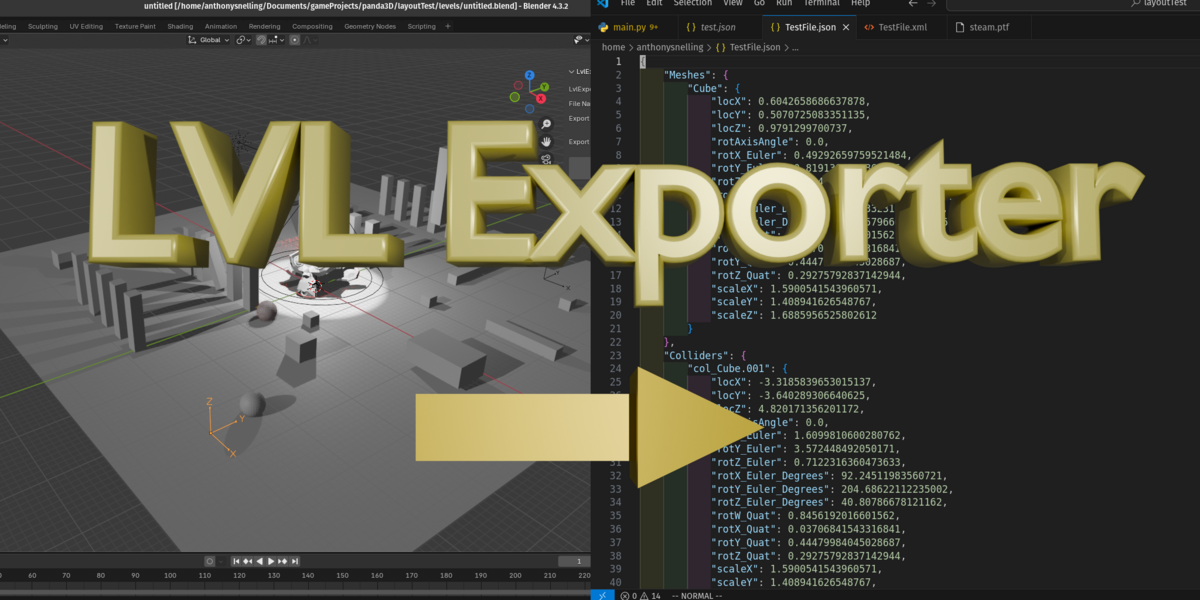
Lvl Exporter is a Blender add-on that exports scene layout data for use in code-focused 3D frameworks or in game engines without a level editor. It writes scene information to JSON or XML files so you can rebuild the layout in your own code. The creator names ThreeJs and Panda3D as examples. The add-on exports data; it does not set up a ready-to-run scene in the target software. You need to write code that reads the file and creates the scene there.
Scene categories and exported values
Lvl Exporter sorts scene elements into five categories:
- Meshes
- Colliders
- Lights
- Spawns
- Cameras
Meshes, lights, and cameras are exported and sorted automatically. You can mark objects for the spawn or collider categories using the naming conventions below. Exported values include locations, rotations, and scales, with type, dimension, or radius included for certain items. The product listing names these fields but does not specify the complete JSON or XML structure, so inspect a sample export when planning your parser.
Mark spawns and colliders
To export a spawn point, create an Empty object and begin its name with spawn_. The documentation describes spawn points such as locations for a player or particles. To export a collider, create a mesh object and begin its name with col_. The exported collider data is intended to help your code set up a collider in the target package.
Install the add-on and export a file
The product documentation describes installing the downloaded LvlExporter.zip from Blender's Edit > Preferences window. Select Add-Ons, open the menu in the upper right, choose Install from Disk, and select the ZIP file. After installation, find Lvl Exporter in the side panel of a 3D Viewport. Press N with the viewport active if the panel is hidden.
- Enter a file name without a
.jsonor.xmlextension. - Set the export path, or use the folder button to choose one.
- Choose the JSON or XML export button.
Use the resulting file as input to your own parser, then map its values to the scene objects and categories supported by your target software. The export provides the layout data; scene creation and any application-specific mapping happen in your code.
Who it suits
Lvl Exporter suits Blender users who want to lay out a level in Blender and use its scene data in a code-driven framework or an engine without a level editor. It can also fit other target software when you can write code to parse the exported XML or JSON. If you need Blender scenes to transfer automatically with no importer code, this add-on does not provide that workflow.
The product listing identifies it as MIT licensed and names Blender 3.3, 3.4, 3.5, 3.6, 4.0, 4.1, 4.2, and 4.3 as compatible versions.