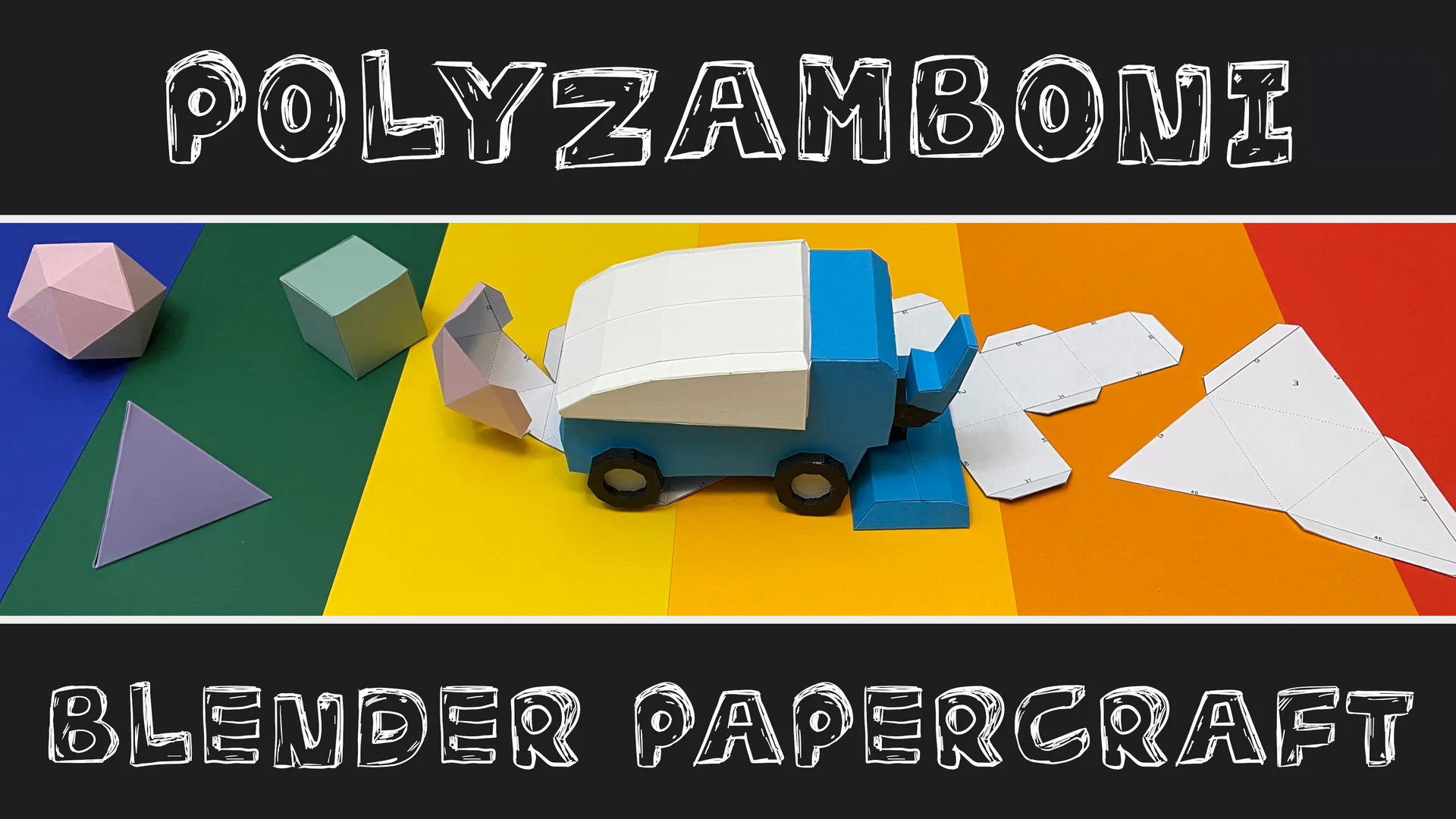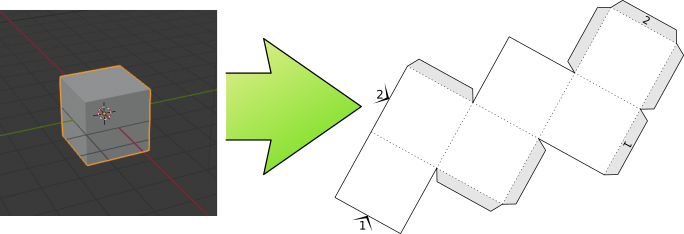
Export Paper Model unfolds a Blender Mesh object into a flat net for making a physical paper model. It can save the result as a PDF for printing or as an SVG for editing in a vector editor. The Blender Extensions listing identifies the current catalog release as version 1.4.2.
Set where the net opens
Before exporting, you can mark edges where the model should be cut. With the model selected, use the Unfold operator in the Properties editor. Blender marks those edges as Edit Mode seams. You can adjust the seams, and the add-on uses them while adding other seams as needed to unfold the mesh.
When the model is ready, choose File > Export > Paper Model. The file browser includes export settings in its lower-left corner. You can set the output format there and adjust other available options before saving.
Preview and label the pieces
The add-on can show the net in Blender’s UV editor and 3D View, with interactive recalculation in Edit Mode. Its Object Data panel gives an overview of how the net is divided into islands. You can highlight an island in the 3D View, change its name, and set a three-letter abbreviation for its sticking tabs. These controls help you inspect how the unfolded pieces relate to the model before you print them.
Choose PDF, SVG, or textured output
PDF is the documented choice for a print-ready net. SVG is useful when you want to edit the layout in a vector editor. The add-on carries precise dimensions from the 3D model, lets you set a custom scale such as 1:72, and compensates for thick paper such as cardboard. The add-on also supports textured meshes. Textured output uses Blender’s Cycles Bake functionality, which can take some time to render. The add-on supports painted and procedural textures, customizable colors and line styles, and markers that show which parts stick together.
Check face geometry
The exporter handles flat faces. A non-planar quad can produce a skewed net that is difficult or impossible to glue correctly. The developer recommends converting faces to triangles before export when the mesh contains faces that are not perfectly flat. Inspect the resulting layout before committing to a print.
Version and source
The Blender Extensions entry lists version 1.4.2 for Blender 5.0.0 or later and identifies the license as GPL-3.0-or-later. Check the Blender Extensions listing for the catalog package and its current compatibility details. The developer’s repository contains usage notes and issue tracking.