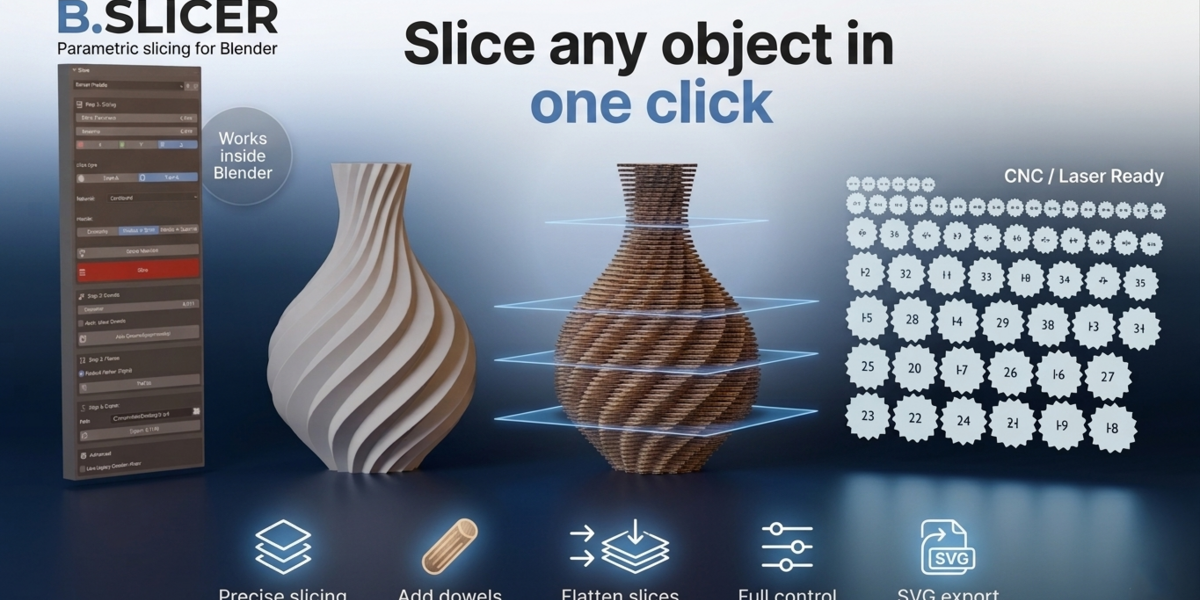
Mesh Slicer For Parametric Design is a Blender add-on by BlenddON that turns one selected mesh into separate slice curves. Set the number and spacing of the slices, generate them, then prepare the curves for SVG export and a vector software workflow.
Slice one mesh in Blender
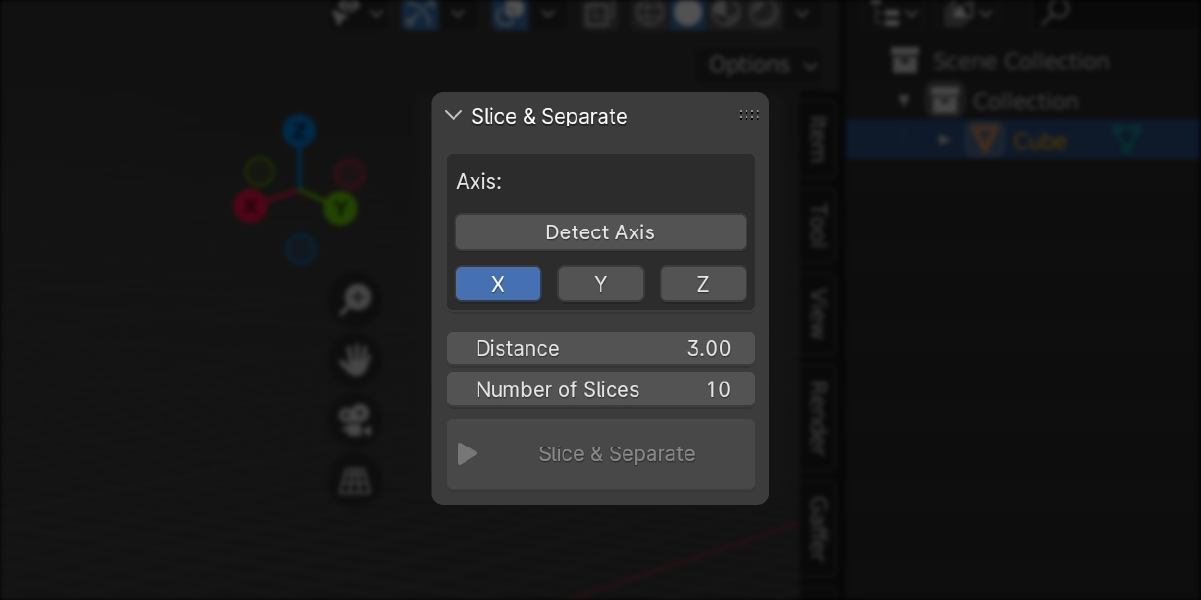
Find the add-on menu in the left sidebar of the 3D View. If the sidebar is hidden, press N to show it. The documented workflow processes one selected object at a time:
- Select a mesh with a left click.
- Set the number of slices and the space between them.
- Press Slice to create the cuts.
The product listing says Mesh Slicer works with both high- and low-poly meshes. It does not give a maximum polygon count or performance benchmark, so performance on a particular large mesh is not specified.
Prepare the slices for SVG export
After slicing, you can add a Solidify modifier to give the slices thickness for visualization in the Blender project. For the documented export workflow, disable Solidify if it is on and use the add-on's Apply action to make the slices vector curves. Choose a destination folder, enter an SVG filename, and export. The resulting curves are separated and enumerated in a layer.
The SVG provides a handoff to vector software before CNC work. The listing names laser cutters, routers, and plasma cutters as possible uses. Check the exported geometry and your machine's own requirements in the vector and fabrication steps.
Parametric design uses
The add-on is aimed at sliced patterns for furniture, decoration, and architectural visualization, as well as CNC fabrication. Its example describes a sculpted Blender wall measuring 3 by 2 meters: set the slice count and spacing, create the cuts, and add thickness to preview the assembled form.
Blender version and compatibility details
The seller's product listing names Blender 2.8, 2.81, 2.82, 2.83, 2.9, 2.91, 2.92, 2.93, 3.0 through 3.6, and 4.0 through 4.2. It does not confirm later Blender releases. Check the listing before installing if your Blender version is newer.