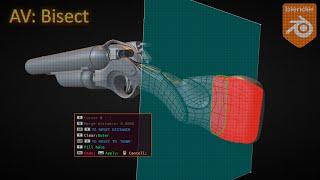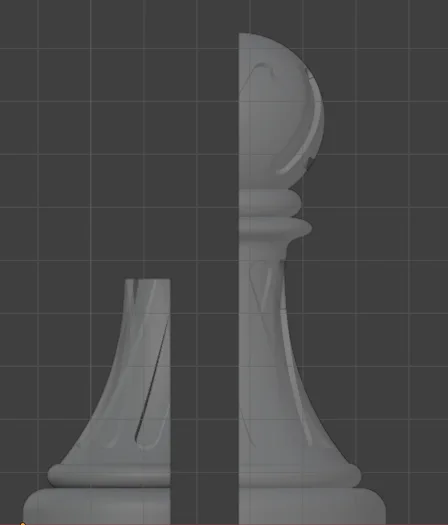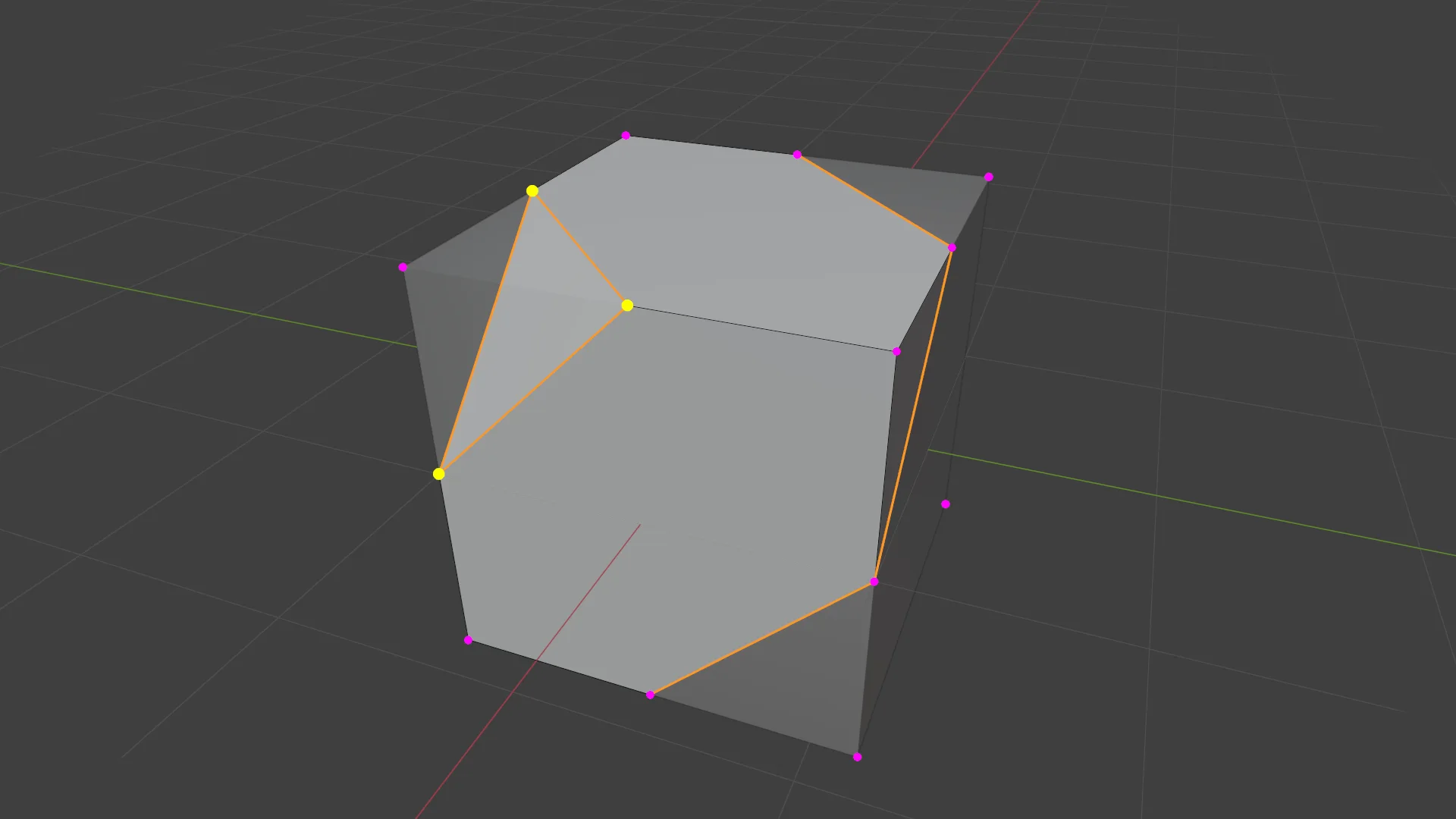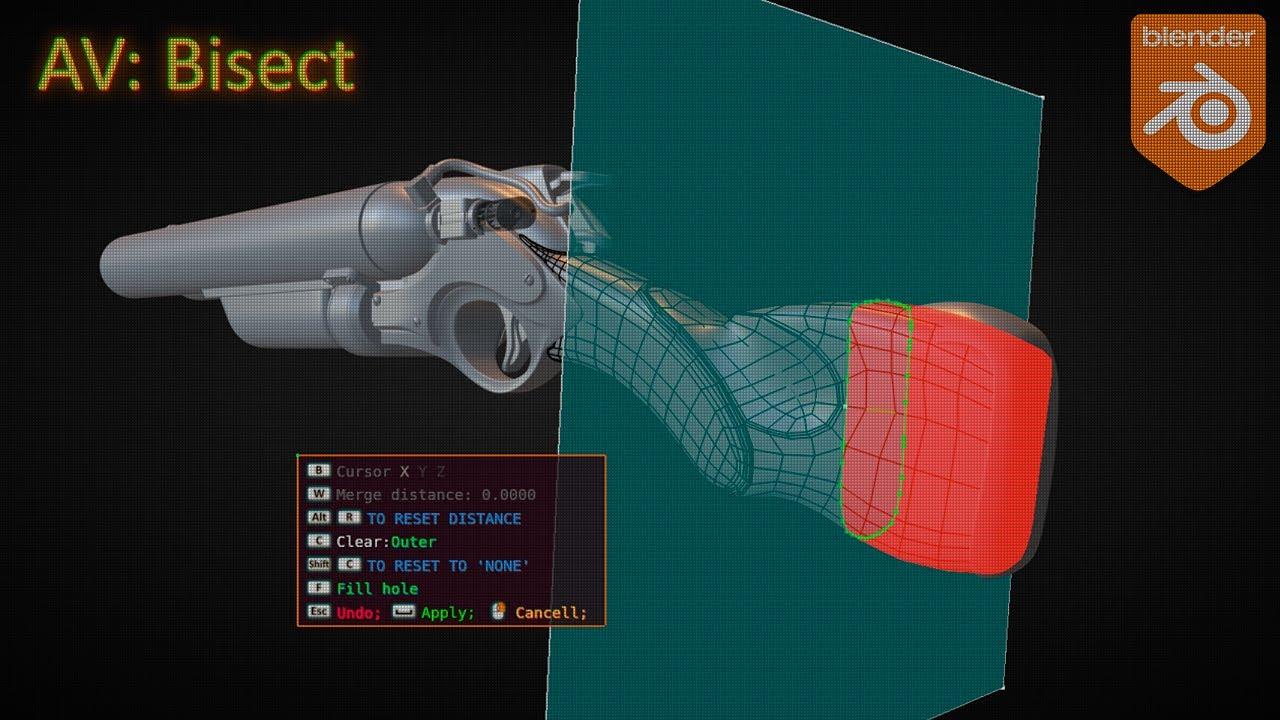
Av: Bisect is a Blender add-on for cutting meshes with a plane derived from a selected vertex, edge, or face, or with a cut placed through the 3D cursor. The selected-element method speeds plane preparation, while Cursor mode offers another placement option for 3D artists and modelers, especially in hard-surface workflows.
Choose how to place the cut
Precise Plane Creation uses a selected mesh element as the basis for the cutting plane. 3D Cursor Cutting places the cut through the cursor. The controls are collected in a single panel; Cursor mode also lets you move the cursor with D and adjust Merge Distance. These features are described on the Av: Bisect product page.
Start a cut in Edit Mode
- Switch the mesh to Edit Mode.
- Select a vertex, edge, or face as the cutting plane target.
- Press Shift + B and follow the on-screen HUD.
In Cursor mode, position the 3D cursor to place the cut through it. The product documentation provides the setup steps.
Compatibility and fit
The add-on is aimed at Blender artists and modelers, particularly those working on hard-surface models. Superhive lists Blender 4.1 through 5.0 as compatible and marks it as Blender Extension Compatible. Check the listing if your Blender version is outside that range.