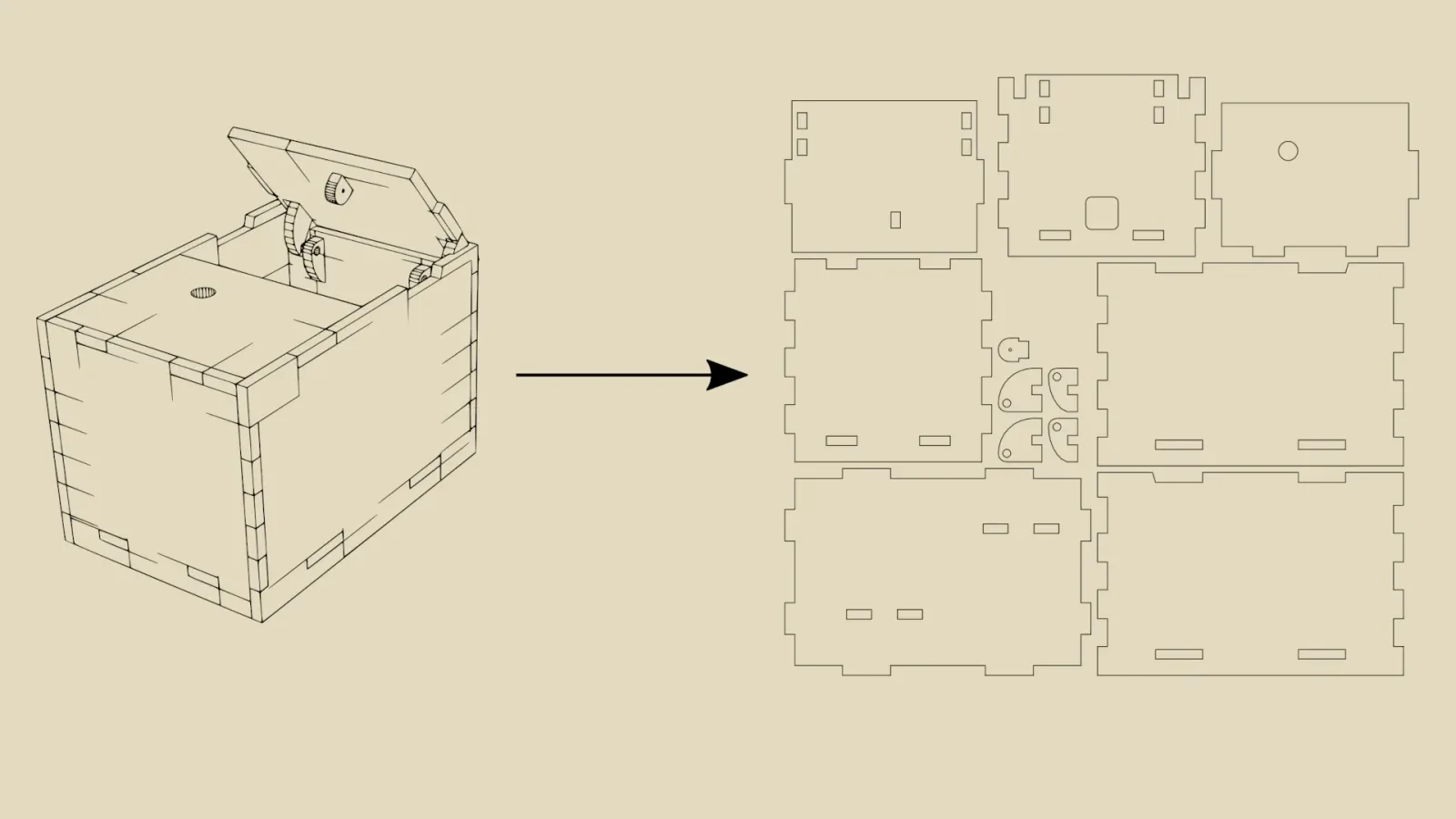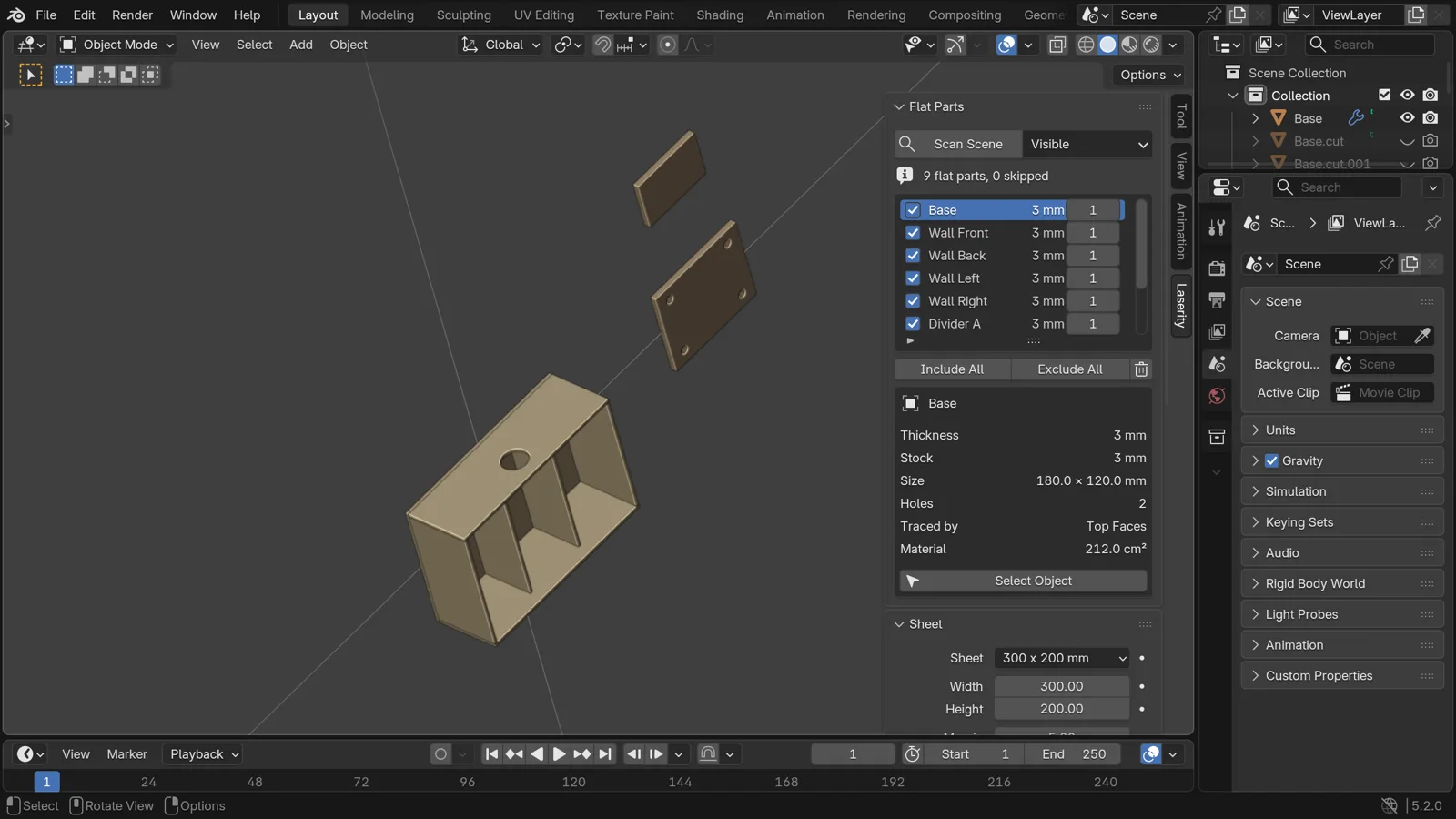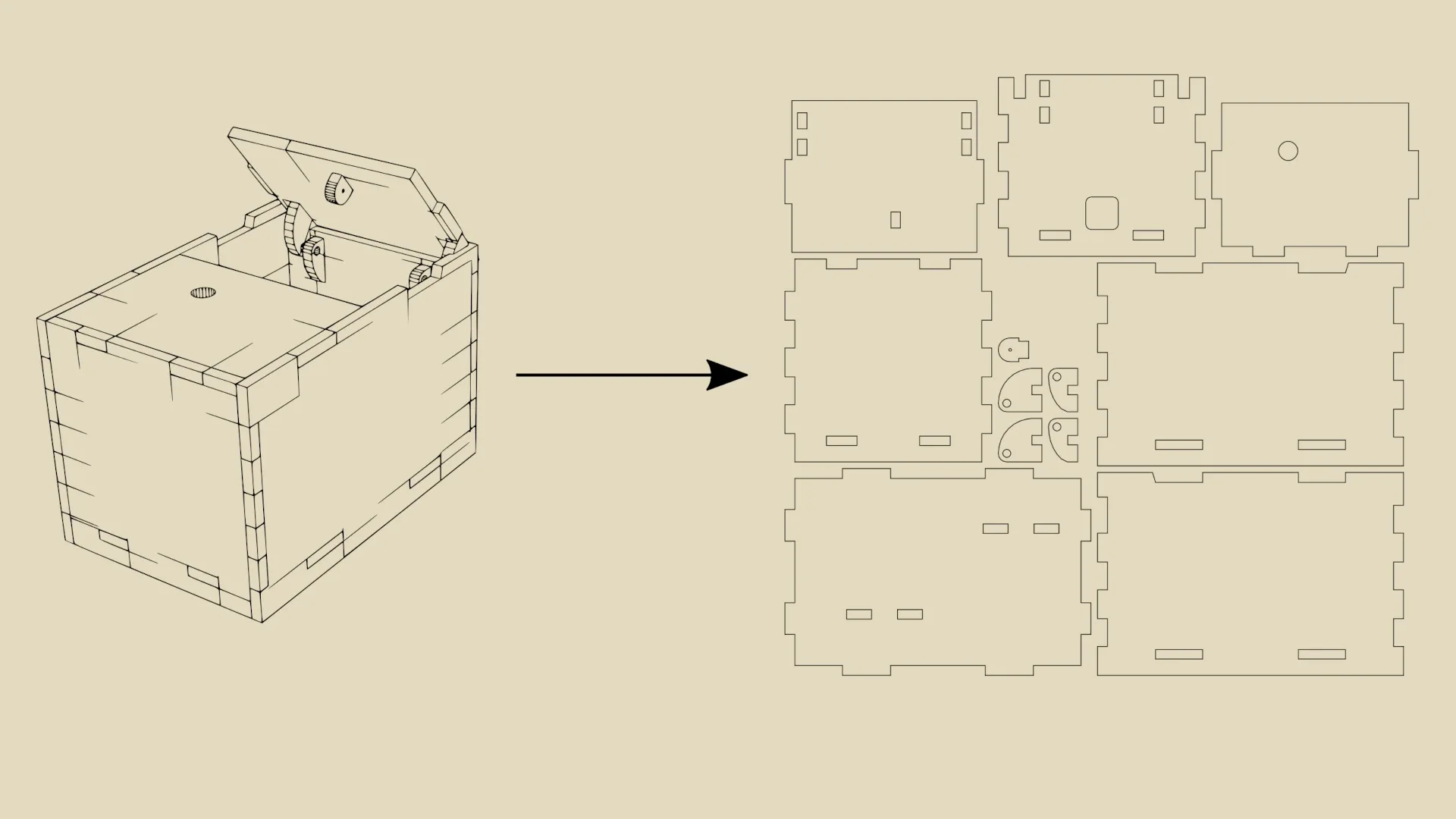
Flatterer is a Blender add-on that turns a mesh into flat shapes and exports them as SVG files for laser cutting. It is aimed at designs such as boxes and enclosures, where parts modeled in Blender need to become two-dimensional cutting shapes.
What Flatterer does
For example, you can model a laser-cut design in Blender, create its flat shapes with Flatterer, then check the SVG in your cutter's software before cutting.
Features in version 1.6.0
- Two Boolean Cut operators: one cuts all selected objects out of the active object; the other cuts the active object out of all selected objects.
- The Boolean Cut modifiers are placed before any Solidify modifier.
- A Shape Table lists the surface area, in square metres, for each exported shape.
- Engrave edge support includes edges inside the mesh as well as wire edges.
These tools are relevant when a design needs cutouts, a view of exported shape areas, or engraving lines within a mesh. The listing also notes a fix for Align to Local Axis and a workaround for zero-length edges in this release.
Compatibility, license and export permission
The catalog record lists version 1.6.0 with Blender 4.2.0 as the minimum supported version. Flatterer is maintained by dr.sybren and released under GNU GPL version 3.0 or later. Its listed permission is exporting SVG files to disk. Check the Flatterer's Blender Extensions listing for current version and compatibility details before installing.
Check scale before cutting
One reviewer on the Blender Extensions page reports that getting a project set up and the export to the correct scale took some trial and error, while also reporting successful SVG export. Check the SVG dimensions in your cutter's software before preparing a full cut.