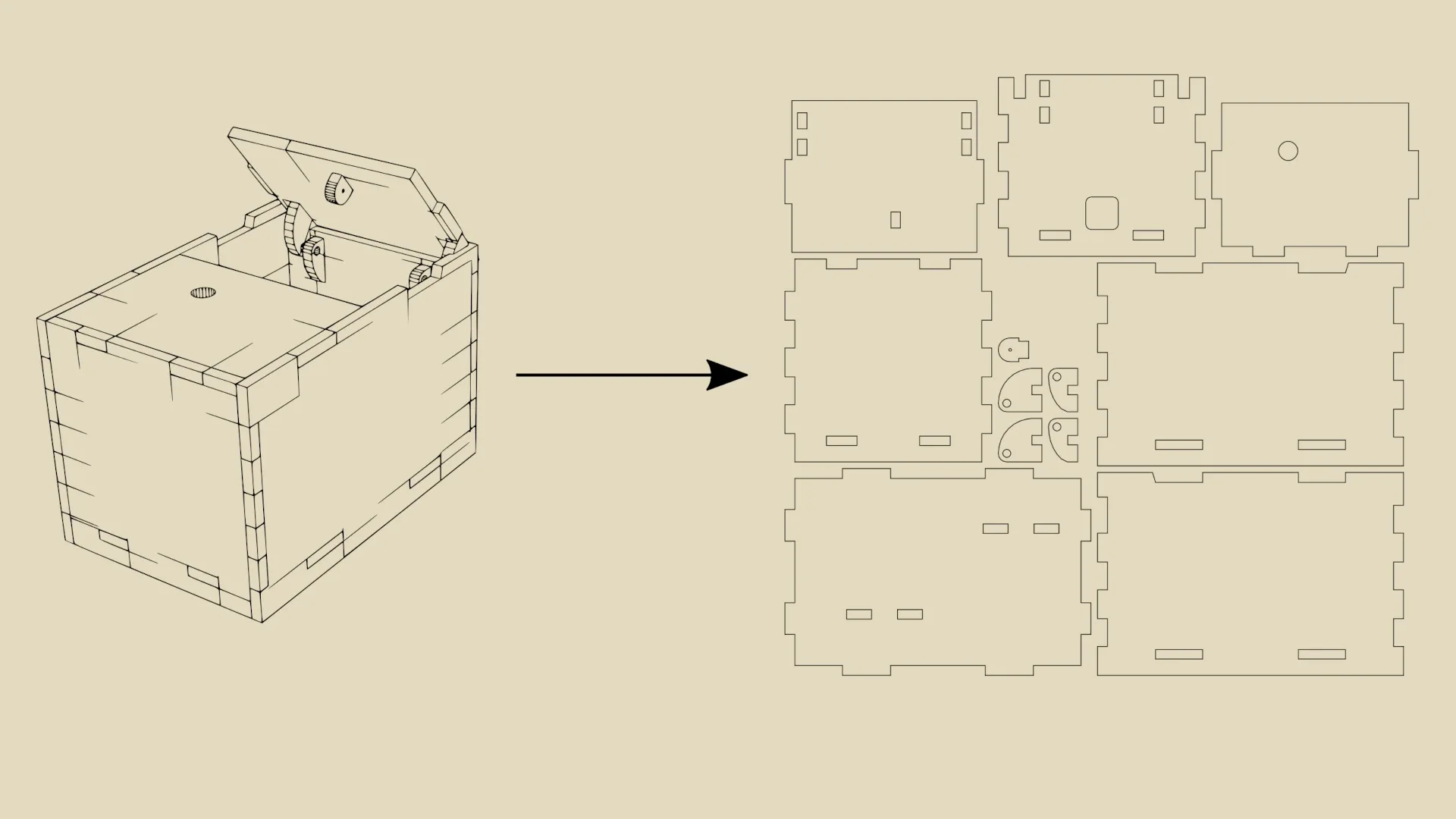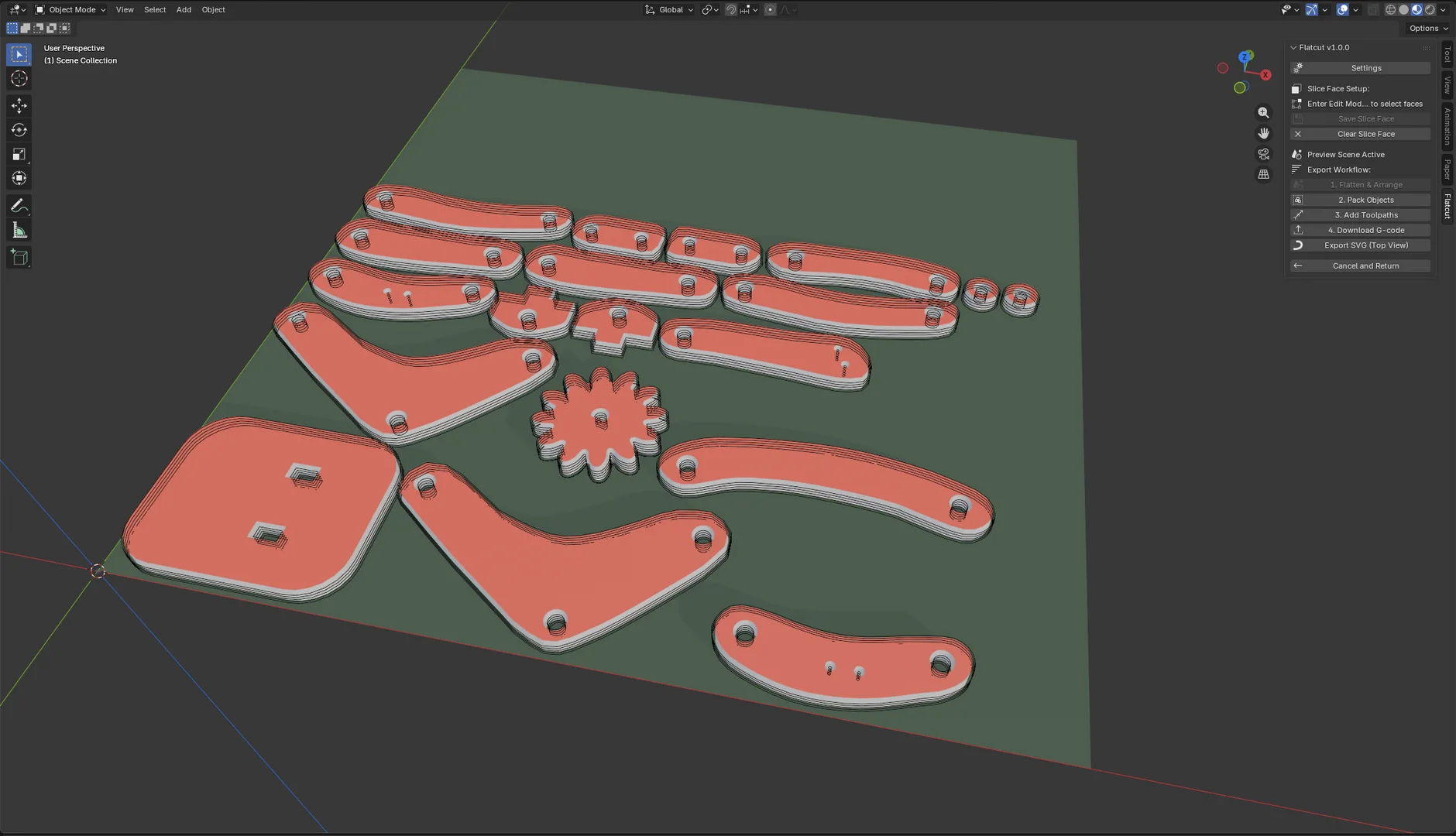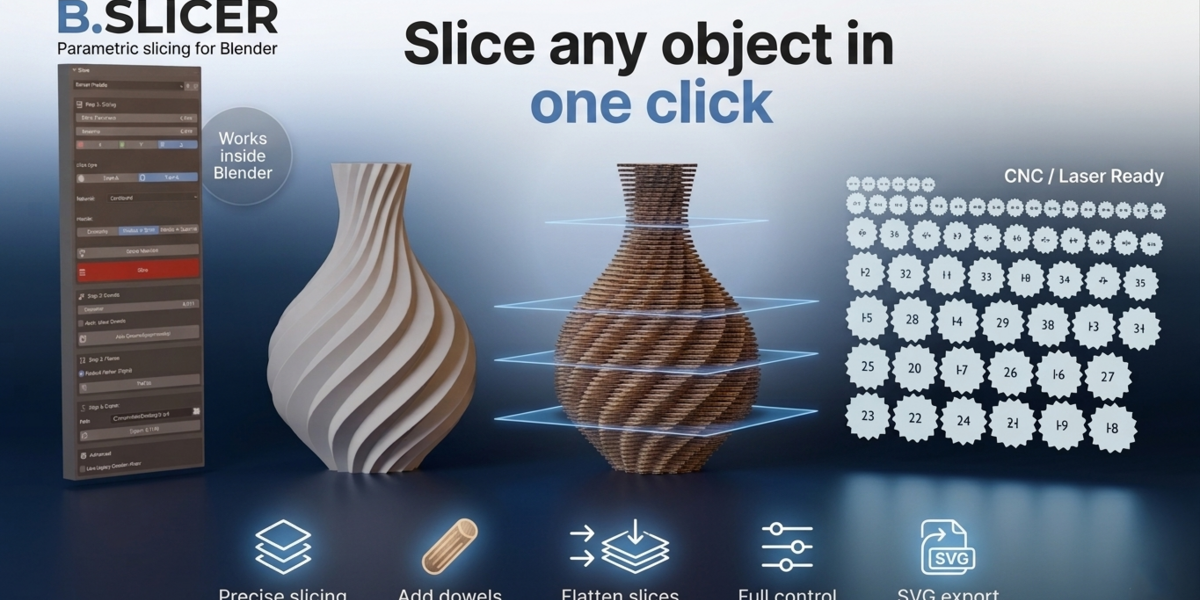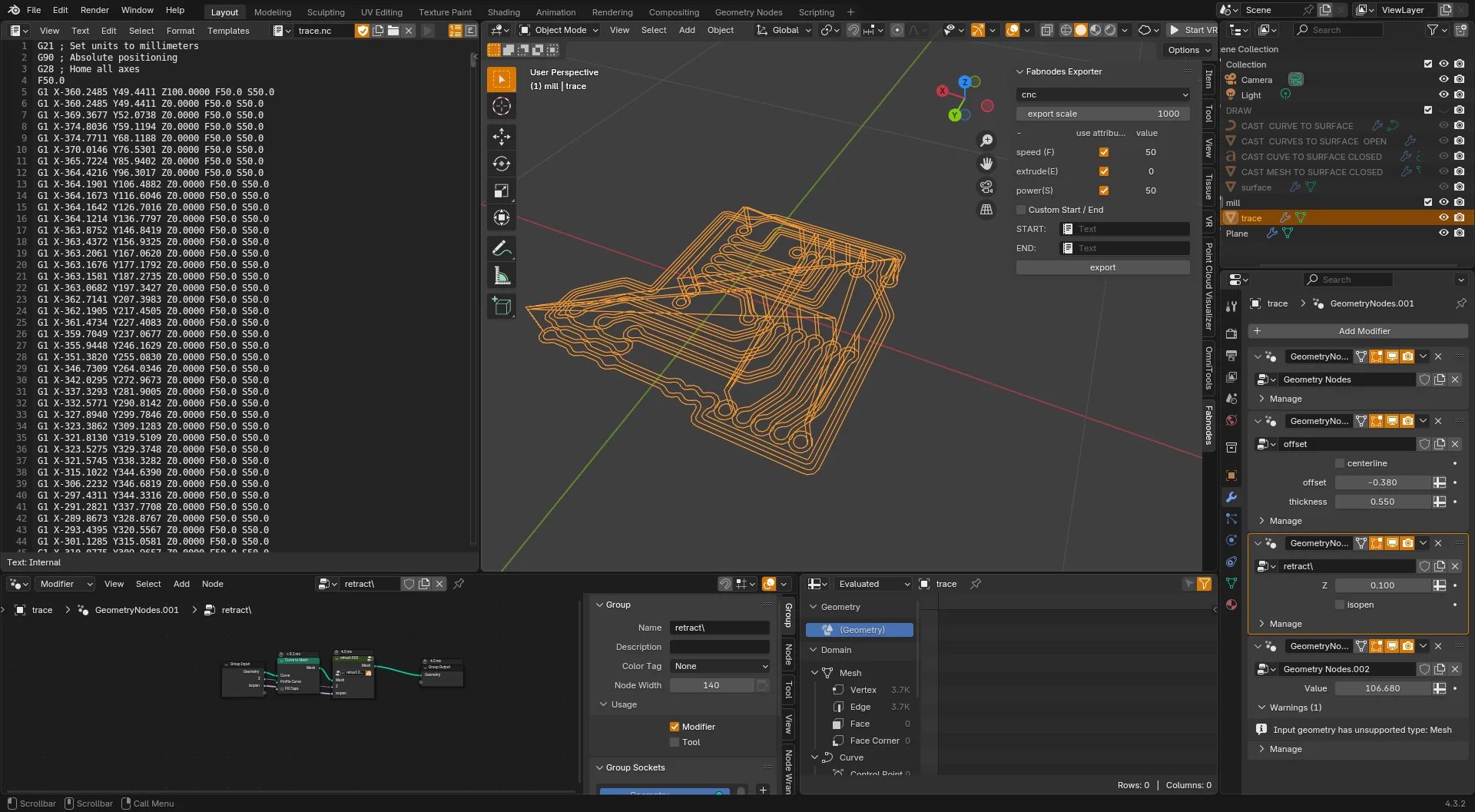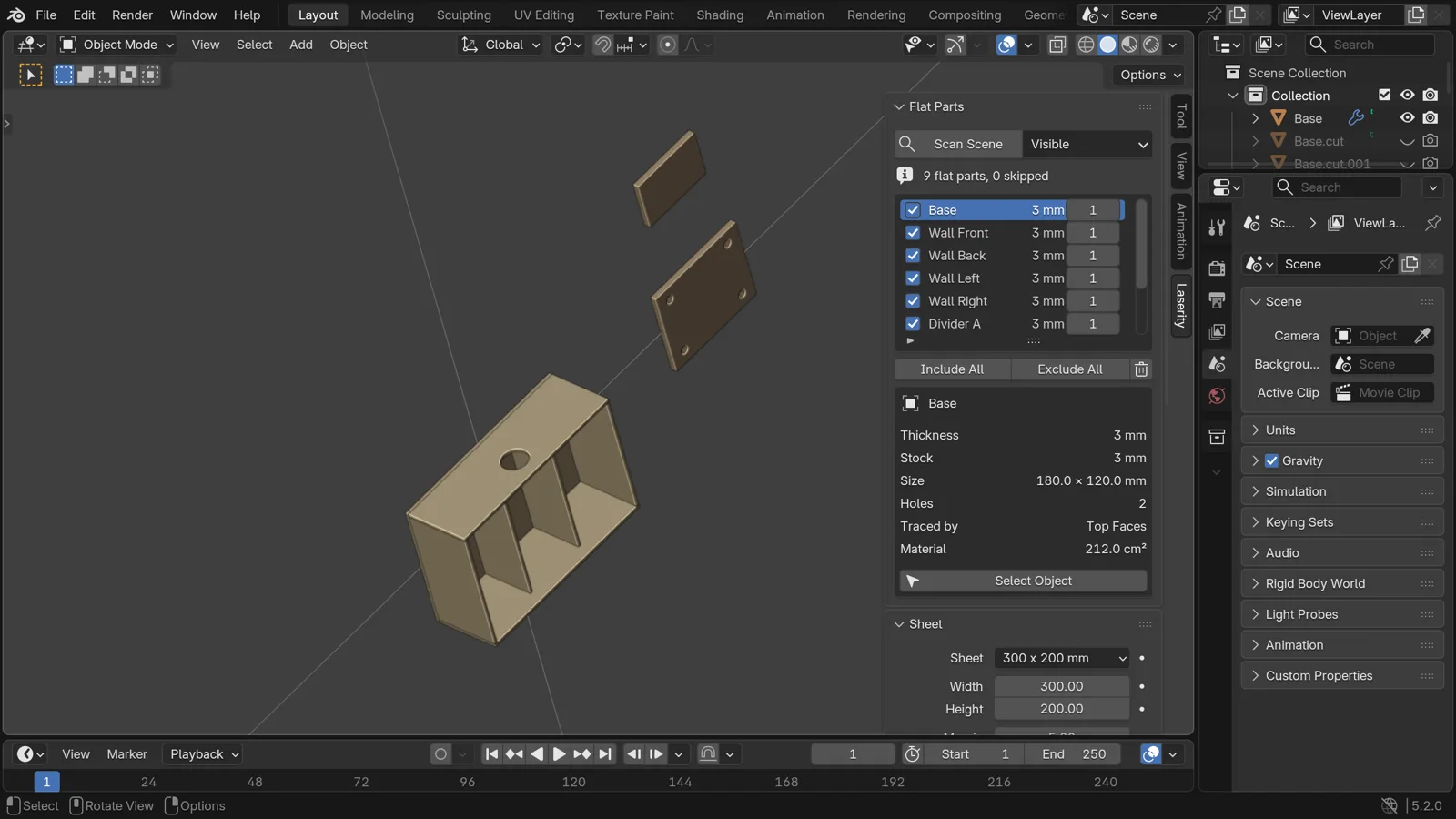
Laserity is a Blender add-on for turning flat, plate-like objects into SVG sheets for laser cutting and engraving. It scans a scene for slab-shaped geometry, measures thickness in world space, and exports outlines with their holes. The listed release is 0.1.0, for Blender 5.1 or newer.
Scan and prepare parts
Open the Laserity tab in the 3D Viewport sidebar with the N key, then run Scan Scene. You can scan visible objects, selected objects, or the whole scene. Laserity applies modifiers before measuring, so features such as boolean holes are included in the exported outline. It lists each accepted part with its measured thickness and explains why it skipped objects, such as being too thick or insufficiently flat.
Laserity checks whether a part's vertices sit almost entirely on two parallel planes close together. The test works in world space, so rotating an object does not change how its thickness is measured. For outlines, Top Faces traces the slab's upper surface; Section slices through its middle and can handle chamfered or otherwise non-planar top surfaces. Auto tries the first method and falls back to the second.
Set sheets and arrange parts
Choose a bed or stock size, sheet margins, spacing between parts, and a quantity for each part. Thicknesses within the configured tolerance are grouped as the same stock. Different stock thicknesses get separate sheets and cut layers.
Auto Nest packs parts onto sheets using oriented bounding rectangles. Open Nesting Editor to move, rotate, mirror, or remove copies by hand. The editor marks overlaps, spacing conflicts, parts outside the usable sheet area, and sheets containing different stock thicknesses. It also reports material utilisation for each sheet.
Export for cutting and engraving
Laserity exports one SVG file per sheet, measured in millimetres. Its LightBurn-oriented output uses unfilled paths with stroke colours matched to the LightBurn palette. Each stock thickness has its own cut layer, with engraving on another layer. After importing, set the cutting power and speed in LightBurn.
Faces with a material name beginning with the configurable LZ_ENGRAVE prefix become engraved regions. For engraved lines, Laserity uses Freestyle marks by default, with UV seams and sharp edges available as alternatives. You can limit marked-edge engraving to the part's upper surface.
Limits and model preparation
Automatic nesting uses bounding rectangles rather than the true outline of each part. It will not automatically fit interlocking shapes such as two L-shaped parts together, so use the editor to improve a layout when needed. Each part is flattened from one object; join pieces that should export as a single outline before scanning.
Optional kerf compensation offsets paths outwards by half the beam width. It uses a simple miter offset and does not resolve self-intersections from offsets that are too large for a concave area. Kerf compensation is off by default; the listing advises leaving it at zero unless you have measured your kerf, since it is usually better handled in LightBurn.
Compatibility and source
The Blender Extensions listing identifies version 0.1.0, Blender 5.1 or newer, and the GNU GPL version 3 or later. The add-on requests permission to write exported SVG sheets to disk. See the Laserity listing for release details and the source repository for code, development documentation, and issue tracking.