Flatcut prepares wooden and plywood models in Blender for 2D fabrication. It flattens and arranges parts for a laser cutter or CNC router, previews toolpaths, and exports SVG or G-code. The add-on requires Blender 5.0 or later and runs locally in Blender.
From mesh to cutting file
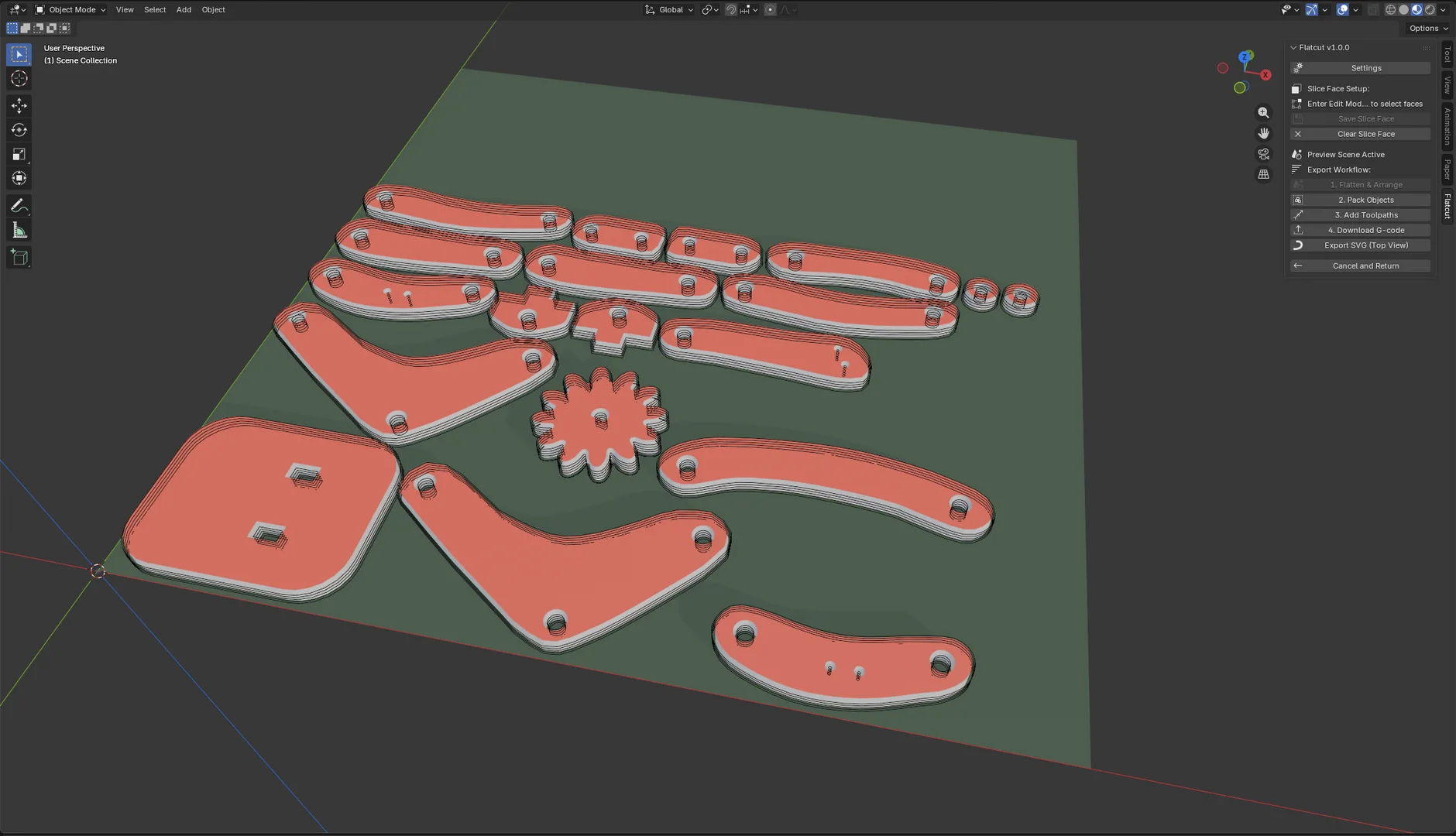
Start in Edit Mode by selecting the mesh face or faces that define the cutting plane, then save them as the object's slice face. In Object Mode, open Flatcut's panel in the 3D Viewport sidebar. Its settings include the machine type, feed rate, tool diameter or kerf, step-down depth, tabs, work area, and origin.
Choose Flatten & Arrange to create a preview scene with the parts laid out on the XY plane. Then pack the parts into the configured work area and add toolpaths. The preview colors toolpaths by depth. When the layout is ready, export G-code for a CNC router or SVG for a laser cutter. Cancel and Return discards the preview scene and returns to the original scene.
V-groove cutting in version 1.2.0
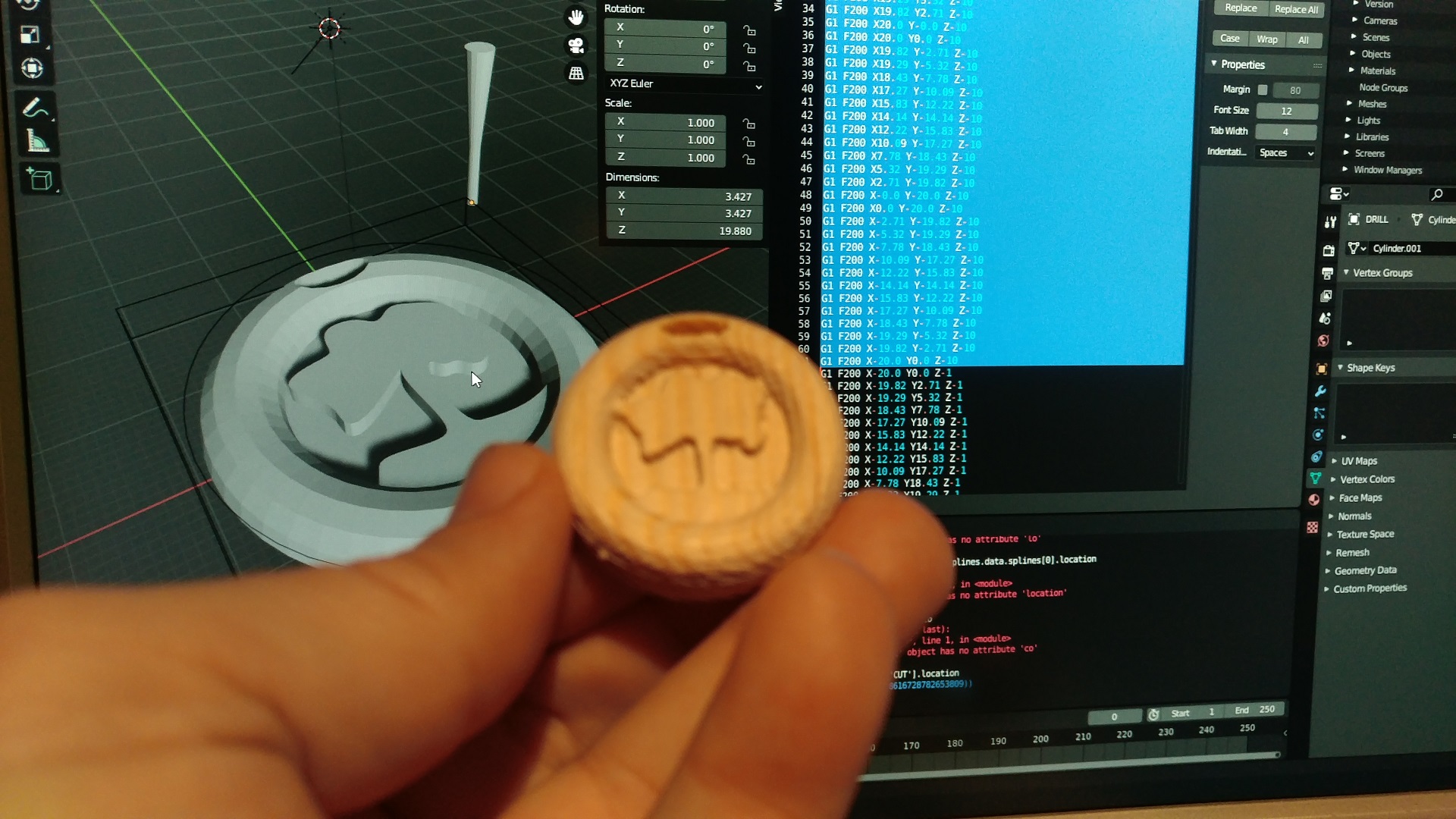
Version 1.2.0 adds V-groove cutting to G-code export. Flatcut reads grooves modeled into a part's top face and cuts them with a V-bit before cutting the outline. Settings include the V-bit angle, minimum remaining wall, stepover, and feed rates. Grooves that open through the bottom face are reported but not cut.
The release also changes how an automatically detected slice face is oriented, using the side facing up in the scene. If Flatcut cannot measure a part's outline around its grooves, it skips that part with a warning.
Units, compatibility, and setup
Flatcut assumes millimeters by default and does not force a change to the unit system in your Blender file. Its listing says the extension uses Blender's Python API and the standard library, with no network access, external services, or third-party dependencies.
See the Flatcut listing on Blender Extensions for the current package and version details. Blender's extension installation instructions explain how to install an extension from disk.