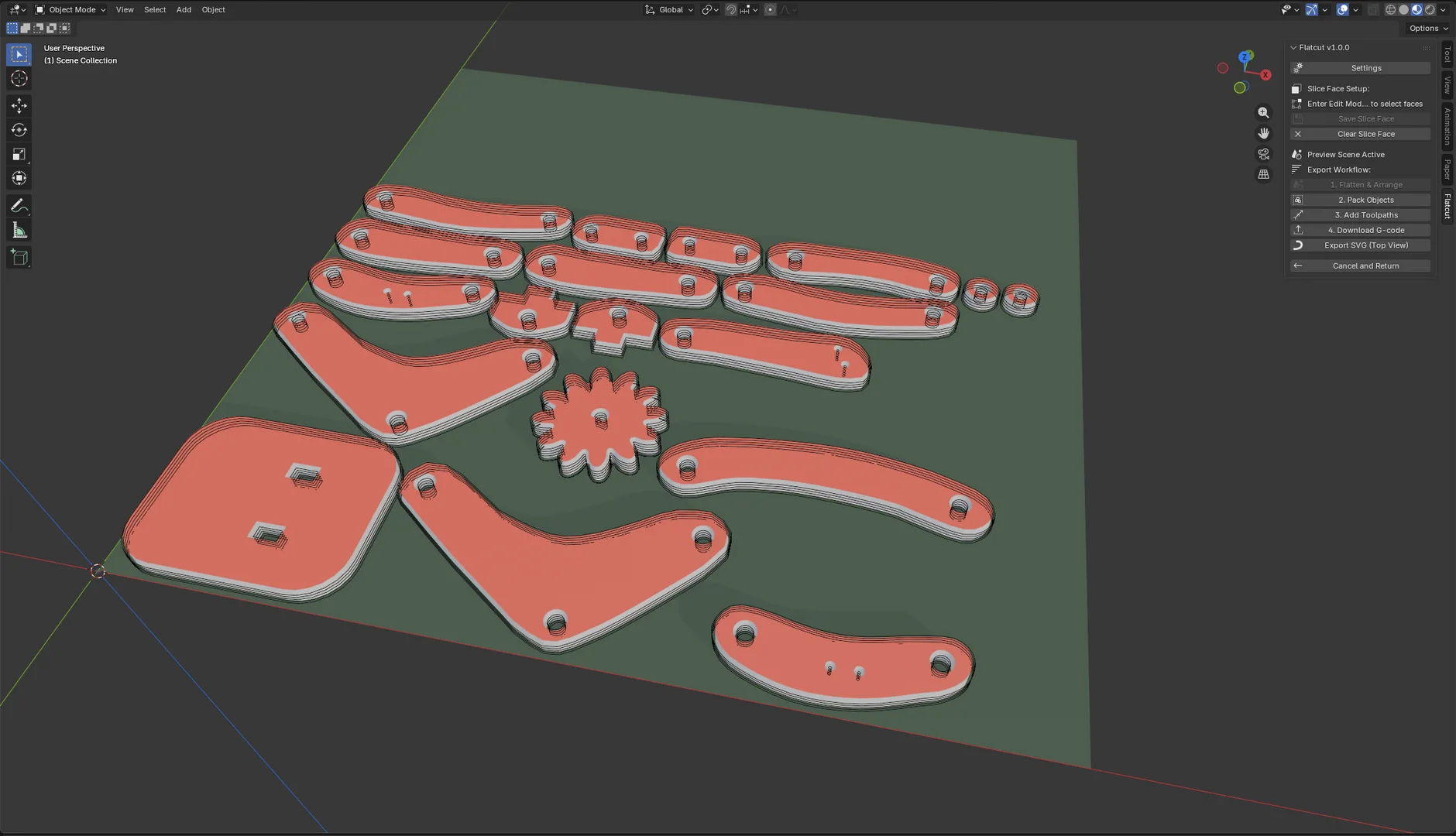
MapBoards Pro is an Autodesk Fusion add-in for laying out component bodies on material boards for woodworking, CNC, and laser cutting workflows. It creates maps from copies of the model bodies, leaving the original bodies intact. The guide notes that running MapBoards Pro version 2.839 on a Fusion Part design converts it to a Hybrid design so map components can be created. The MapBoards Pro user guide covers setup, mapping, and export options.
How the board layout is built
MapBoards Pro groups components by material type and thickness. You set the target board width and length, then choose how to arrange the components. Standard arrangements use rectangular bounding boxes, with options for board orientation and grain direction. You can also select specific components, change their quantities, rotate them, or leave them out of a map.
These controls help match a layout to available stock and a manufacturing plan. Review the resulting map against your material and cutting requirements before production.
Exports and manufacturing workflows
You can keep a map in Fusion as component bodies or export a flat layout as SVG or DXF. MapBoards Pro can also produce a CSV cut list with component dimensions and material types, plus an HTML report showing the map, component list, required board types and quantities, and the options used.
For a Fusion manufacturing workflow, create a Manufacturing Model and setup for selected boards. With a CNC router, set the WCS Origin to match the machine setup origin, then create and simulate toolpaths before machining.
What PLUS adds
The PLUS upgrade adds True Shapes arrangement through Fusion's Arrange feature, with full rotation and part-in-part placement. It also adds post-mapping board rearrangement and support for Fusion Assembly Designs. The Autodesk listing advertises a free seven-day PLUS trial. See the PLUS feature description for its comparison of PLUS and base features.
Platform and setup
Autodesk Marketplace has separate Windows and Mac OS listings. Choose the listing for your operating system and follow the App Store installation instructions. The Marketplace notes that Capture Design History must be set for MapBoards Pro to run. You can launch it from the Fusion toolbar or the design workspace's Create menu.
The Autodesk Marketplace listings displayed $24.99 when retrieved on November 23, 2026. Check the relevant platform listing for current pricing and purchase terms.