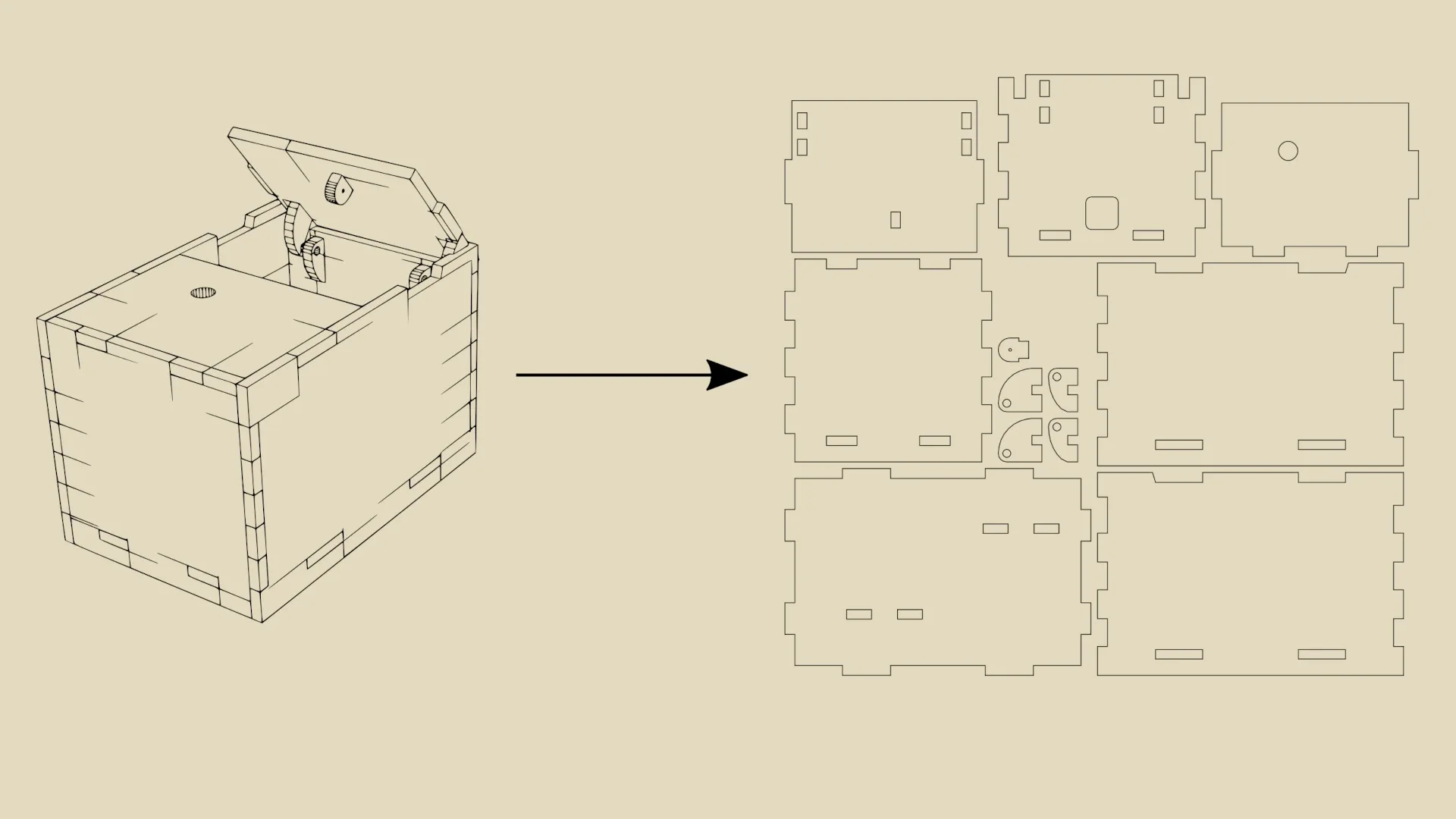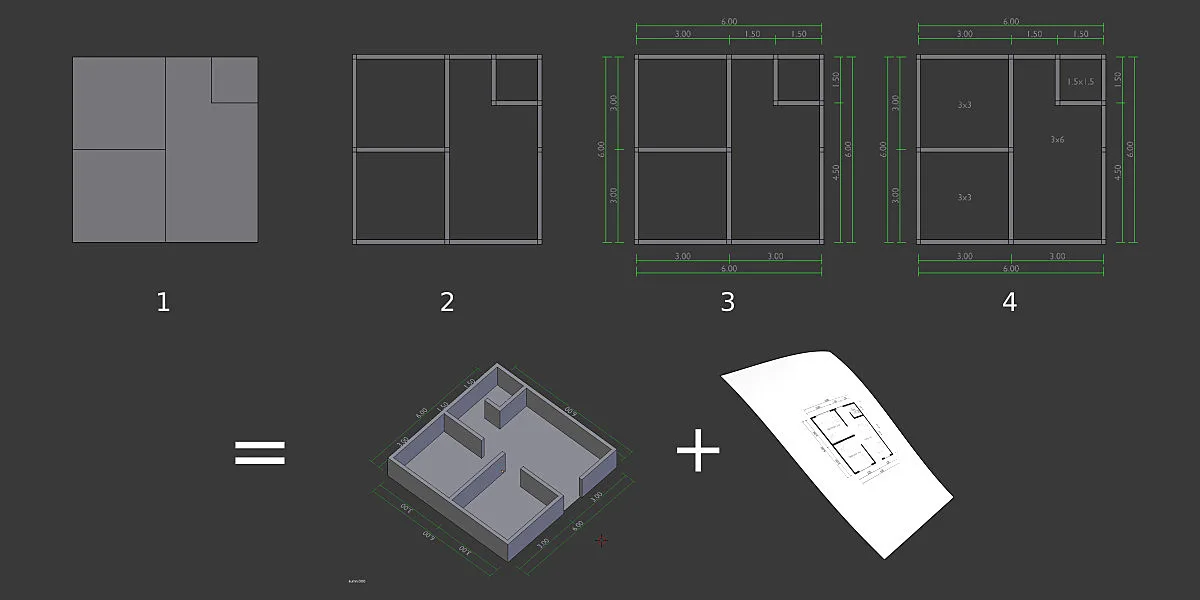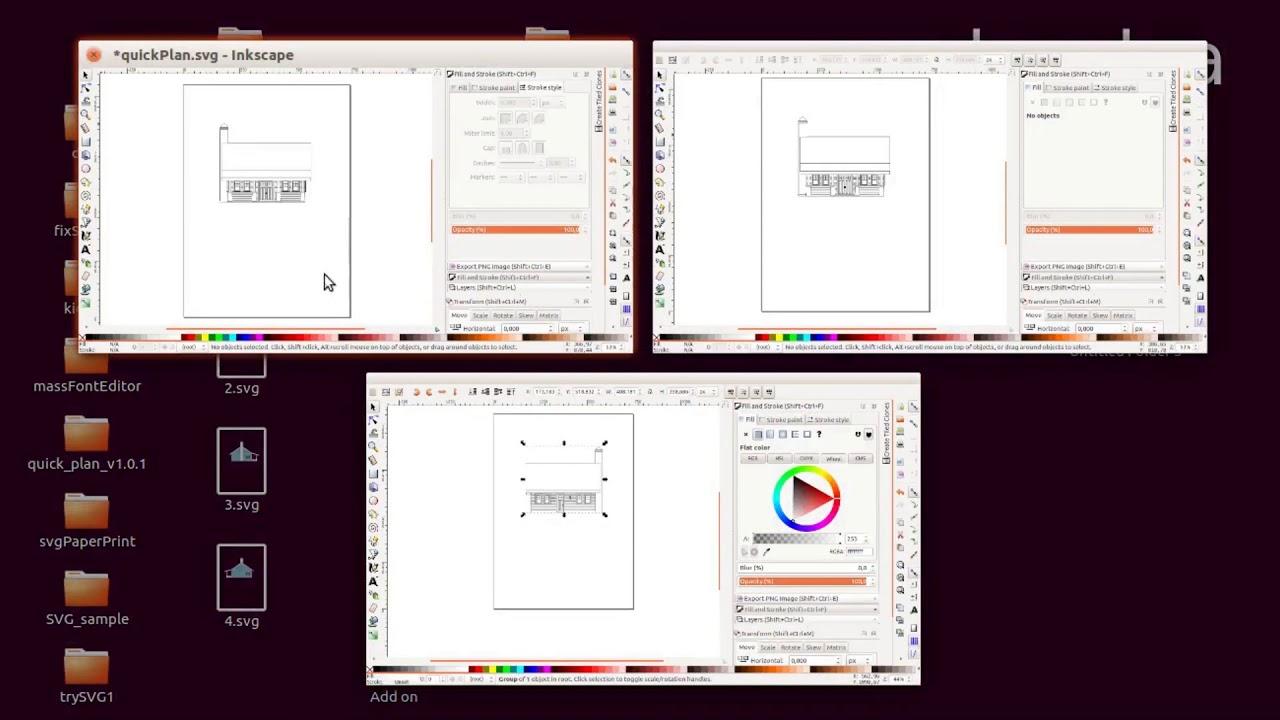
SVG Paper Print Pro is a Blender add-on that exports objects as SVG from front, back, top, bottom, right and left orthographic views. Its output is intended for paper printing. During export, it converts fonts to text, curves to path curves, faces to paths, and edges without faces to lines.
Paper-focused export controls
The add-on can create paper automatically for preview and works on a base layer for more control. It can fill objects with their base material color and merge flat faces to create clearer SVG shapes on flat-face meshes. The listing specifies seven-digit precision for metric output, with greater precision for inches, feet and pixels.
The release notes say that, from version 1.0.6, the add-on prints objects inside a collection only. The listed version 1.0.82 fixes an A2 and A3 print output bug; version 1.0.81 fixed an A2 and A3 paper size bug.
Blender versions and installation
The Superhive Blender Version field lists releases from 2.79 through 4.2. Its feature text says the add-on works with Blender 4.5 and lists a 4.5 note for full geometry SVG export and an orientation fix. Because those details differ, check compatibility with Douripo for your specific Blender release before installing.
The published installation instructions list Edit, Preferences, Add-ons, then Install, where you select the downloaded ZIP file. To keep the add-on enabled for future sessions, the instructions say to click the icon in the bottom corner and save preferences. See the product page for its release notes.
This add-on fits a Blender workflow that needs SVG output from orthographic object views, with controls for paper preview, material color and flat-face merging. Its collection-only printing note and the differing Blender compatibility details are worth checking against your scene and Blender version.