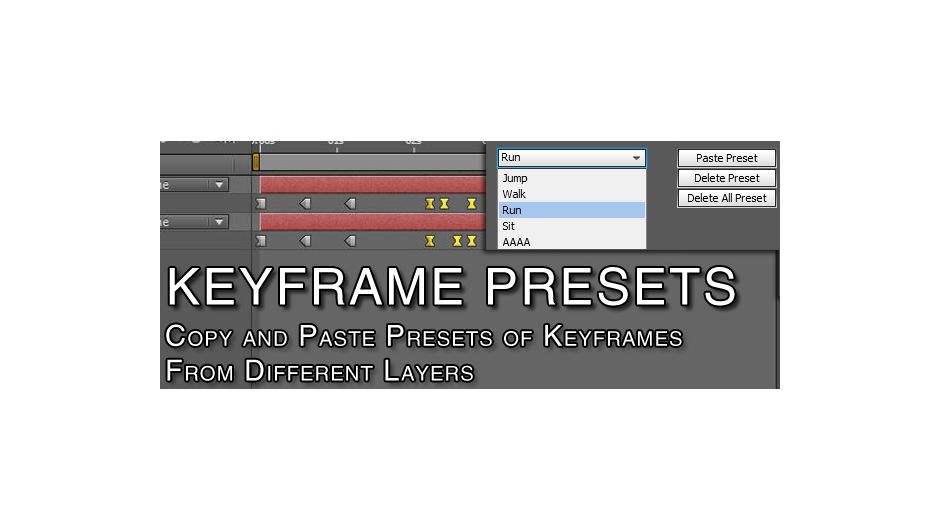
Keyframe Presets by Adam Katz lets motion designers save selected After Effects keyframes as named presets. It can capture keyframes from multiple layers, then paste them elsewhere in the same composition or export and import presets when moving between projects. It suits motion designers who reuse animation setups and want to repeat keyframe values and timing without rebuilding each set.
Save, paste, and transfer a preset
- Select the keyframes to save.
- Enter a preset name and choose Copy Preset.
- Move the time slider to the destination.
- Choose the preset and select Paste Preset.
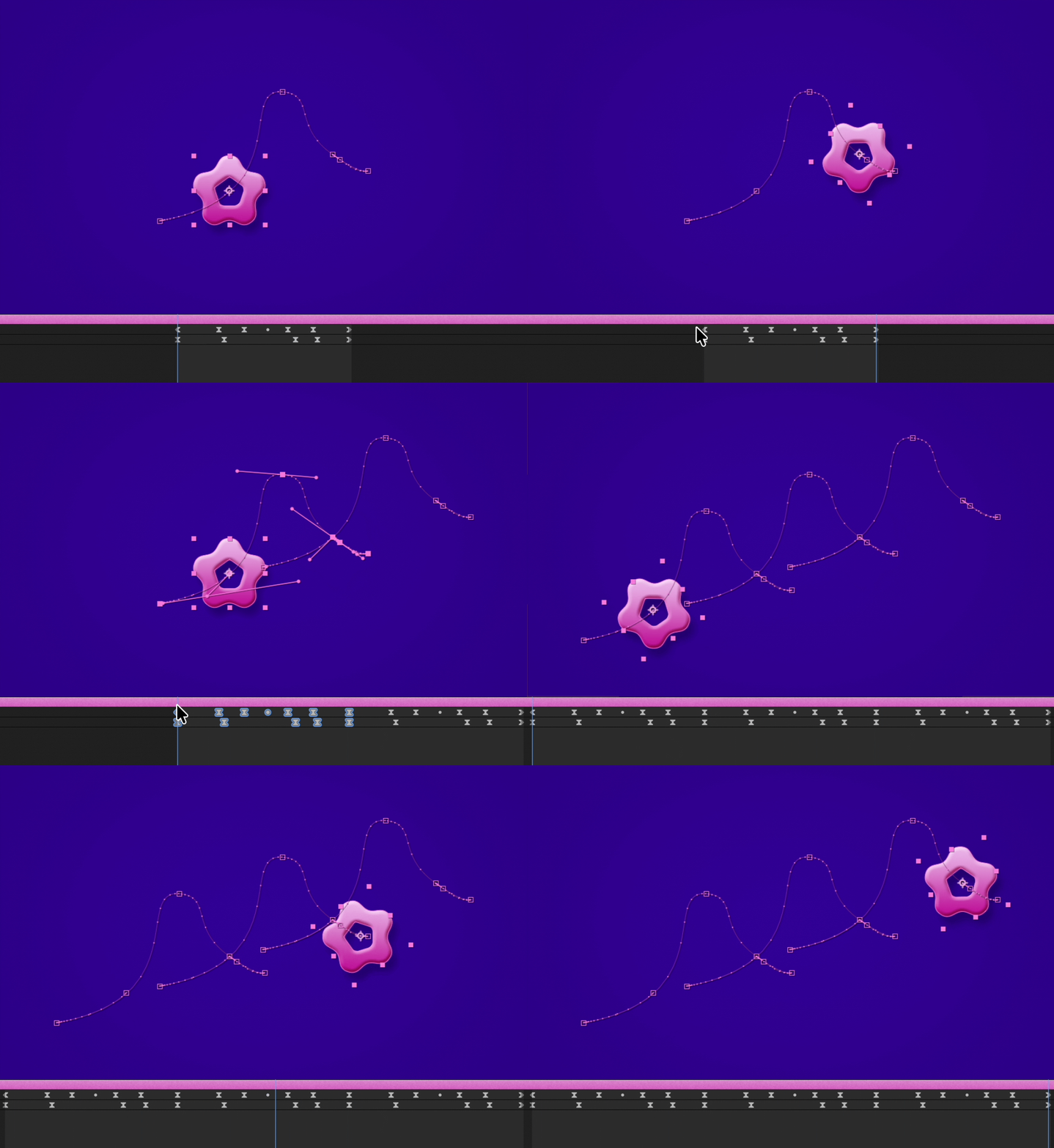
Presets can include keyframes from multiple layers, so a saved setup can carry coordinated animation across a composition.
Check compatibility before purchase
The published compatibility list names After Effects 2024 through CS3. It does not list versions newer than 2024, so check support for your release if you use a more recent version of After Effects.
Known keyframe limitations
The listing warns that Keyframe Presets cannot handle plugins or effects with custom keyframe values, including Levels - Histogram and Hue/Saturation - Channel Range. A keyframe with temporal Auto-Bezier interpolation also will not paste correctly to a new keyframe. If your animation depends on either type, the preset may not reproduce it as expected.
Price and license
The listing uses Name Your Own Price and shows $19.99 as the suggested price. Individual buyers may pay any amount; businesses and teams must pay the suggested price to receive a valid license. The EULA licenses one copy for use on one computer at a time. Shared or multi-user installations require appropriate licensing for each user and copy.