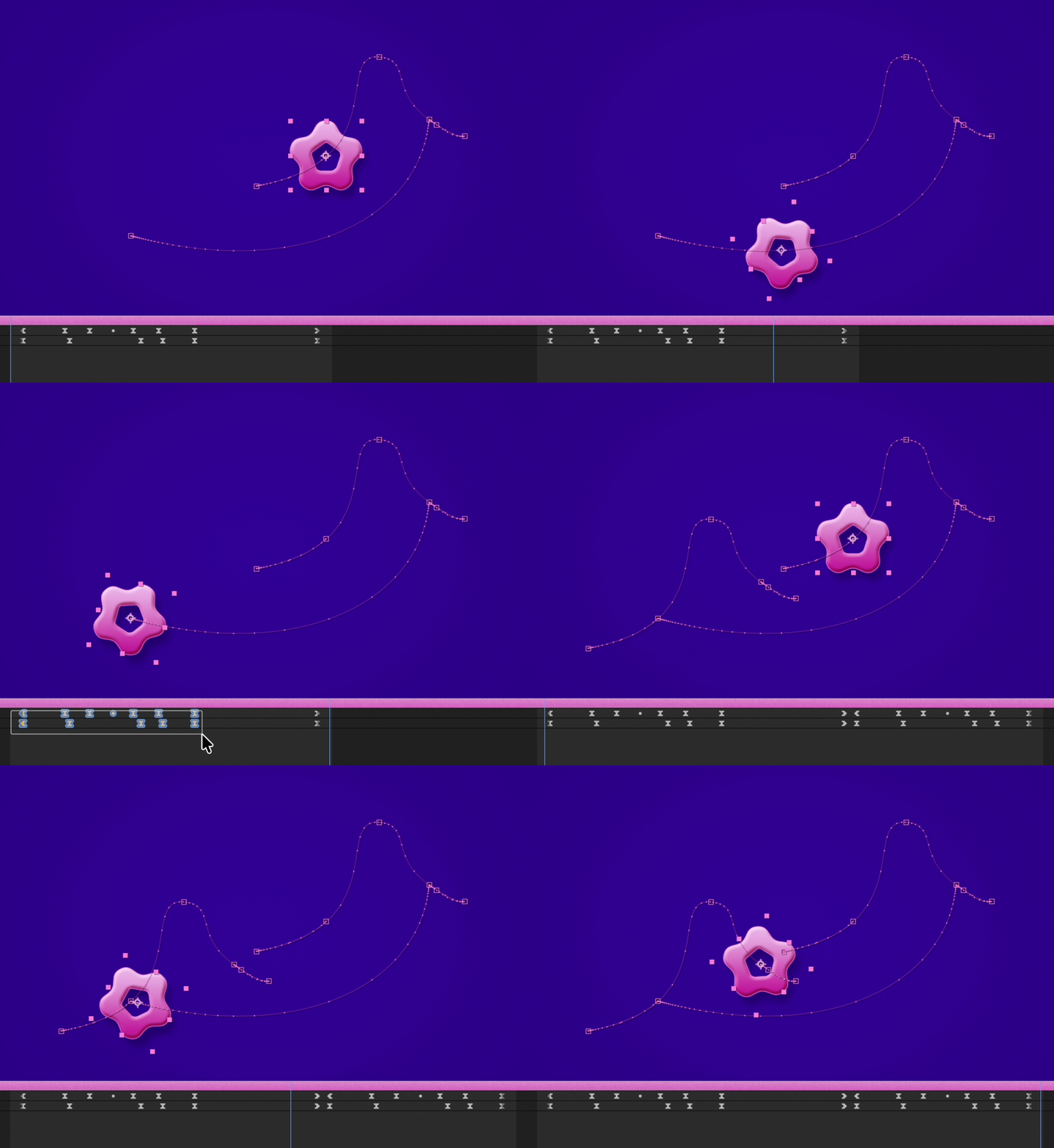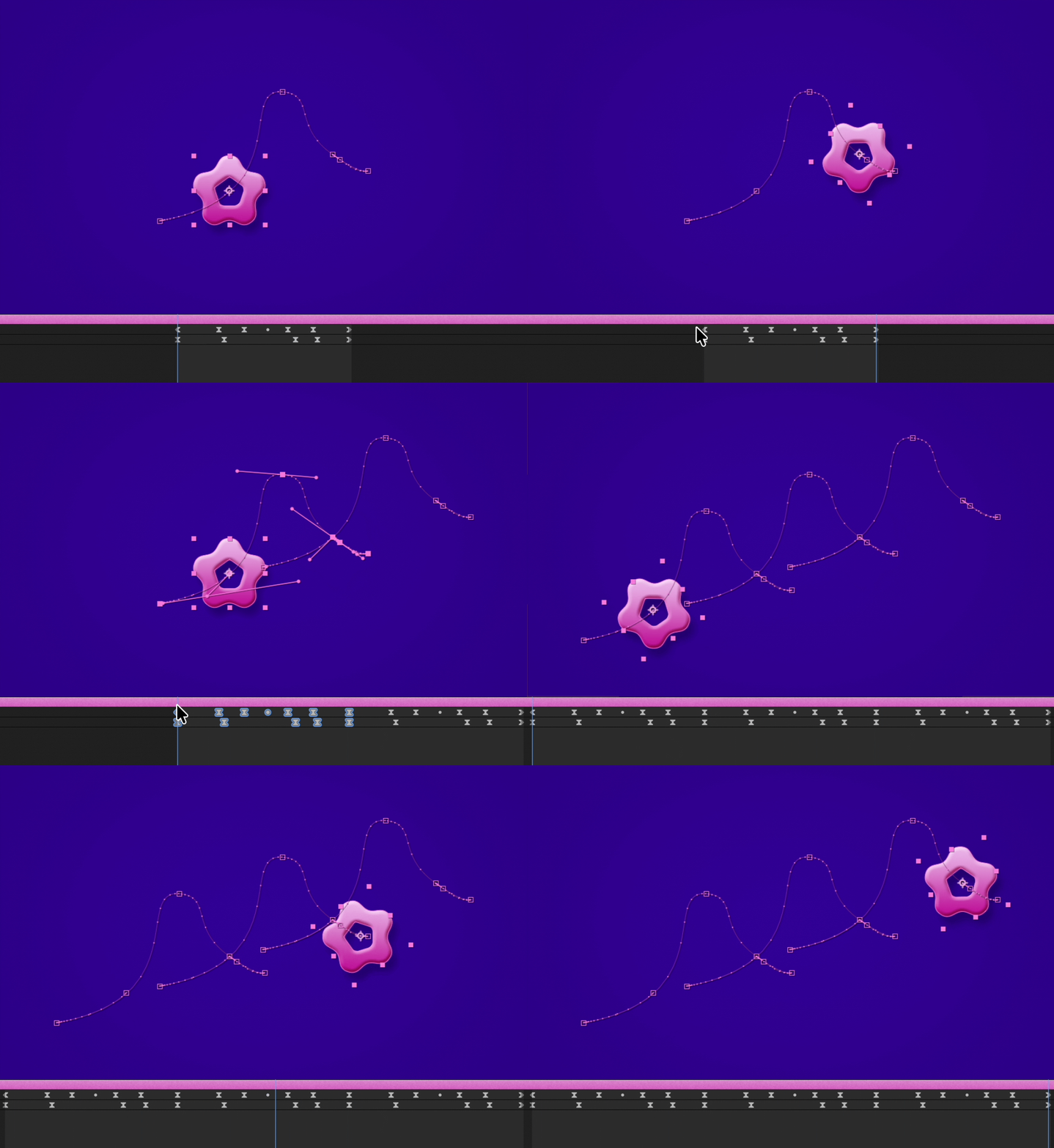
Again! reapplies the motion of selected After Effects keyframes while using current property values as the animation's new start or end point. It suits work where you need to reuse a move from different values, carry motion to another layer, or repeat only part of an animation.
Place a repeat at the playhead
Select the keyframes whose motion you want to reuse, then position the playhead. If it is after the selected keyframes, Again! starts the repeated motion there. If it is before them, the repeated motion ends at the playhead.
Repeat part of an animation or move it to another layer
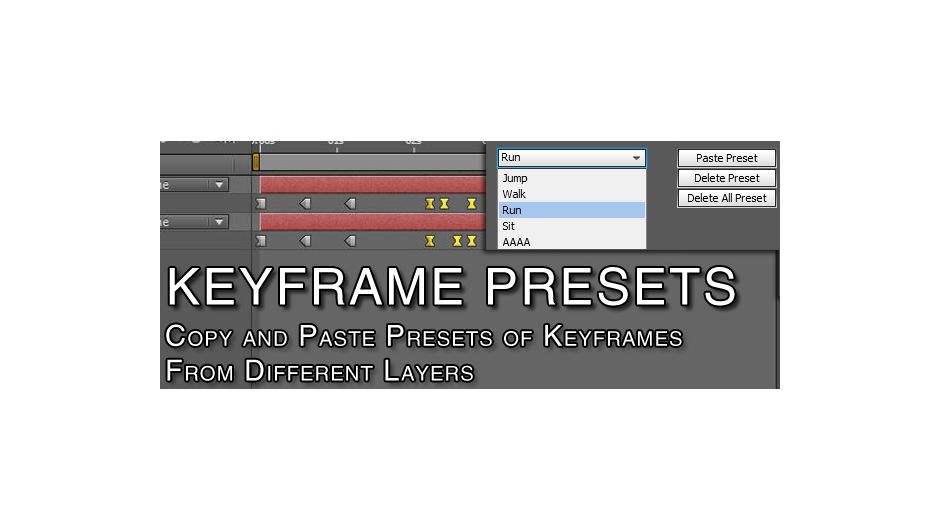
You can select only the section you want to reuse and apply it at a chosen point, even while other animations are happening on the same layer. This differs from using loopOut("offset"), which repeats the full animation. To transfer motion to another layer, copy the desired keyframes, select the destination layer, position the playhead, then run Again!.
Choose how scale changes
For scale animation, Again! can repeat the change by amount or by proportion. Starting with a change from 50% to 100%, the two modes produce different results:
| Scale mode | Forward repeat | Backward repeat |
|---|---|---|
| By amount | 100% to 150% | 0% to 50% |
| By proportion | 100% to 200% | 25% to 50% |
Choose the scale mode in the ScriptUI panel. The hotkey option uses the panel's selected mode.
Run it from a panel or hotkey
Again! includes a dockable ScriptUI panel with a button to apply the motion. For keyboard workflows, its headless Again-Hotkey! JSXBIN file can be assigned to a hotkey or used with KBar.
Compatibility and licensing
The product listing names After Effects versions 2021 through 2027. Its name-your-own-price terms let individual users choose what to pay; businesses and teams must pay the suggested price for a valid license. The EULA grants use of one copy on one computer at a time. Multiple copies or users require an appropriate license for each copy and user.