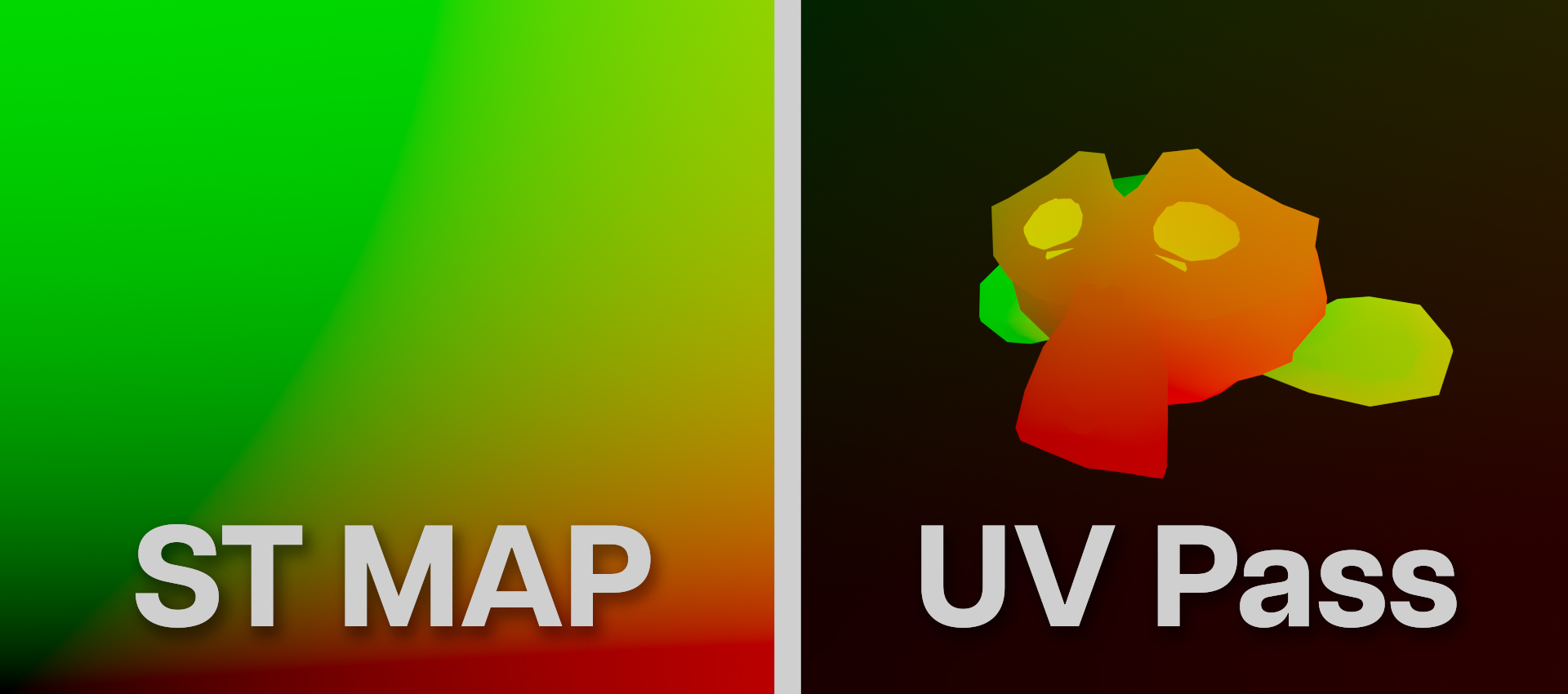
STMapper brings ST map and UV pass workflows into After Effects. Use it to remap a layer for lens distortion, map a new texture onto a 3D render using its UV pass, or bake a stack of transforms and warps into a reusable ST map. The STMapper product page includes setup instructions.
Apply an ST map for lens distortion
An ST map stores source-image coordinates in its red and green channels. STMapper uses those coordinates to sample the selected input layer, which lets you undistort or redistort footage with maps from tools such as SynthEyes and 3DEqualizer.
Import the map into After Effects and interpret it as data by choosing Raw or Preserve RGB. If it appears blank, apply EXtractoR, then precompose that result. Apply STMapper to the map layer or precomp, choose the footage layer as the input, and turn off that input layer. For an ST map, set Offset to +0.5 Offset (ST Map); bilinear is the default filter.
When the map and footage have different dimensions, set the composition to the undistorted map's resolution. For example, a 2048 × 1080 plate can use a 2352 × 1240 undistort map, with the composition matching the map dimensions.
Use a 3D UV pass to retexture a render
A UV pass stores UV coordinates in its red and green channels. STMapper can use that data to place a new texture on a render from Cinema 4D, Blender, Maya, Houdini, or another 3D application.
Render the UV pass as a 32-bit float file. A matte for the object can help isolate the new texture. Import the pass as Raw or Preserve RGB. For a multilayer EXR, apply EXtractoR and precompose it. Create a square texture composition, optionally using an image of the object's UV layout as a reference. Apply STMapper to the UV pass, select the texture composition as its input, and choose No Offset (UV Pass - 3D Render). Composite the result over the beauty render using the 3D matte or alpha.
Bake transforms into a reusable map
To bake a distortion stack, create a composition at the resolution you want for the map, add a solid, and apply STMapper. Set its mode to Create blank ST Map. Add transforms or warps above it, such as Turbulent Displace, Mesh Warp, or Optics Compensation, then precompose or prerender the result. The rendered map can then be applied to other layers.
Check project depth and preview resolution
Use a 32-bpc project for accurate results. STMapper also runs at 16-bpc and 8-bpc, but the lower precision can introduce offsets or distortion. A preview below Full Resolution can show a slight offset; use Full Resolution when possible and set the render export to Full.
STMapper has no GPU acceleration. Its rendering is multithreaded on the CPU. The plugin remaps RGB and alpha together, and passes negative and overbright values through unchanged.