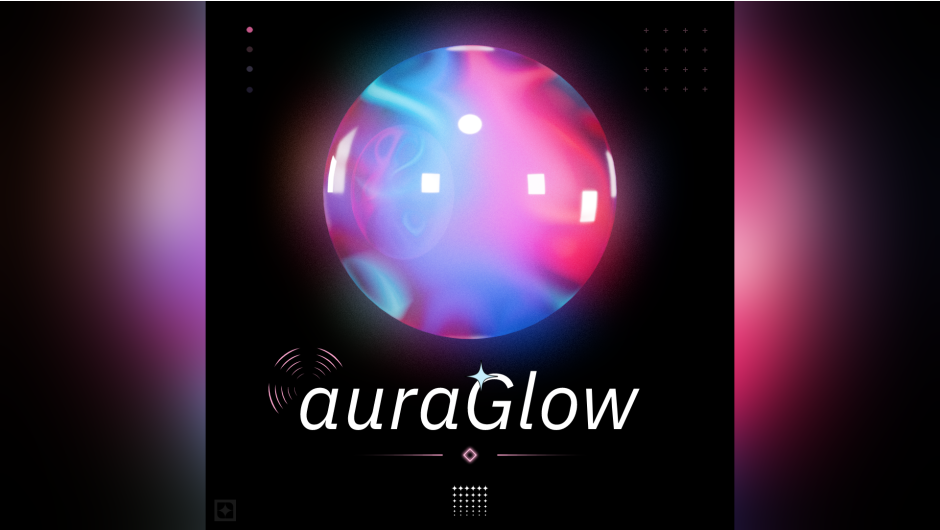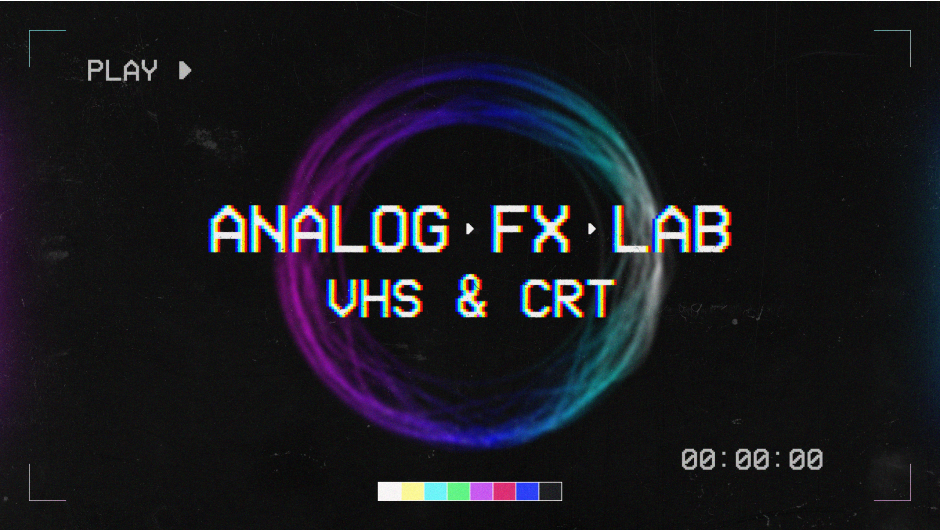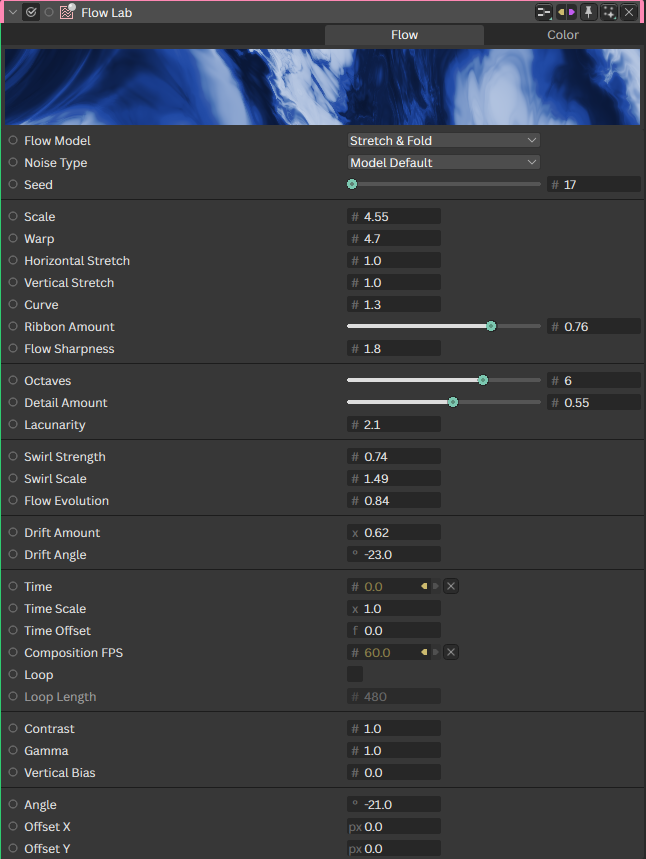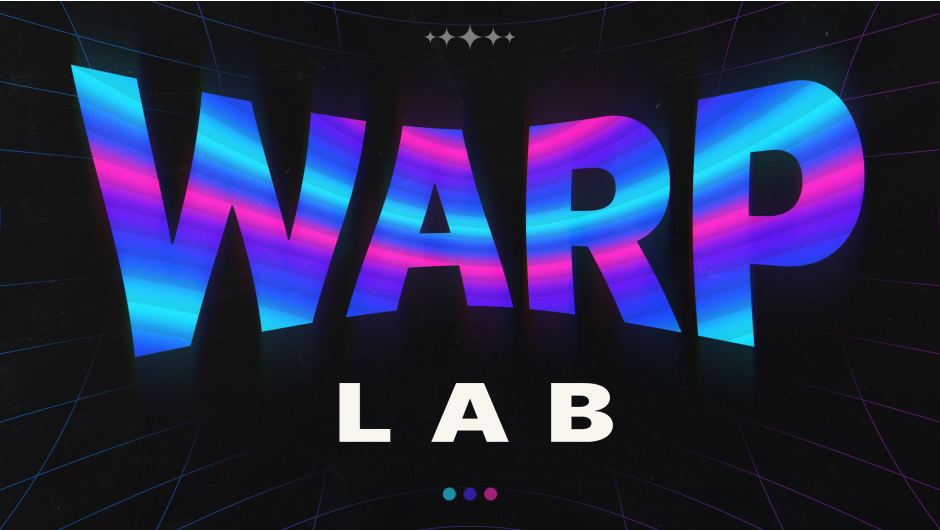
Warp Lab is a projection and warping plugin for Cavalry by Maxson Richards. It reshapes text, shapes, images and procedural textures with six projection modes, local warps, radial symmetry and polar controls. The effects can be combined, so one source can move from a flat design into a curved, wrapped or repeating pattern.
Choose from six projection modes
Each mode changes how the source is mapped, from rounded forms to circular flows:
Plane to Sphere curves artwork into rounded forms, silhouettes or wrapped gradients. Sphere to Plane creates perspective views through panoramic artwork and textures. Stereographic makes expansive circular forms, portals and sweeping tunnels. Fisheye creates circular views with pronounced wide-angle distortion. Cylinder wraps patterns into curved bands and flowing strands. Polar arranges textures as rings, spirals and radial flows.Projection Amount can be animated to move from the flat source toward the full projection. Source orientation and projected-view rotation are controlled separately.
Combine bends, twists and radial patterns
Warp Lab's Bend, Twist and Pinch/Bulge controls can reshape a source on their own or alongside a projection. Set the bend direction, position a twist, then adjust its radius and falloff. Pinch/Bulge pushes or pulls detail around a chosen area. These controls can give a title a broad curve or turn a texture into a local vortex.
Radial symmetry mirrors or repeats the result across 2 to 64 segments. Rotate the pattern or move its center to change the arrangement. Because the kaleidoscope uses the projected and warped result, changing those underlying controls reshapes the pattern too.
Polar controls offer another way to arrange a source around a center. Polar Twist winds the artwork into a circular flow, while Polar Radial Power redistributes detail between the middle and outer edge. Source Tiling and Source Offset adjust how the source repeats or shifts; edge settings can repeat, mirror or leave it transparent.
Animate the effect and set its edges
Keyframe Warp Lab's controls or drive them with Cavalry behaviors and expressions. The source artwork can animate independently of the changing projection, allowing both motions to contribute to the final composition.
Transparent, Repeat, Mirror and Clamp edge modes can be set on each axis. Warp Lab can soften rectangular bounds, apply Seam Blend to supported wrapped joins and add Output Padding when an isolated graphic needs room to extend beyond its bounds.
Compatibility and trial details
The product page specifies Cavalry 2.7.2 or later on Windows and macOS. After installing Warp Lab, find it in Cavalry's Filters list. The free trial includes the projection, warp and animation controls, but adds a permanent semi-transparent watermark to previews and renders. The full version has the same features without the watermark. See the Warp Lab product page for current product details and support options.