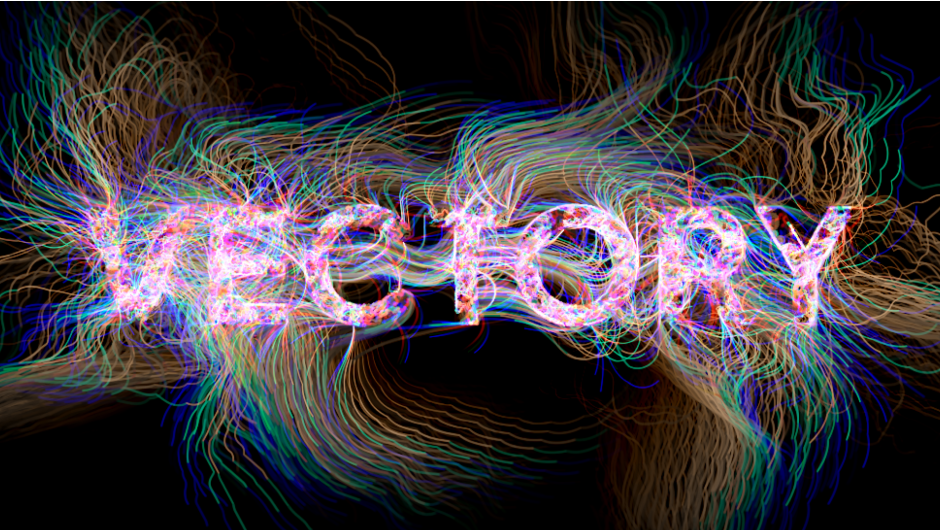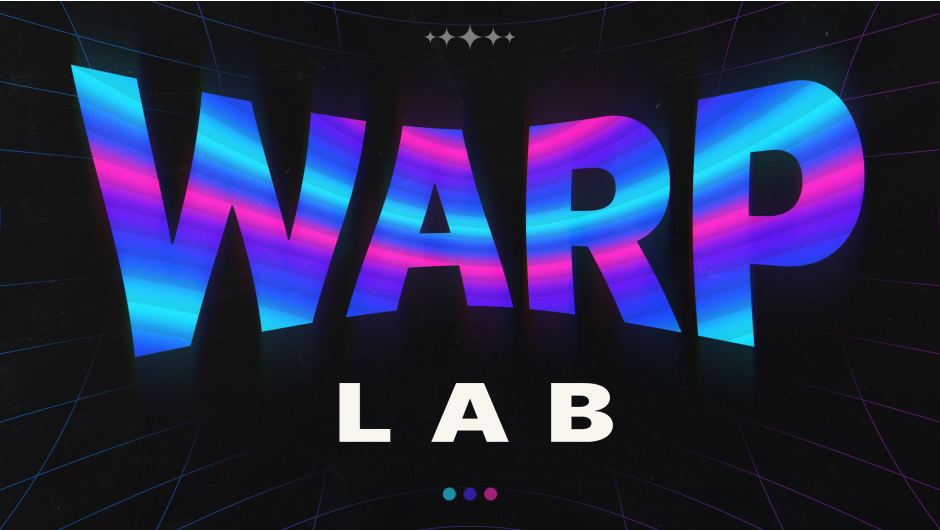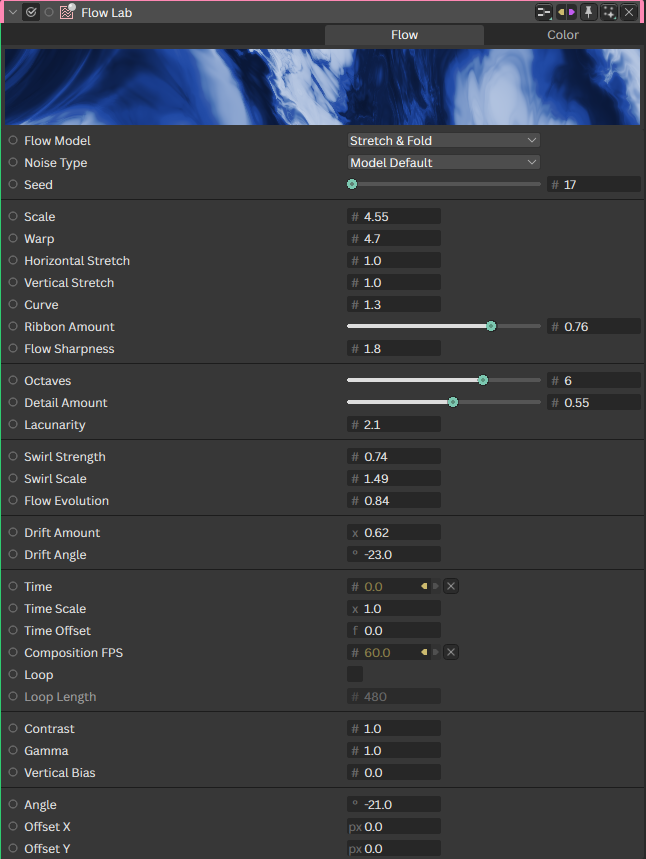
Flow Lab is a GPU-accelerated shader for Cavalry that generates animated fluid textures. It can create looks such as marbled ink, rippling water and flame-like motion. Apply it to a shape in Cavalry and press Play to preview the result. The listing describes three flow models, 17 motion presets and 14 editable palettes.
Flow Lab's controls adjust a generated texture's movement, scale and color inside Cavalry.
Choose how the texture moves
Evolving Flow keeps the swirls turning in place or lets the pattern drift across the frame. Stretch & Fold draws the texture into long folds; its detail control adds fine veins along the ribbons. Classic Flow follows a sweeping marble current, with a lower ribbon setting for softer, flame-like motion.
Adjust the pattern and color
Scale changes how open or dense the pattern looks. Swirl Strength twists the flow, while Time Scale slows, stops or reverses its motion. These controls give you a way to tune the texture before adjusting its colors.
Flow Lab includes 14 editable palettes. Choose one, adjust its gradient stops or create a custom mix. Moving a bright stop toward the end of the gradient can pick out the pattern's peaks, while giving the shadows more range creates deeper pools of color. You can switch motion presets and keep your chosen colors.
Set a seamless loop
Each flow model has a Loop option. Turn it on and set the loop length in frames to create a repeating texture animation.
Compatibility and trial
Flow Lab is listed for Cavalry 2.8 or later and is made by Maxson Richards. The product listing includes a free trial and says a purchase includes free lifetime updates. Check the Flow Lab listing for current availability and trial access.