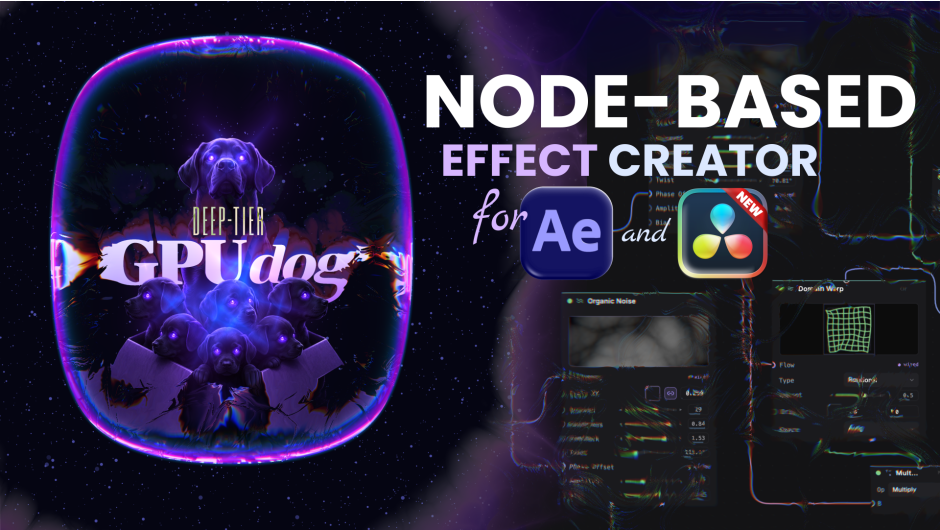
GPUDog Deep is the top GPUDog tier, built for creating GPU effects as node graphs in the Den, a browser-based studio. It links to the GPUDog panel in After Effects or the Kennel window in DaVinci Resolve, where saved changes update the effect. Deep includes the Pro features and a perpetual license.
Build and inspect node graphs
Connect official nodes to make an effect without writing shader code. The editor suggests nodes that fit a wire, lets you insert a node into an existing connection, and provides live scopes and A/B comparison for graph branches. A real-time WebGPU preview can use bundled footage or your own clips. Node documentation appears in the catalog, and Tips & Tricks recipes open as working graphs that you can inspect and change. MCP lets an AI agent build effects with you in the live Den tab; the agent renders, compiles, and checks its work.
Use effects in After Effects and Resolve
In After Effects, the Den connects directly to the GPUDog panel on your machine. Save in the Den and After Effects re-renders the effect; its parameters appear as keyframeable Effect Controls. In Resolve, add GPUDog as an OpenFX effect on a clip, open the Kennel from the Inspector, and save from the Den to update the clip. You can also add GPUDog as a tool on the Fusion page. With GPUDog applied as an OpenFX effect, its parameters appear in the Inspector.
Move between nodes, code, and shared graphs
Deep converts a node-built effect to WGSL with one click, so you can continue editing it in the code editor. It can also import GLSL, Shadertoy, and ISF shaders, then wrap them in parameters. In the community Pack, you can inspect graphs, fetch them into the Den, remix them, and publish your own under your handle. You control whether other members can fetch, remix, or inspect a published graph. Published effects are available to Deep members for commercial work, and remixes retain their lineage.
Compatibility, offline use, and licensing
The product overview lists macOS on Apple Silicon, Windows 10 or later, After Effects 2023 or later, and DaVinci Resolve 19 or later. Its separate compatibility list names Resolve 16 through 21, so confirm support with the seller before relying on Resolve 16-18.
After activation, Deep works offline. Effect rendering and the local connection between the Den and host application do not require a server connection. Cloud sync requires a free sign-in, and the Pack requires an internet connection. Cloud sync is optional.
The license is a one-time perpetual purchase and includes Pro and future Deep effects. Owners of a perpetual Pro license can receive 50% off the current Deep price at checkout by using the same account. Monthly Pro subscribers pay the regular Deep price. A separate collaboration license lets teammates, clients, or render machines that open your project render your custom effects without their own license for 30 days after your last save; saving again renews that period.