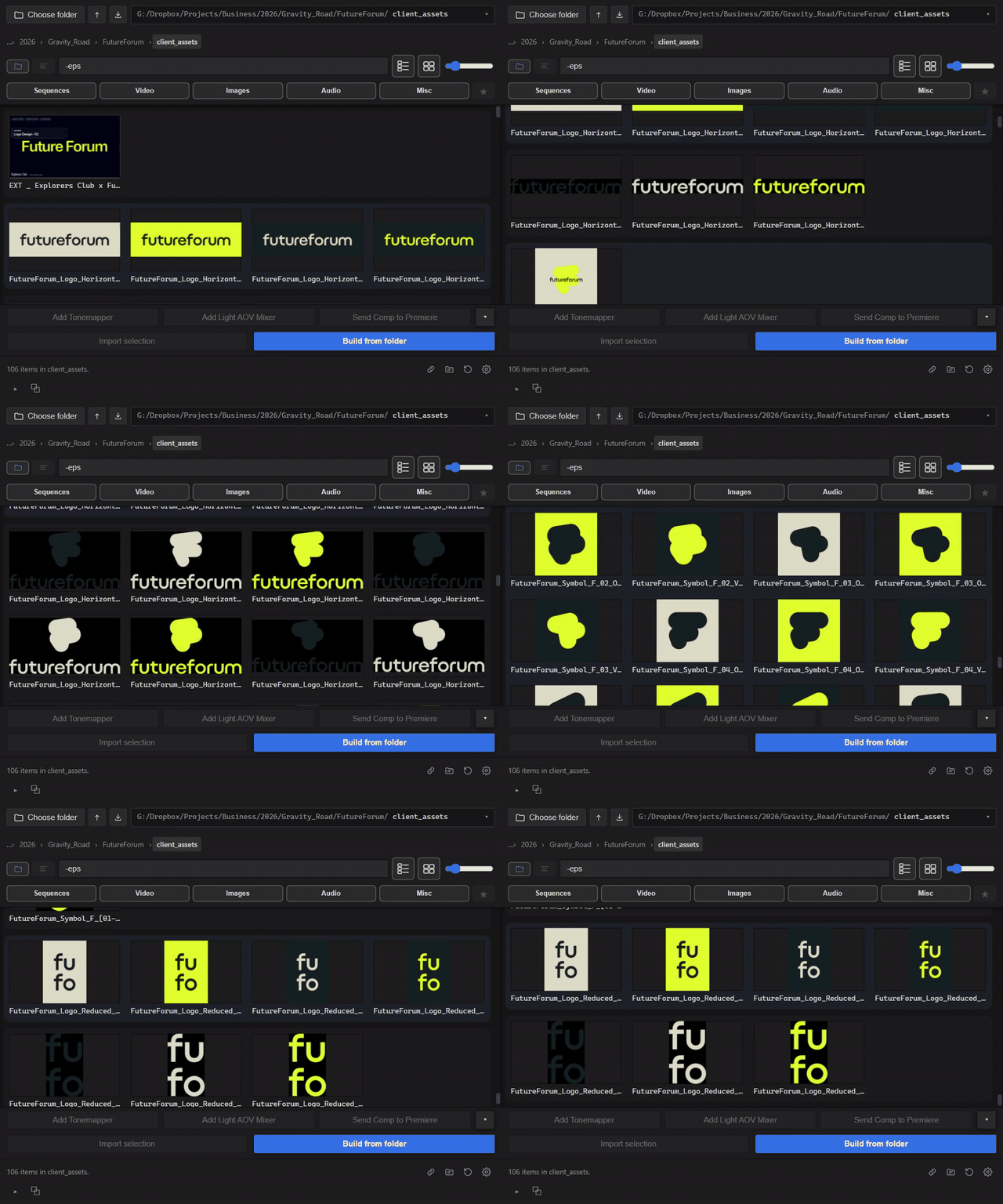
Gulp 2 is an After Effects panel for browsing and previewing media, importing files, and building compositions from layered documents or CGI renders. It suits motion designers who regularly handle image sequences, video, artwork, or multipass renders. Its asset browsing and project organization tools also apply to non-3D work.
Browse and preview files before importing
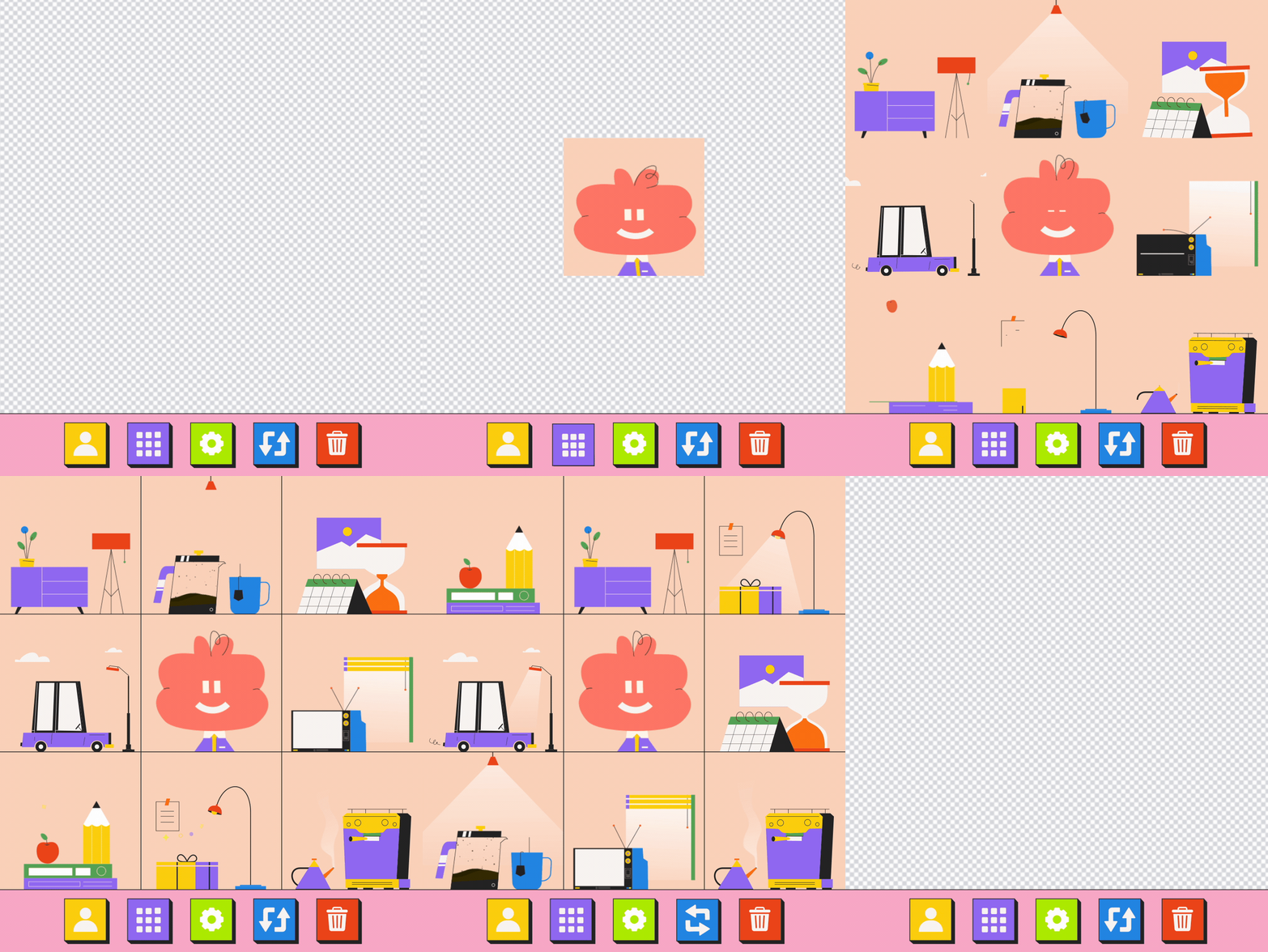
Point Gulp at a folder to browse movies, stills, image sequences, audio, Photoshop and Illustrator files, and PDFs. Numbered frames appear as one sequence with a frame range. Filters can match filenames or extensions, and negative terms can hide matches. Thumbnails, hover-scrubbing, and grid view help identify footage; press Space for a larger preview without importing it. Quick Look can play movies with sound, step through sequences, and show design-file artboards or PDF pages.
Drag a file to the timeline, a composition, or the Project panel. Sequences remain sequences. The Import action brings selected files in as footage and sorts them into media folders you choose. Photoshop files can come in merged, with all layers, or with a selected layer.
Build comps from design files and CGI renders
Gulp can make compositions from Photoshop or Illustrator artboards and PDF pages, either for the whole document or a selection. Photoshop imports can preserve editable type, masks, and layer styles. Illustrator art can remain as vector artwork or be split into individual shape layers; placed images and live type can also remain separate when the source document supports them.
For CGI work, Build assembles a composition from a multipass EXR or from a beauty render with separate pass sequences beside it. It names the pass layers and routes their channels. Gulp also recognizes light groups, depth passes, PuzzleMattes, and Cryptomatte passes. It reads the render files, so the workflow can use output from renderers such as Redshift, Arnold, Octane, V-Ray, Cycles, or Houdini when they produce multipass or multichannel EXRs.
Gulp Tonemap applies view transforms to scene-linear renders, including ACES 1.0 and 2.0 SDR, AgX, PBR Neutral, Reinhard, and Hable. Build can add the effect to a composition. Gulp Light Mixer uses light-group passes to adjust each light's intensity, colour, and temperature; its Remainder row accounts for other light contribution, and the documented 100% settings reproduce the original render.
Manage project media and colour settings
When footage is missing, Relink searches a folder you choose and proposes matches for sequences, stills, and movies. You choose between multiple matches, and the relink operation can be undone as one step. Tidy project previews its proposed folder organization before moving items, with one undo to restore the prior layout. Gulp can also watch an incomplete render and extend its composition as new frames arrive; if earlier frames appear, it asks before shifting the shot.
For Dropbox, OneDrive, and iCloud files marked as online-only, Gulp shows the status and lets you download selected media. It displays the file size before downloading, and downloads can be cancelled while you continue browsing. Gulp sends the composition open in the viewer to Premiere Pro as a Dynamic Link clip. For an OCIO composition, it can bake the view transform for Rec.709 or sRGB output into a wrapper composition, leaving the After Effects composition unchanged.
Gulp reads the project's colour engine, OCIO configuration, working space, and bit depth, then compares them with the render workflow. An EXR may state its primaries, but not its transfer function, so Gulp asks what you rendered to instead of guessing. It can change the bit depth and can patch After Effects' OCIO configuration for ACEScg imports; that patch keeps a backup and can be undone. Other project settings the script cannot change still require manual adjustment. Version 2.1.0 adds Gulp Transform for footage After Effects has read in the wrong colour space; choose the footage's colour space and the working space. Build can add the effect for a mistagged render through an experimental preference.
Compatibility, installation, and trial limits
Gulp requires After Effects 2024 or later and runs on Windows 10 or 11 with x64, or macOS 12 or later on Apple Silicon or Intel. Install and license through the aescripts + aeplugins manager, which also installs Gulp's native plug-ins, or use a ZXP/UXP Installer. Restart After Effects after installation, then open the panel from Window > Extensions > Gulp.
The trial allows five composition builds and five imports. Browsing, Quick Look, thumbnails, and relinking do not count toward those limits. The trial excludes Gulp Tonemap, Light Mixer, Send to Premiere, render watching, splitting passes to disk, building from multiple folders, and editable Photoshop or Illustrator text. The product listing says Gulp 1 licence holders can update to version 2.0 at no extra charge.