Build grids from After Effects project media
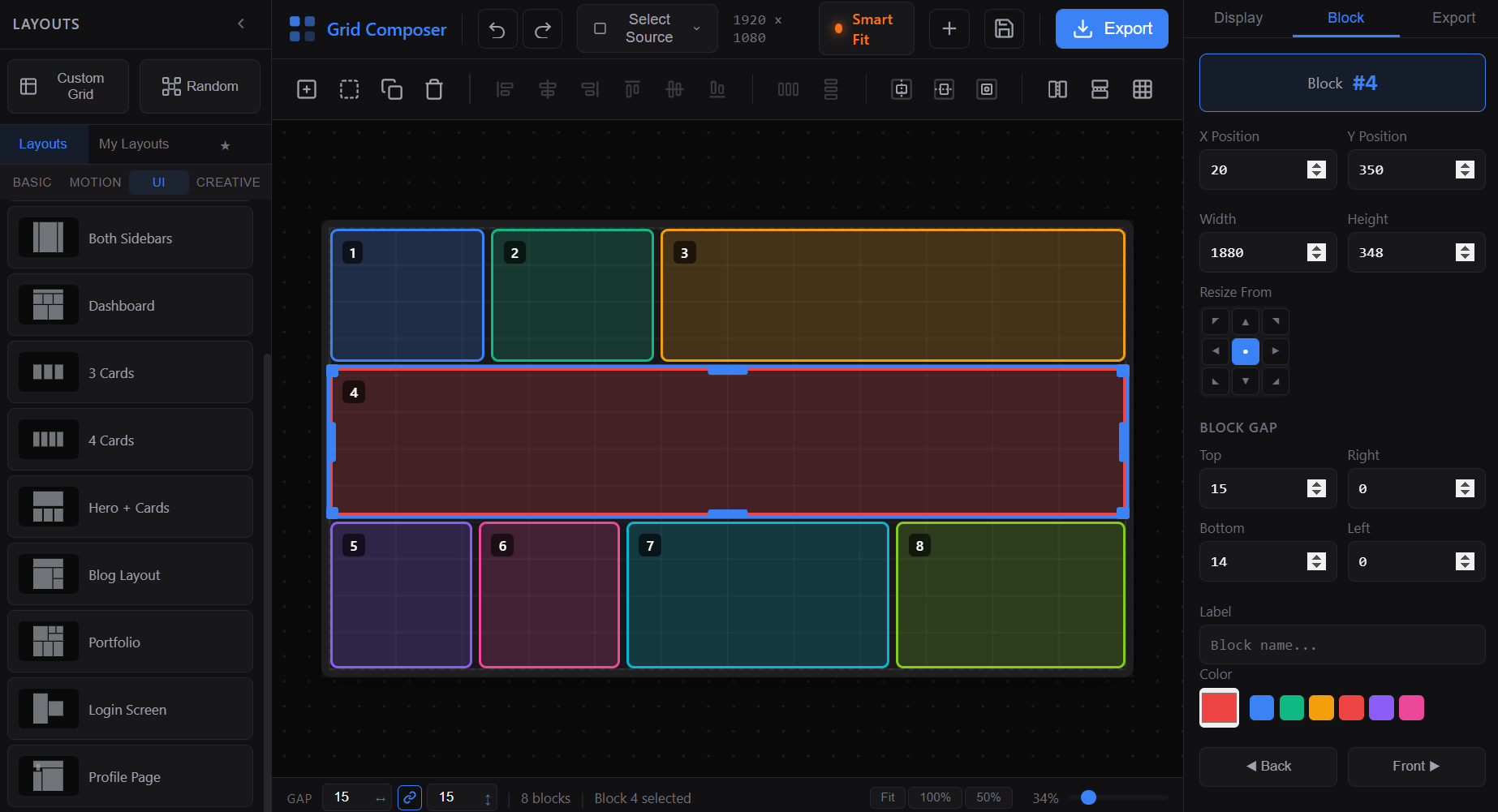
GridTrend arranges images, video, or vector files from the After Effects Project panel into a grid composition. It suits artists preparing portfolio or social media showcases, with an option to place a profile picture in the center. You can also make a grid without a profile picture or create an empty grid with precomps for adding media later.
Set up and fill a layout
In Settings, choose the composition name, size, and frame rate, then set the number of rows and columns. Optional strokes can be configured there, and settings can be saved for reuse. For a centered profile picture, use an odd number of rows and columns, such as a 3 by 3 grid. Assign the profile image with the Person button, then select the other media and generate the grid. Without a profile image, the selected media count must match the number of grid cells. With one, select one fewer item because the profile image occupies a cell.
Adjust the grid and organize the project
Use Swap to shuffle media after generation. A Control Layer provides color and width controls for strokes. Additional options include backgrounds, masks, guides, and labels for precomps. GridTrend can organize the project into folders; its Delete button removes only the most recent grid and its folders.
Compatibility and licensing
GridTrend supports After Effects 2020 through 2026. A free trial is available as a preview, while the paid version unlocks the full feature set. The EULA grants use of one copy and allows one archival copy on storage media other than a hard drive. Multiple copies, users, or computers require an appropriate license.