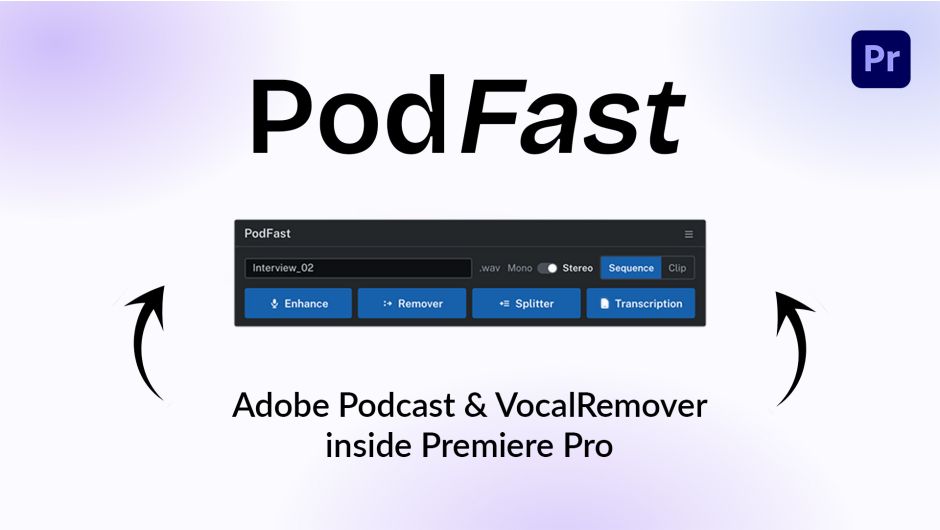
PodFast is a Premiere Pro plugin by Médéric Soltani for audio enhancement, transcription and vocal separation from the editing workflow. Choose an action for a selected clip; PodFast sends the audio to Adobe Podcast or VocalRemover.org and returns the result to Premiere Pro. See the PodFast product listing.
Choose an audio tool
- Enhance: Send speech to Adobe Podcast for AI audio enhancement.
- Transcription: Send audio to Adobe Podcast, then import the transcript into Premiere Pro's text panel.
- Remover: Separate voice from music with VocalRemover.org.
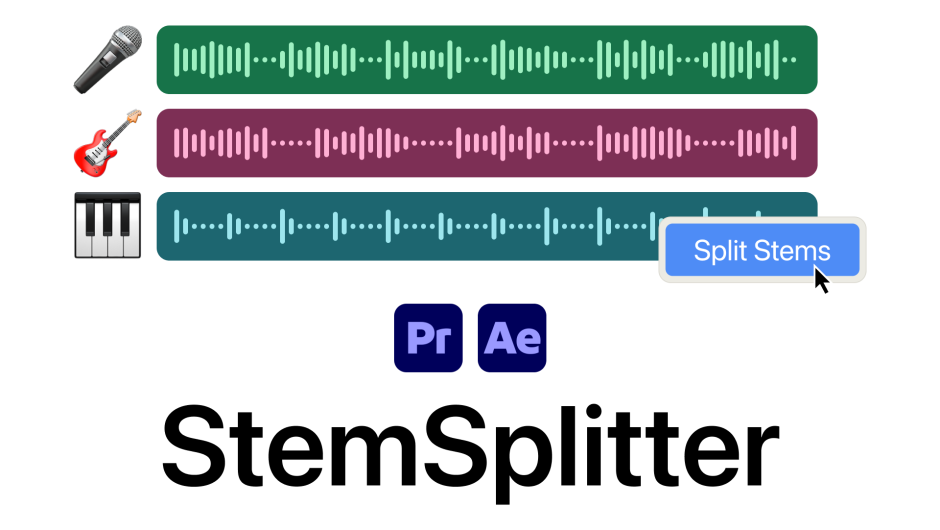
- Splitter: Separate a track into music, vocal, bass and drums, then choose which stems to keep.
Bring processed clips back to the timeline
For processed audio, choose Download to return it to the project. PodFast can place it on a free track beneath the original. Imported files can be renamed and organized in their own bin, with labels and clip behavior configurable in settings. Enhance and Transcription can export audio in mono or stereo.
Requirements and account setup
PodFast requires Premiere Pro 26.2 or later, macOS 12 or later, or Windows 10 version 22H2 or later. Adobe Creative Cloud must be installed. Adobe Podcast enhancement and transcription require a free Adobe account; the listing says no additional subscription is required for those tools.
PodFast 1.1.5, dated November 22, 2026 in the product listing, adds a Show PodFast window button that brings the existing tool view to the front without reloading it.