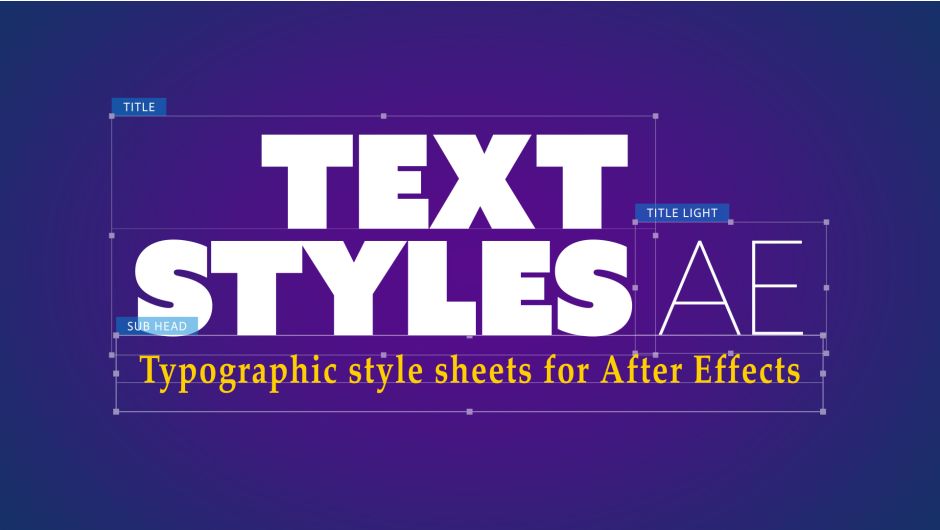
Text Styles AE is an After Effects panel for saving and reusing typography styles across a project. Create a style from a text layer, apply it to other layers, and update text that uses the style when the design changes.
A saved style can include character settings, paragraph formatting, and supported Layer Styles. This covers details such as font, size, color, leading, tracking, alignment, spacing, and selected effects, so the saved treatment includes more than the font appearance alone.
What a text style includes
Text Styles AE stores character and paragraph settings together. The product listing names these settings:
- Font, size, color, leading, and tracking
- Alignment, indents, spacing, and hyphenation
- Supported Layer Styles, including Drop Shadow and Outer Glow
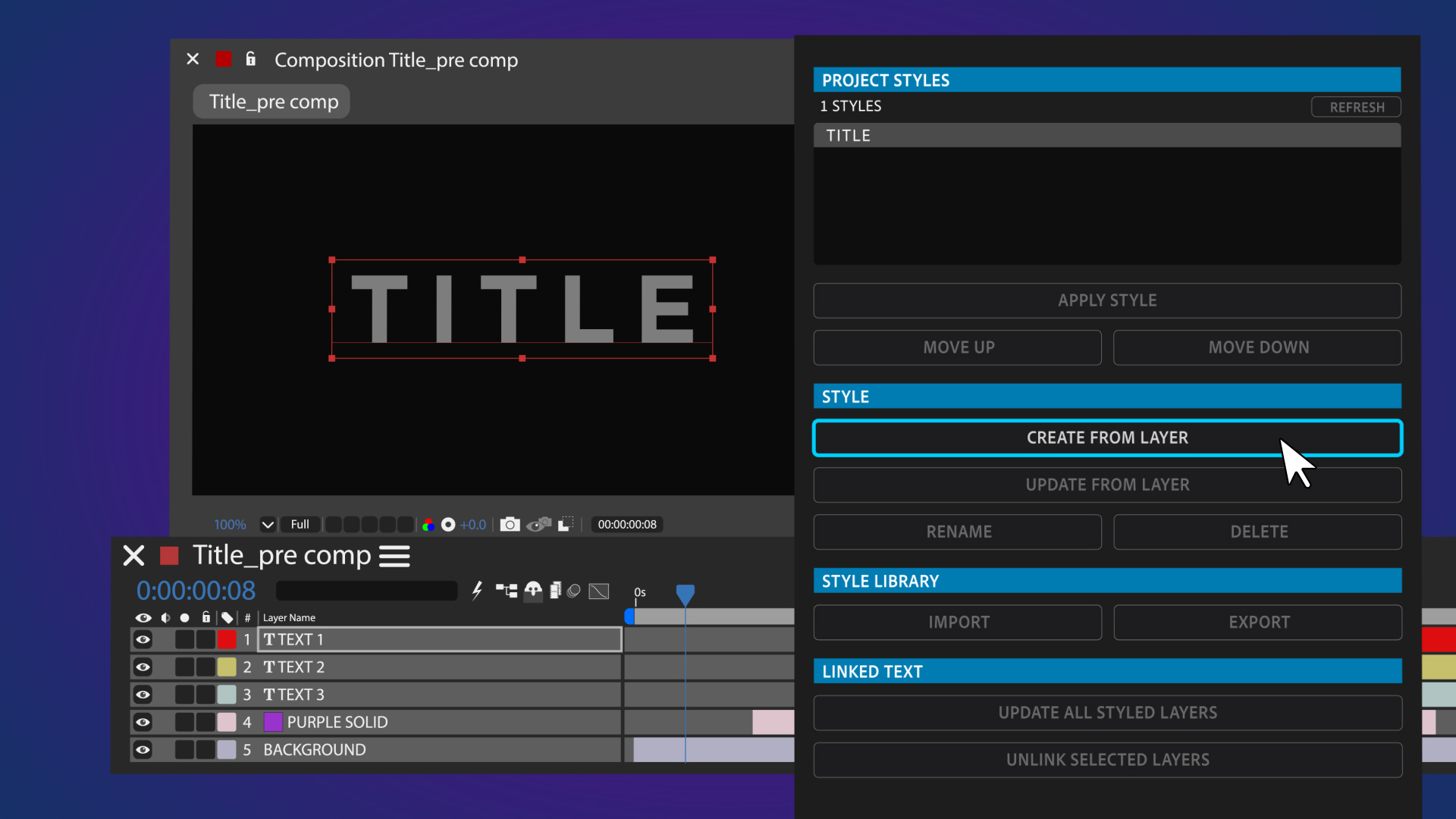
The styles appear in a Project Styles window. You can create as many as needed for the different text treatments in your project.
Create and apply a style
To save a style, select a text layer in an After Effects composition and choose Create From Layer in the Text Styles AE panel. Name the style and it will appear in Project Styles. Repeat the process with other text layers to save additional styles.
To reuse one, select an unformatted text layer, choose the style from Project Styles, and click Apply Style. Text Styles AE applies the saved formatting to that layer. This workflow is useful when several layers need the same typography settings and you want to edit those settings in a consistent way.
Update a style across the project
When the design changes, edit a text layer that already uses the style. It does not have to be the original layer used to create it. Choose Update From Layer to overwrite the saved style with the revised settings.
When the revised style is right, choose Update All Styled Text to update every text layer using that style across the After Effects project. The product listing warns that the original style will be lost during this workflow. If you want to keep a separate version, create a new style from an updated layer before applying the change to all styled text.
Reuse styles in other projects
Choose Export to save styles as a JSON file. Import that file into another project to reuse the styles there, or share it with another designer.
Compatibility and trial
The product listing identifies compatibility with After Effects 2024, 2025, 2026, and 2027, and offers a free trial. See the Text Styles AE product listing for trial and purchase details.