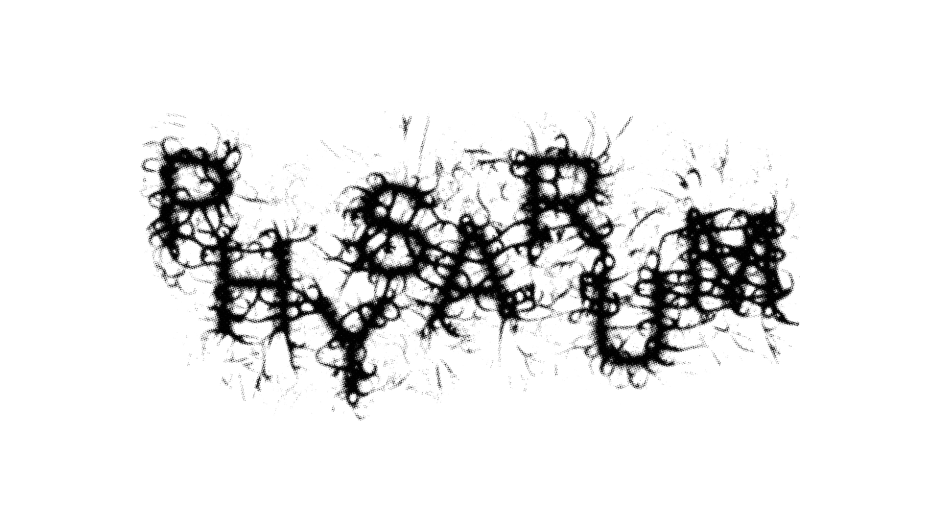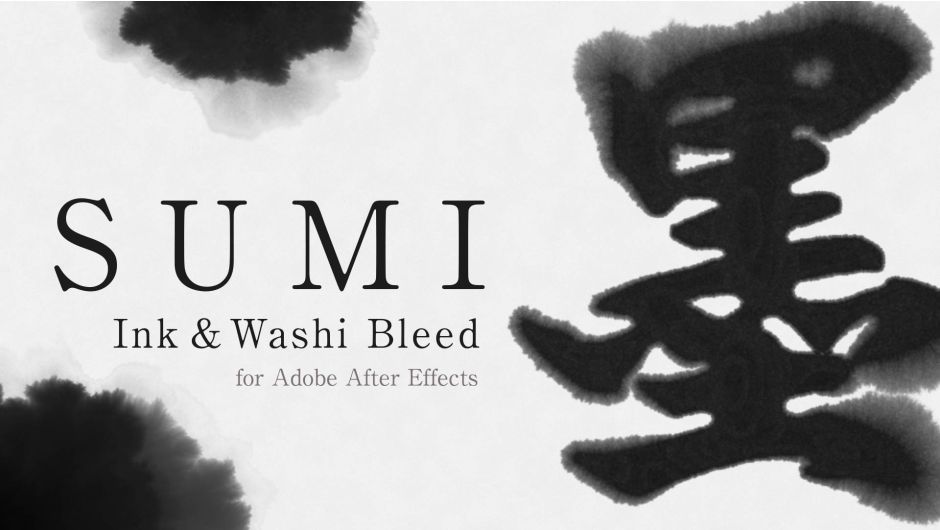
SUMI is a native C++ effect plugin for After Effects that simulates ink travelling through paper. It models washi, watercolor, and kent paper, with controls for directing the bleed drop by drop and frame by frame. The SUMI product listing describes it as a deterministic simulation, with each behavior exposed as a parameter.
Choose the paper or use a texture map
SUMI includes washi, watercolor, and kent paper models. You can adjust fiber scale, fiber strength, and absorbency variation to shape how ink moves through each surface.
For a custom surface, feed any layer into SUMI as a texture map. The effect reads the layer's luminance as absorbency, so a scanned sheet of washi, a logo, or footage can guide where the ink travels.
Place drops by hand, across a region, or along a path
Manual mode lets you craft an individual drop. Scatter mode spreads drops over a region or along a path, with optional splash droplets and radial streaks. Changing the placement changes the resulting image.
In manual mode, a drop can begin from a supplied shape. In Soak mode, ink seeps outward from the shape's outline; in Fill mode, it floods the shape. SUMI supports up to five crafted drops in this shape-based workflow, each with its own color diffusion into surrounding ink.
Shape the pigment and color
The simulation can build pigment up at a drying edge while water runs ahead of the ink. Grain, blotch, and ring textures can appear inside the fill, and overlapping drops darken and blend like wet paint.
SUMI can use colors beyond sumi black. Set a color for each ink and add per-drop hue variation. Where wet colors meet, they diffuse into one another.
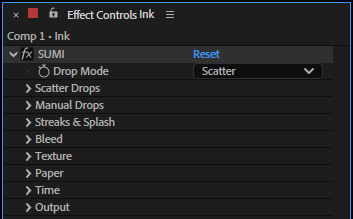
What to expect in the effect controls
The listing describes one effect with eight groups of controls. That structure gives you parameters for the paper, placement, shape, and appearance of the bleed. SUMI is designed to create the effect within an After Effects composition, without relying on stock footage or hand-animated masks.