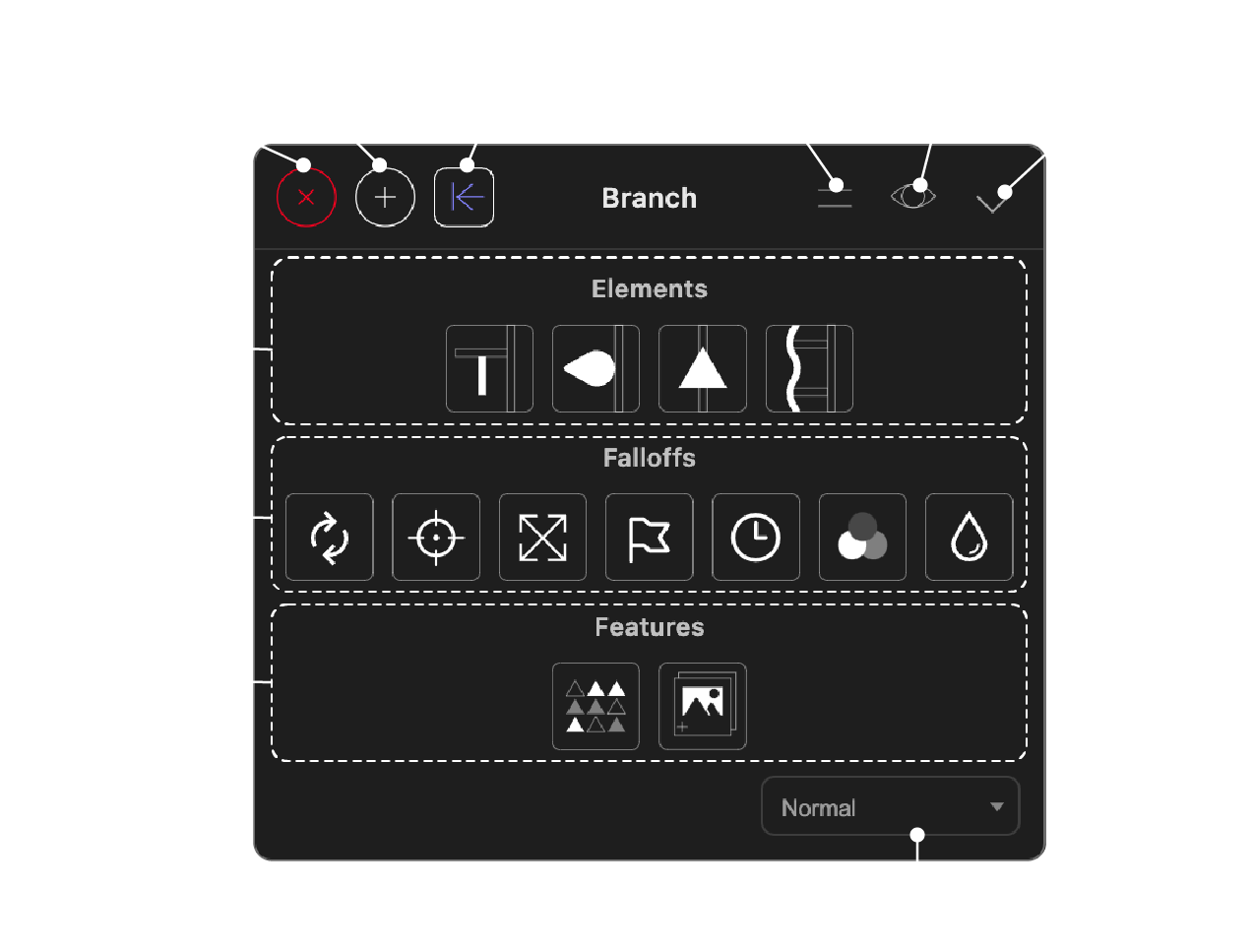
Branchify is an After Effects plugin for building animated branching structures from a path. Add elements such as branches, leaves, trunks, flowers and petals, then adjust growth, timing, scale, wind and variation. It suits motion graphics work that needs branching forms or repeated elements with controls for how they develop over time.
Build and animate from a path
Start with an After Effects path, add the elements for your structure, and adjust them through Branchify's card-based interface. Falloffs let you shape scale, rotation, position, timing, color and blur across the setup.
The plugin includes more than 100 editable presets. You can use one as a starting point, then change its elements and controls for the scene.
Use your own assets and manage the scene
Replace elements with selected images, videos or compositions. Layer-order controls arrange elements from front to back, while 3D Z-depth separates layers to reduce overlap. A Shared Comp can control multiple setups from one place.
These options are useful when a composition needs custom artwork, deliberate stacking or several related branching systems. For a scene that does not need branching elements or per-element animation controls, Branchify's rigging system may add little.
Compatibility and project handoff
The product listing specifies After Effects 2025, 2026 and 2027 for macOS and Windows. Branchify builds setups from standard After Effects compositions, nulls and layers. Collaborators can open and render the files without Branchify installed.
License limits
The listing's EULA, updated Oct 21, 2025, grants a license for one copy and limits use to one computer and one user. It allows one archival copy for reinstallation only, stored on media other than a hard drive. Use by additional users or on additional computers requires an appropriate license for each. The EULA prohibits transferring the license unless the author has given prior express written consent.