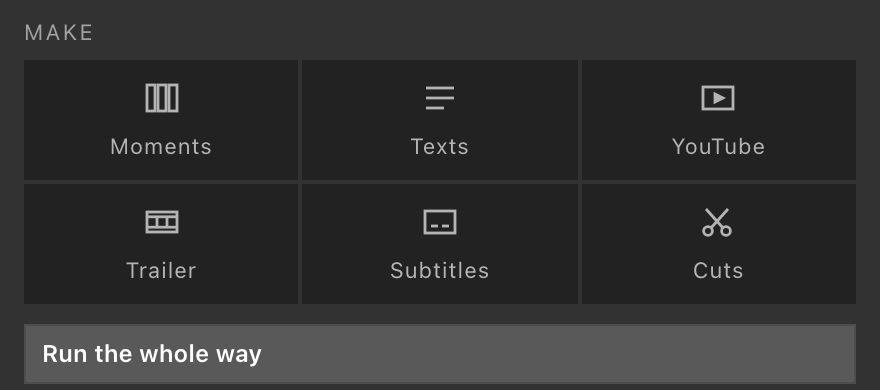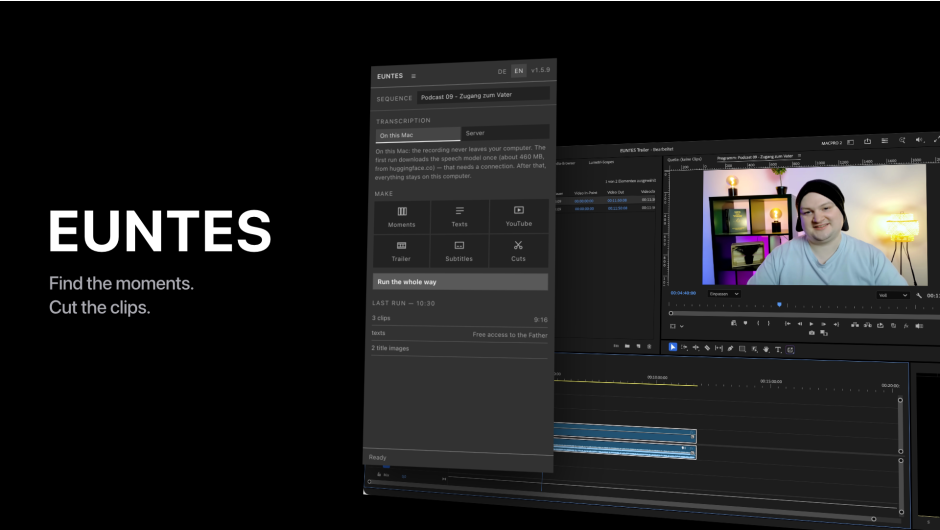
EUNTES is a Premiere Pro tool for turning long recordings into vertical social clips. It transcribes a recording, suggests passages that can stand on their own, and builds the moments you choose as vertical sequences in your project. It is aimed at podcasts, streams, interviews, and talks.
Find and cut moments from a recording
MomentPicker analyzes the recording and suggests passages with a rating, timecode, quote, and explanation of why each moment may work. Suggestions begin and end at sentence boundaries. You can set the clip length and how many moments to find, then look for more options among unused sections without running transcription again.
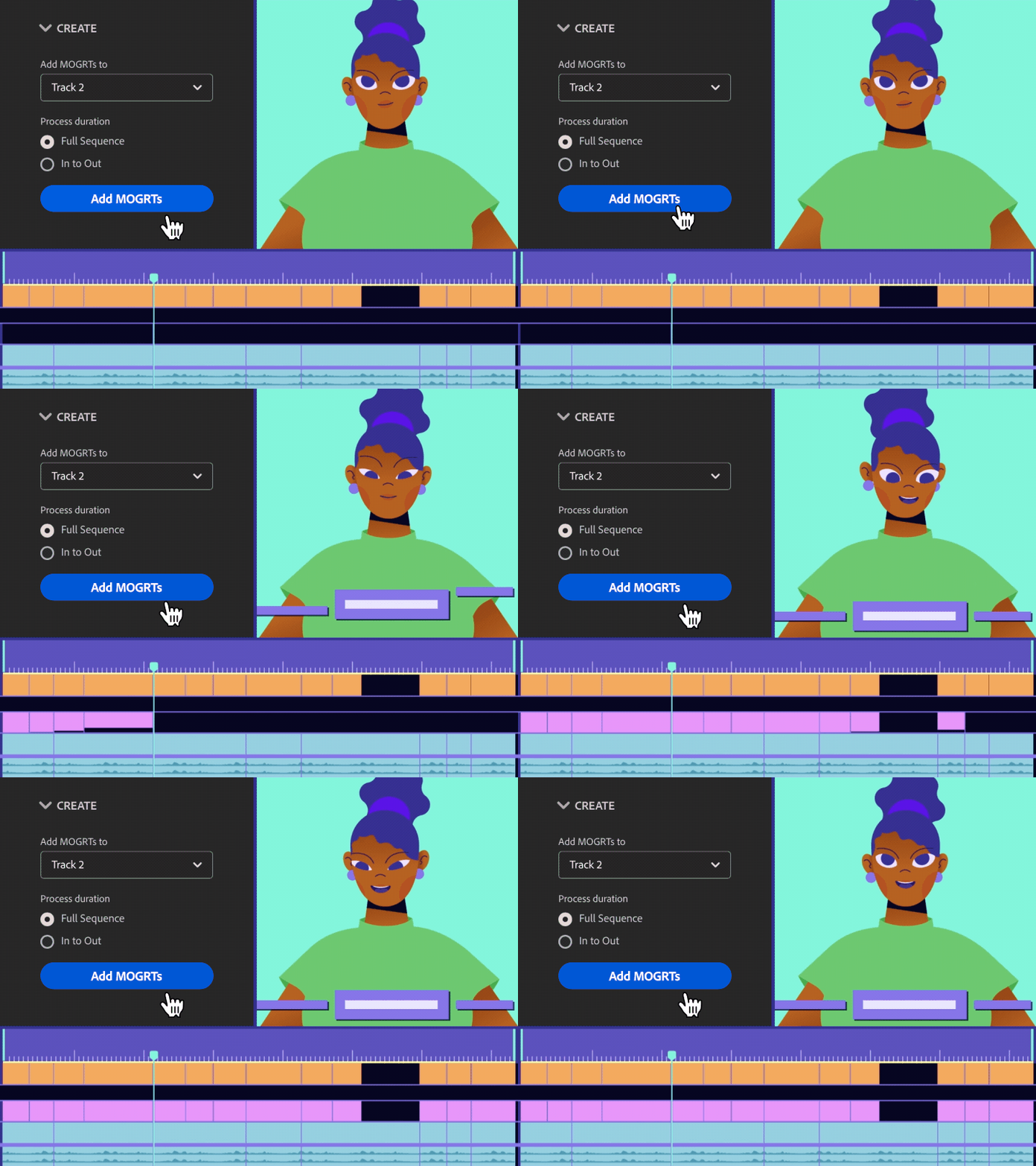
Each selected moment becomes a 1080 × 1920 sequence cut from the master timeline and reframed for portrait. EUNTES places subtitles on a separate track as editable Motion Graphics templates, one per line, with the spoken word highlighted in your chosen color. Controls let you set subtitle pace, character count, and maximum duration. Ten typefaces are included, and you can use your own subtitle templates.
Prepare clips and the full episode
Straight2Social creates a title, YouTube description, Instagram caption, and hashtags for each clip in the recording’s language. You can choose between title alternatives and create 16:9 or 9:16 title images from a still in the sequence. The upload preparation step puts the video, text, and cover into one folder.
For the full episode, EUNTES can prepare a YouTube title, description, chapter marks, and hashtags, with a trailer built from selected short moments. AI Cut identifies slips, filler words, and long pauses. You choose which cuts to apply, and EUNTES makes them on a copy of the sequence so the original stays untouched.
Requirements and costs
EUNTES requires Premiere Pro 2026 or newer. It runs on an Apple Silicon Mac with macOS 14 Sonoma or newer, or on a 64-bit Windows 11 PC. AI analysis requires your own Anthropic API key, with charges billed directly by Anthropic. The product listing reports about US$0.20 for a recording with three clips in the maker’s runs, or about US$0.50 with spelling correction. Transcription can run on your computer at no charge; an optional OpenAI-hosted transcription route uses your own OpenAI account. On Mac, local setup also requires the free ffmpeg utility; Windows does not require it.
The listing describes a 10-day trial with the full product and a one-time purchase. See the EUNTES product listing for current setup and release details.