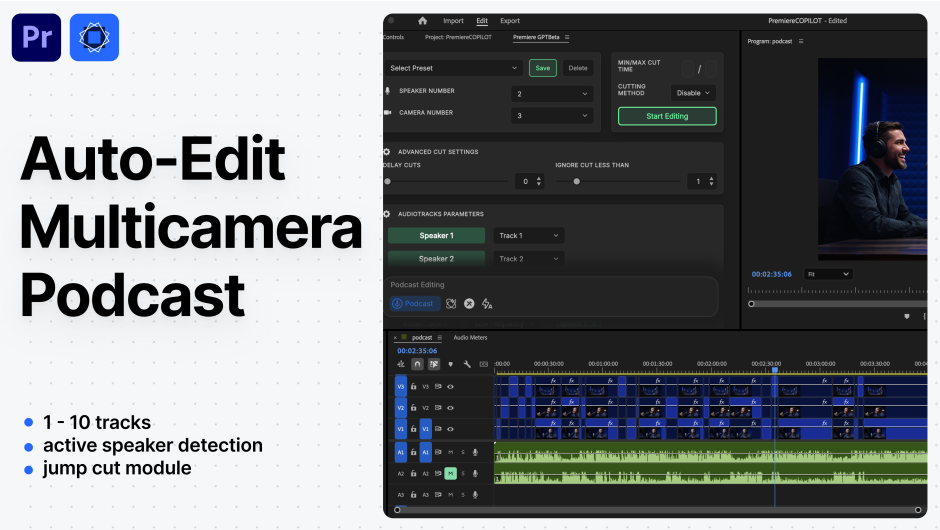
OnMic automates speaker-based camera cuts for multicamera podcasts and interviews in Premiere Pro. It listens to each speaker’s isolated microphone track, identifies who is talking, then switches to the camera mapped to that speaker. The edit runs in Premiere’s panel, so editors can review and adjust the timeline in their existing project.
How OnMic edits a multicamera sequence
After you map microphones to speakers and cameras to the people they show, OnMic uses the audio tracks to choose the active speaker’s angle. Its built-in voice detection is designed to handle overlapping speech, cross-talk and quiet microphones. The developer says audio and video processing happens on your computer, with no cloud upload and no Python setup.
Editors can adjust the cutting pace, set how early a cut happens, and choose how often to use wide shots. OnMic also has settings for reaction shots, snapping cuts to pauses and trimming dead air. The speaking-balance breakdown gives a view of how talk time is distributed after a pass.
What your sequence needs
OnMic is built for a synced multicamera sequence with at least two cameras and a separate microphone for each speaker. Each camera should be on its own stacked video track, with each speaker’s isolated WAV audio on its own track or channel. The panel supports setups with 2 to 12 speakers and cameras. A single shared microphone does not provide separate speaker tracks for OnMic to follow.
In the panel, name the speakers, assign each microphone and tag the camera that shows each person. Then preview the edit.
Review and adjust the cuts
OnMic backs up the sequence before adding its cuts. The developer describes the edits as non-destructive: source clips and audio are left untouched, and you can tweak or undo the switches on the timeline afterward.
Install and start a trial
OnMic has Mac and Windows downloads. After installing, fully quit and reopen Premiere Pro, open Window → Extensions → OnMic, and sign in with a WhereToPodcast account. A free 14-day trial starts without a credit card. After the trial, individual plans are available monthly or annually. If you own a studio on a WhereToPodcast Premium or Premium Plus plan, OnMic is included for up to three people per paid studio. Each account can activate it on up to two computers.
For current installers and plan terms, see the OnMic page from WhereToPodcast.