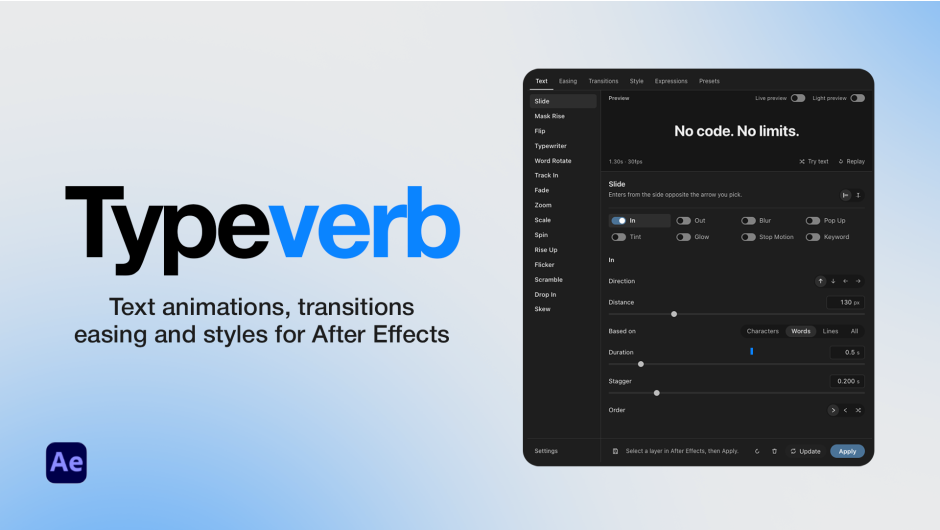
Typeverb is a dockable panel for animating text in Adobe After Effects. Choose a motion, adjust settings such as timing and, where supported, character, word or line behavior, then apply it as native After Effects animators and keyframes. The project can be opened and rendered in After Effects without Typeverb installed.
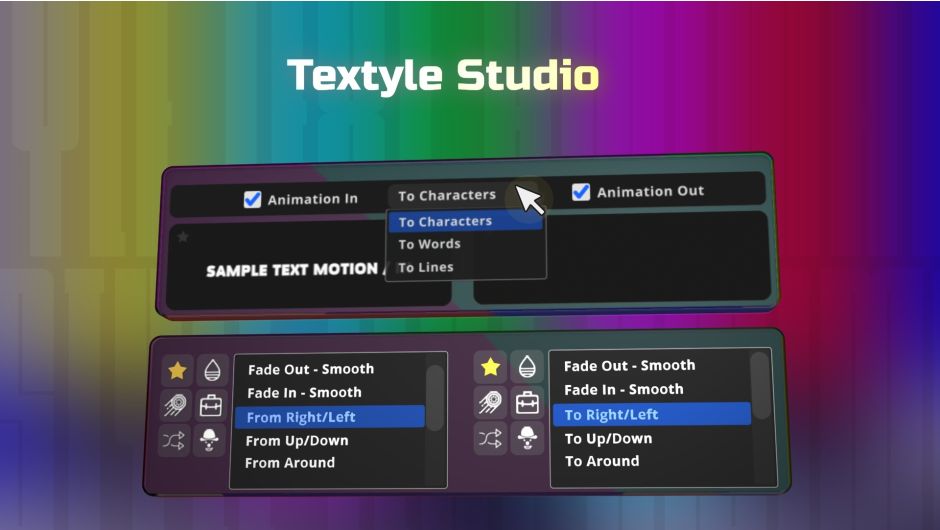
Animate text by characters, words or lines
Text options include Slide, Mask Rise, Flip, Typewriter, Word Rotate and Track In. Each has settings such as direction, distance, duration, stagger and order. You can combine groups including In, Out, Blur, Pop Up, Tint, Glow, Stop Motion and Keyword, then save a combination as a preset.
The Keyword group can mark selected words with a box, underline, circle, strike or color change. Boxes and lines are created as shape layers and timed to the words they mark.
Preview, apply and revise
- Select one or more text layers in the After Effects timeline.
- Choose an animation and adjust its settings while the panel preview plays.
- Press Apply to add the animation to the layer. Edit its keyframes by hand or change Typeverb's settings and press Update.
Update changes the elements Typeverb added and leaves your own animators and effects in place. The product listing says its preview and After Effects use the same calculation. Hexline reports that, across 16 test scenes, the difference was under 0.5% in most scenes and no more than 2.64%.
Motion tools for other layers and properties
Transitions such as Slide In, Blur In, Flip In, Wipe and Pulse can be applied to different layer types. Easing presets apply to selected keyframes on any property. The Style tab includes effects such as Gradient, Shine Sweep, Drop Shadow and Karaoke, while the Expressions tab applies options such as Wiggle, Loop Out, Bounce and Counter without requiring code.
After Effects and Premiere Pro support
Typeverb requires After Effects 2022 (22.0) or newer and runs on macOS or Windows. Some features have limits in older versions. For example, Variable Font Wave requires After Effects 2026, and After Effects 2022 or 2023 treats text with mixed fonts or sizes as one style for letter-by-letter measuring.
Version 1.2 adds beta support for Premiere Pro 2025 or newer with the same installer and license. In Premiere Pro, Typeverb provides 10 text animations and 12 transitions. Easing, Styles and Expressions remain available in After Effects only. The panel starts in After Effects' language and can be changed in Settings; it supports eight interface languages.
Trial and product details
The trial includes every feature. When it ends, Apply requires a license, while previews and Remove continue to work. For current requirements, installation details and version notes, see the official Typeverb listing.