Weave is a film emulation tool for Adobe After Effects. Its dockable panel combines film-inspired color looks with grain, halation, gate weave, flicker and other effects, so editors can shape a clip’s treatment in one place instead of building a stack of separate effects.
Choose a film format and look
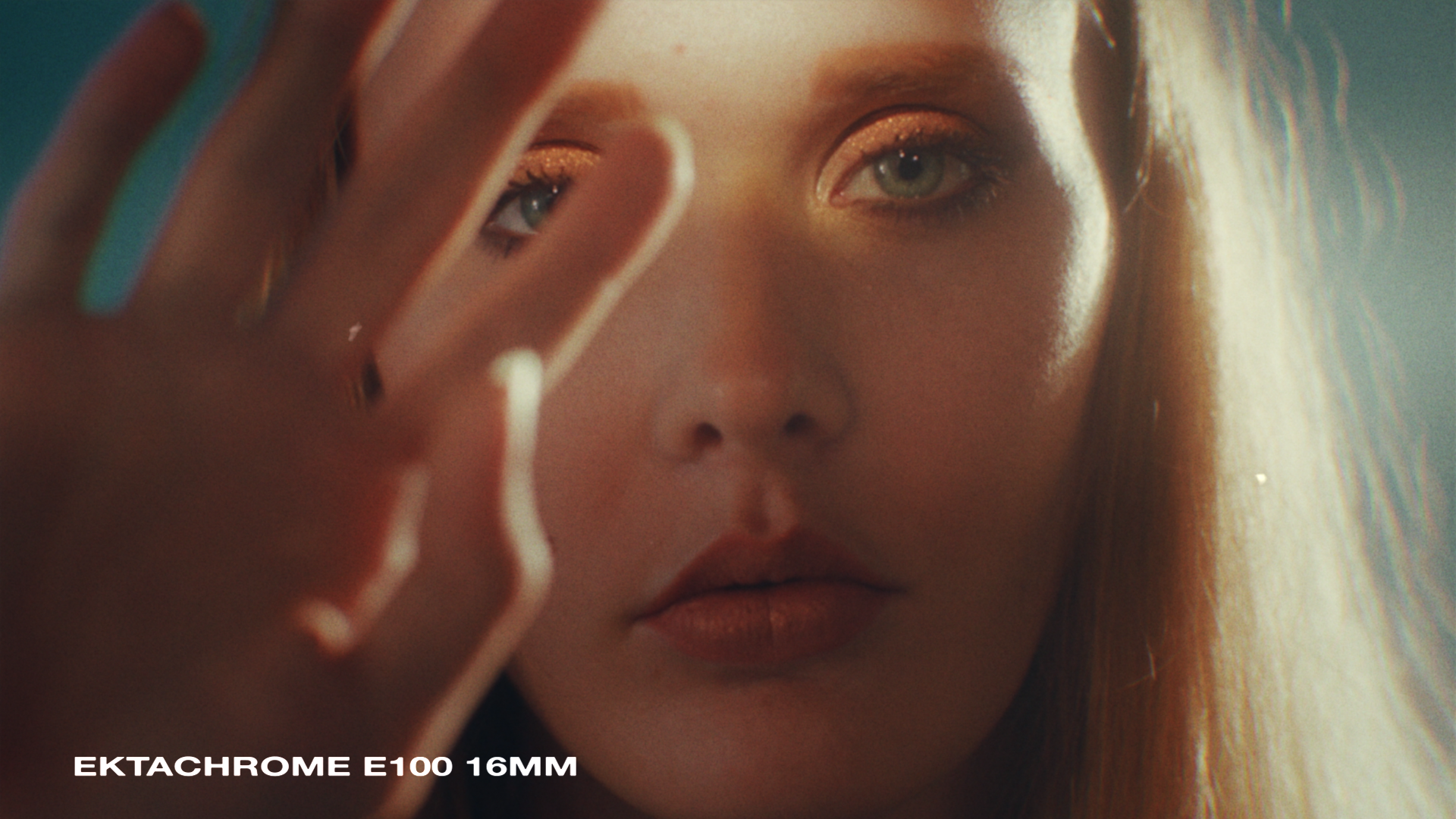
Weave offers 35mm, 16mm and 8mm formats, plus five looks based on the color responses of named film stocks: Portra 400, Kodachrome 64, Ektachrome E100, Fujifilm 400 and Vericolor III. The product listing says the looks are referenced from real test footage. A look intensity control lets you adjust how strongly the selected treatment affects a clip.
The listed stock names describe the styles the presets evoke.
Adjust grain and movement
The 23 interactive controls cover the film format and look, grain intensity, gate weave, flicker, dust and sparkles. Dust and grain are generated procedurally, so their patterns change from frame to frame. Dust intensity and frequency can be reduced to zero, which is useful when a shot needs only a light texture or no dust at all.
Editors can use gate weave and flicker to add movement associated with film projection, then tune their intensity for the clip. Sparkle controls also have separate intensity and frequency settings.
Shape highlights and lens effects
Weave’s halation effect blurs the red and green channels near hard edges where bright areas meet darker ones. Its threshold and intensity controls let you adjust where the effect appears and how strongly it reads. Optional bloom has threshold, radius and intensity controls. The panel also includes adjustable vignetting and chromatic aberration.
Apply the look across a project
A single click applies Weave, and its controls refine each clip. The walkthrough shows the panel used with multiple clips, a dedicated undo button and a control that syncs the panel to the current instance. Editors cutting together stock clips from different sources can use Weave as a last step to give them a consistent film-inspired character. Weave can also give graphics comps a retro film-print look.
After Effects requirements
Weave requires Adobe After Effects 25.0 or later and has no third-party plugin dependencies. Its effects scale from HD through 8K and beyond, and it is compatible with footage of all resolutions, sizes, frame rates and lengths.
See the Weave product listing from New Gun for the current trial, download and product details.