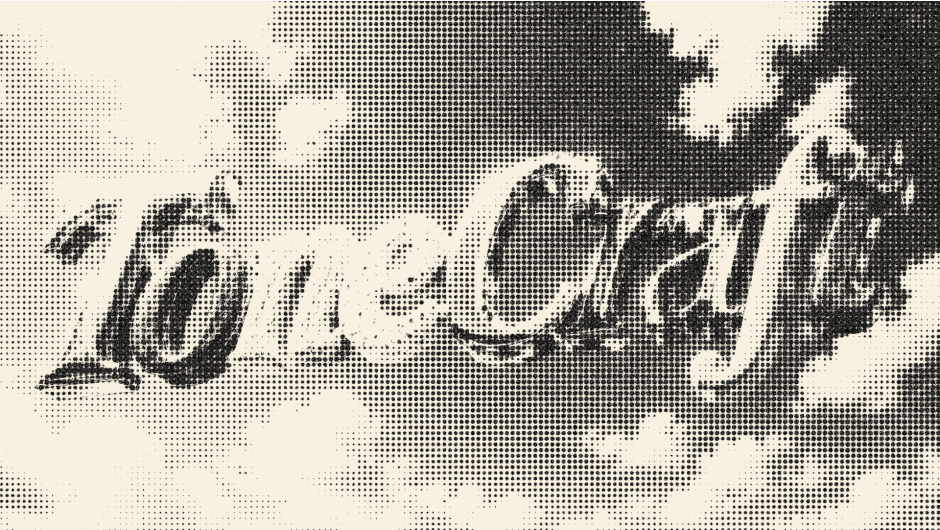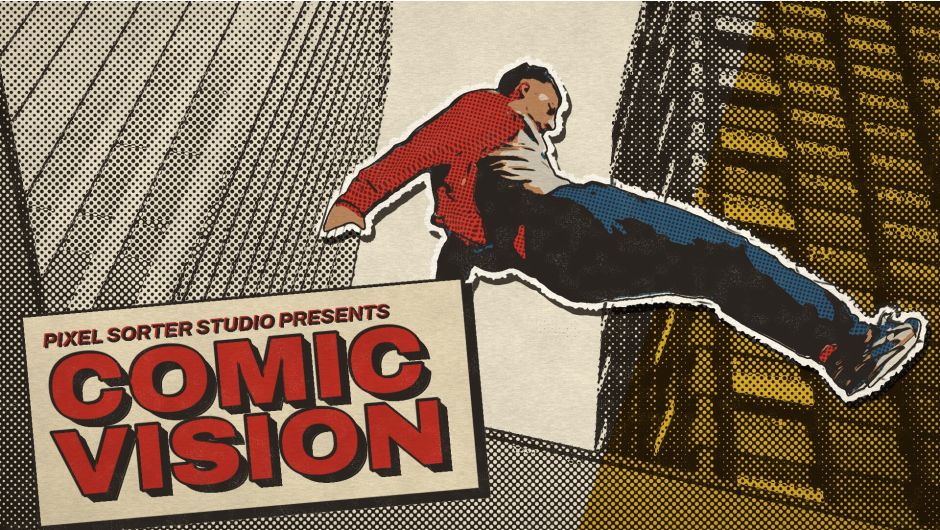
Comic Vision is a video effect by Pixel Sorter Studio that turns footage into an animated comic-book treatment. It combines flattened colors, ink outlines, halftone screens and separated color plates, then varies the look with motion. AI person detection can give people a clean outline and rim glow while the background gets stronger dots and offset color plates. It suits editors who want to shape a motion-responsive comic look inside a supported host app.
Build the look around the shot
Start with a preset, then choose the subject source: AI Person, a Matte Layer or None. AI Person locates people frame by frame; if a frame contains no person, the whole frame is treated as background. Matte Layer uses a supplied matte's alpha or luma, with an option to invert it. In DaVinci Resolve and Nuke, connect the matte to the effect's Matte input. None treats the whole frame as the subject.
By default, the treatment appears on moving areas, leaving still parts of the frame as footage. Subject Only ignores camera moves, so only the person triggers the effect; Everywhere counts the whole frame, and Background Only uses the opposite zone. Set Activate to Always to apply the look across the frame. The Motion view helps you see what the effect counts as movement while you adjust its threshold and softness.
Adjust ink, screens and motion
Set the ink line width and strength, flatten colors into bands, and choose dots, lines or crosshatching for the halftone screen. Misregistration pulls the red and blue plates away from black. Motion Split separates them along the direction of movement, while Split Softness blurs the color fringe without softening the ink and dots as much. Speed lines appear when movement passes a threshold; you can adjust their count, length, width, color and center, and keep them off the subject.
Use print looks and check the result
Comic Vision's 1.1.0 update, dated November 9, 2026, adds print looks that let the subject and background use different treatments. The background can use one or two halftone inks, or a washed tint on cream paper with grain and worn edges. The subject can keep its colors, use four inks, CMYK dots or a single color, and get a paper border and drop shadow. Presets apply starting looks while preserving the subject settings. View modes show the subject matte, motion or ink by itself; return View to Result before rendering. Mix blends the effect with the original footage.
Host support and practical limits
Comic Vision supports After Effects, Premiere Pro and Media Encoder versions 2022 through 2027, DaVinci Resolve 18 through 21, and Nuke/NukeX 13.2 through 17.0. Comic Vision runs on Windows 10 or 11 (64-bit) and macOS 12 or later on Intel or Apple Silicon.
Premiere Pro does not give the effect earlier frames, so motion-based activation cannot detect movement there. Use Activate: Always for the comic treatment. Speed lines in Premiere Pro support Always or Force On, and animation on twos or threes is unavailable. Elsewhere, those animation modes hold each drawing for two or three frames while the shot keeps its timing.
Installation is required to place the effect and download its AI models and GPU libraries. Person detection runs locally on the CPU, and the manual says footage is not uploaded. The Windows installer offers an optional CUDA download for NVIDIA graphics cards. Install Trial is available; trial output displays a red X. The published EULA grants one copy for use on one computer at a time, with appropriate separate licensing required for multiple users or computers.