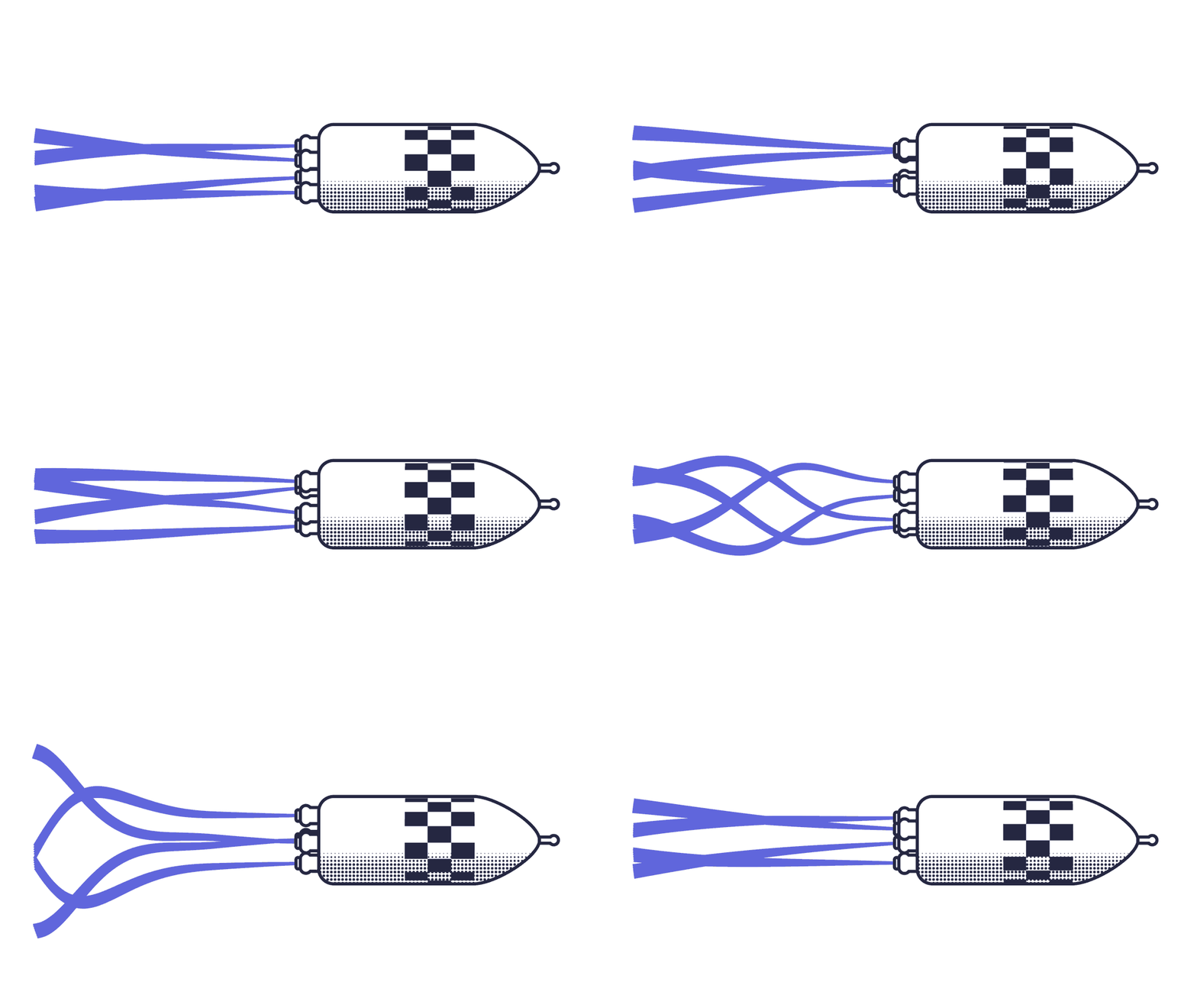
Vortex is an After Effects tool for rigging shape layers and animating their paths. Choose which vertices get controls, add Bézier handle controls, group points under a Pivot, or attach followers that move along a path. This gives you options beyond creating a separate control for every point.
Choose the points and handles to control
Select vertices in the After Effects viewer or in Vortex’s panel preview, which can show several shape layers at once. The preview also lets you select points on paths that already have a rig. Add controls to only the points you need, then add controls for their Bézier handles as masks inside a point controller or as separate layers linked to the point. You can add handles to points that were rigged earlier.
Group points or attach followers
A Pivot groups points so one control can move, rotate, or scale them together, including points on different shape layers. Shared corners can follow the same Pivot, which is useful for keeping adjoining edges together. Pivot Offset moves the center of rotation and scale without moving the artwork, and the offset can be animated.
Followers attach text, objects, or effects to a shape. A follower’s Offset slider moves it along the path, while Follow Rotation turns it to match the path direction. An Average follower sits at the center of a group of points and can move, turn, and scale with that group.
Keep the rig when a design changes
Extract shapes into separate layers or merge layers back together while keeping the controls, Pivots, and followers connected. Vortex also checks whether Extract and Merge would change the results of expressions on other layers. If either operation would change those results, Vortex undoes it. It does not rewrite another tool’s expressions or add a rig to a path that already has one.
For a handoff, Vortex saves standard After Effects expressions and effects in the project. A teammate can open the project, move the controls, and render without Vortex installed, provided the shape layer keeps its Vortex Links effects. Delete with bake removes the rig while preserving the animation as path keyframes.
Vortex and Create Nulls From Paths
Create Nulls From Paths creates a control for every point. Vortex lets you choose points and also provides handle controls, grouped Pivots, and followers with path offsets or group-average movement.
| Workflow | Create Nulls From Paths | Vortex |
|---|---|---|
| Point controls | Creates controls for every point | Creates controls for selected points |
| Bézier handles | No handle controls listed | Controls handles as masks or separate layers |
| Group control | No Pivot listed | Groups points under a Pivot, including across layers |
| Followers | One per point | One follower per chosen point with Offset, or one Average follower |
| Remove rig | No bake option listed | Delete with bake keeps animation as path keyframes |
Requirements and trial
The product listing states that Vortex requires After Effects 2025 or later and works on macOS and Windows with either the JavaScript or Legacy ExtendScript expression engine. The English After Effects interface is the only one tested so far. The listing provides a free trial. After it ends, Vortex stops creating or changing rigs until a license is entered; existing rigs continue to work and render. See the Vortex user guide for setup and operation details, or visit the product listing.