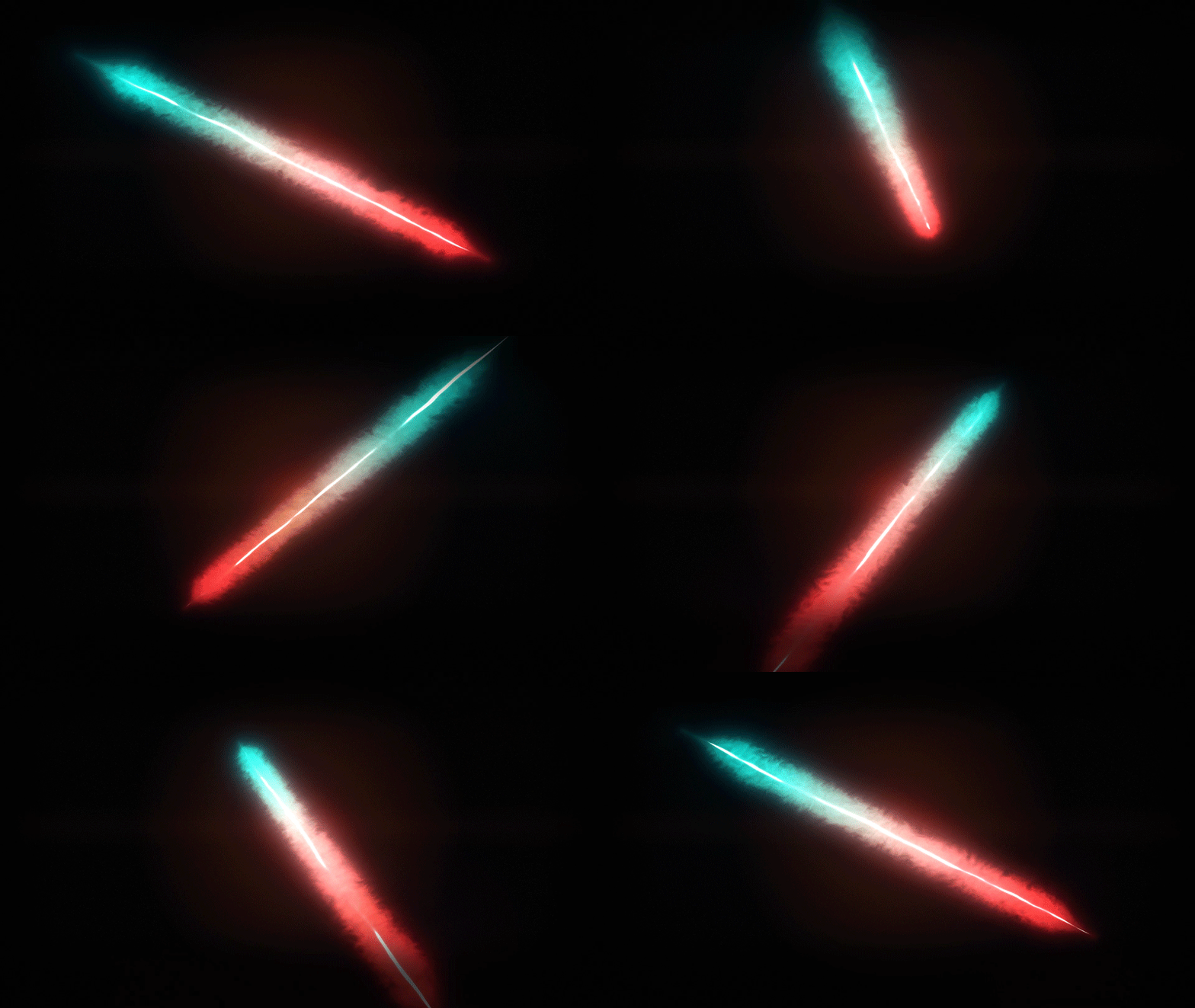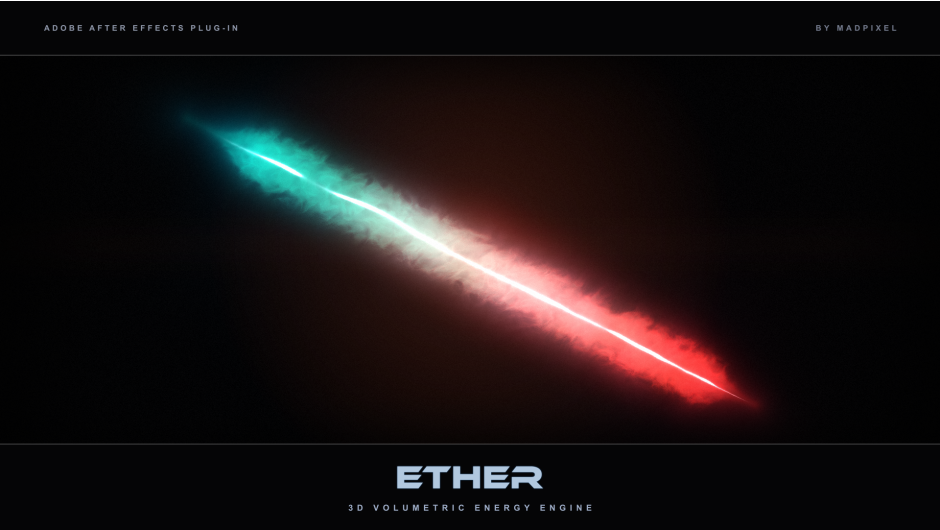
Ether is a GPU-accelerated Adobe After Effects plugin by Mad Pixel for creating volumetric energy beams, plasma filaments and turbulent light fields. Apply it to a 2D solid layer. It supports 32-bpc linear falloff and multi-frame rendering.
Shape and animate beams
Set geometry with a shape type, mask path, or start and end points, then adjust end caps, anamorphic ratio, arc and wave. Controls for core thickness, glow spread and fractal turbulence help shape the beam. Auto Animate, Evolution, directional flow and Wind X/Y controls change the field over time. Embers are also available.
Use the comp camera and choose an output
Ether works in standard 2D screen coordinates or uses its 3D Camera toggle to place the volumetric field in After Effects camera space. Comp camera support, position and rotation controls, and Z-space offset let camera movement create parallax through the effect. Choose output over black, transparent, or the original footage.
Color and style controls
Color options include monocolor, duocolor and Kelvin temperature modes. You can swap dual colors, adjust the core and glow, and add atmospheric haze or chromatic aberration. The control panel also includes a preset selector alongside the geometry, animation and compositing settings.
Compatibility and setup
The product listing supports After Effects 2022 through 2027 and identifies Ether as Windows-only; a Mac version is listed as in development. Install it with the aescripts + aeplugins Manager App, then apply it in After Effects from Effect > MadPixel > Ether. To install a trial, choose Add Trial from the Manager App's Account menu.
The EULA grants one installed copy for use on one computer at a time. Use by multiple people or on multiple computers requires an appropriate license for each copy and user.