Quick Post FX is a Blender add-on for color grading rendered images and viewport results in Cycles with Blender's real-time compositor. It combines 14 filmic color-grading presets with controls for adjusting color and image effects. The add-on works through Blender's node-based compositor, with viewport feedback as you make changes.
Starting a grade
After installing the add-on, open it from the Tools Panel. Click the Composite Button to add the required compositor nodes, choose a color-grade preset, then edit the settings to suit the scene. The product listing describes the workflow for both still images and more complex animations.
Presets and color controls
Quick Post FX includes 14 filmic color-grading composition presets designed to emulate film stocks. Each preset can be edited, so it serves as a starting point rather than a fixed look. The available adjustments include exposure, contrast, saturation, vibrance, brightness and hue. Individual color channels and color balance provide further control, including shifting the overall temperature warmer or cooler.
The presets span looks from naturalistic to stylized.
Compositor effects and viewport feedback
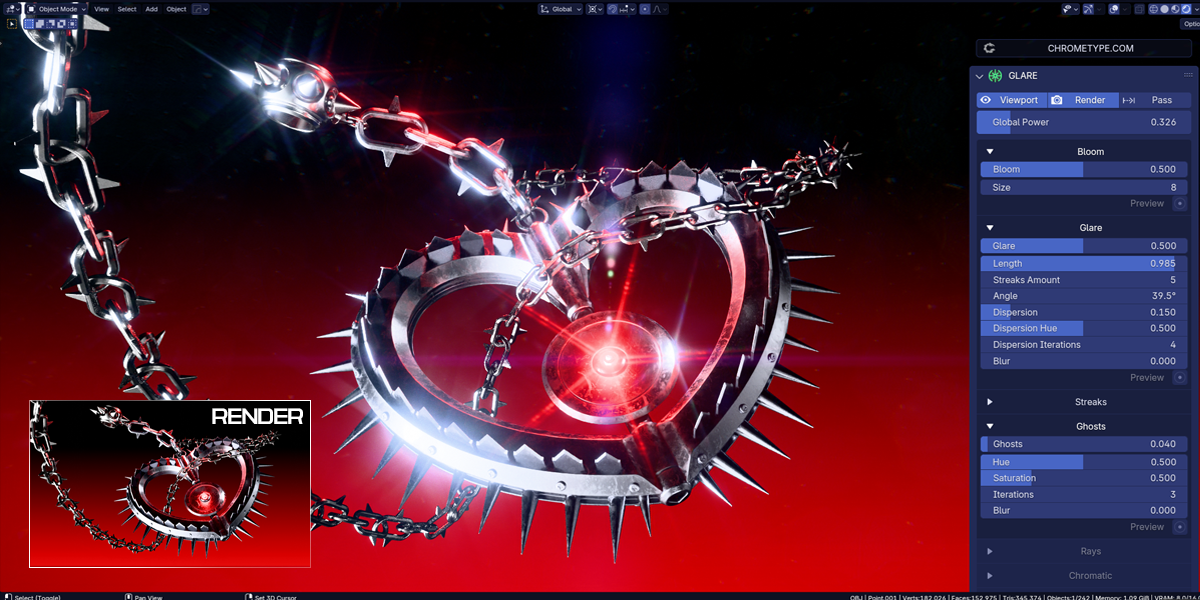
Alongside color grading, the add-on includes blur, vignette and lens-distortion filters. Bloom and glare effects have adjustable intensity, size and shape. The listing describes real-time viewport feedback, letting artists review changes as they work without waiting for lengthy renders.
Compatibility and license
The Superhive product listing identifies Quick Post FX as GPL licensed and names Blender versions 4.0, 3.6 and 3.5. Check the listing for current compatibility and license details before installing.