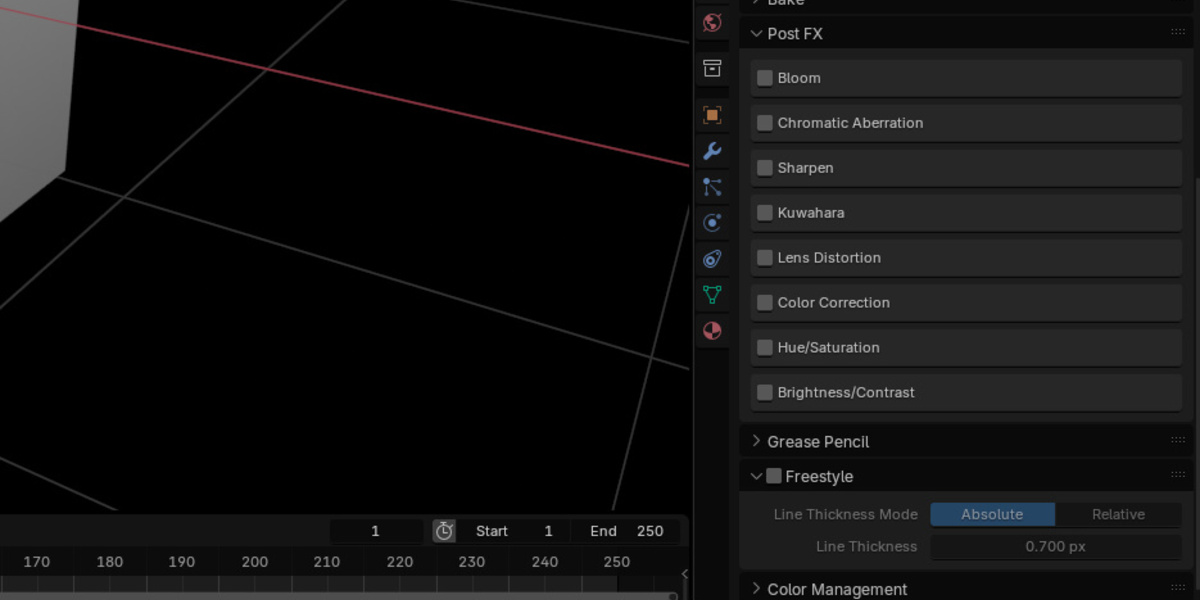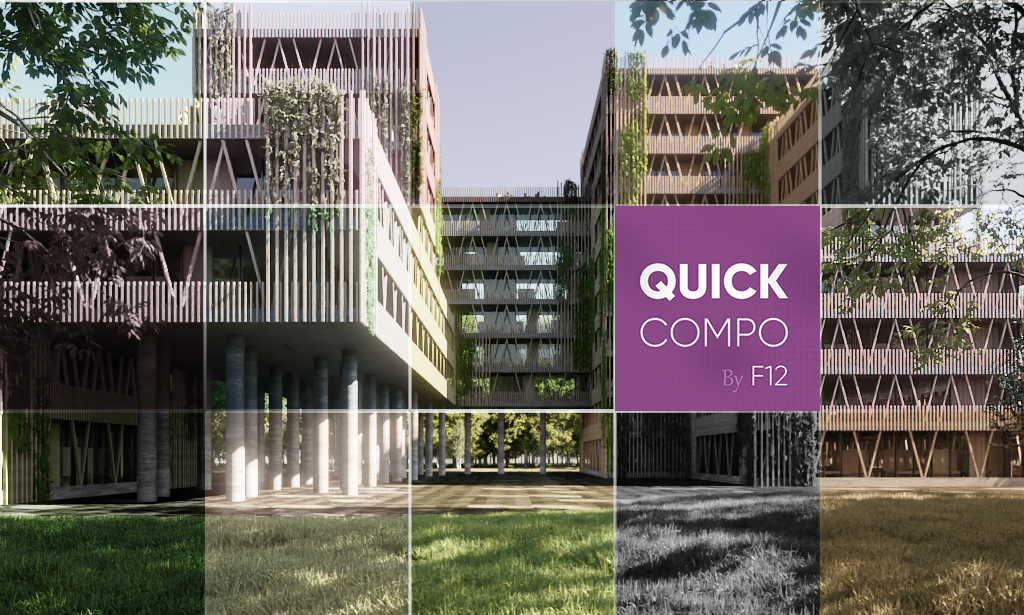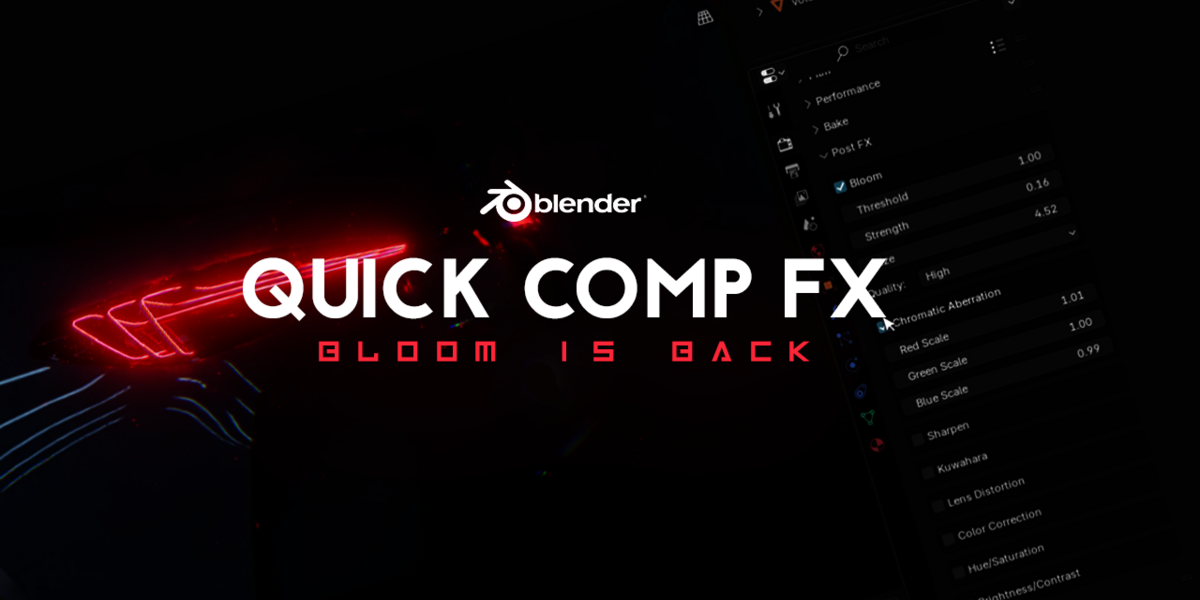
Quick Comp FX With Bloom is a Blender add-on by EdenWeby 3D for applying post-processing effects from the Properties panel’s Render tab. Its Post FX controls let you enable and adjust effects without building compositor node setups. The add-on automatically enables Blender’s compositor when you use an effect.
Effect controls
The add-on groups several render adjustments in one place:
- Bloom: adjust the glow threshold, strength and size.
- Color correction: control exposure, gamma, contrast and saturation. Separate hue/saturation controls include value as well; a distinct brightness/contrast adjustment is also available.
- Chromatic aberration: adjust the red, green and blue channels separately.
- Sharpen: set the effect’s strength and radius.
- Cartoon/Kuwahara filter: use edge-preserving smoothing and adjust its size.
- Lens distortion: control distortion amount and dispersion.
Using Quick Comp FX With Bloom
- Install the add-on by drag and drop, as described in its documentation.
- Open Blender’s Properties panel and select the Render tab.
- Find the Post FX section and enable the effect you want.
- Adjust that effect’s parameters for the scene.
The effects work in both the viewport and final render, and you can combine them. The documentation says the effect order is optimized for results.
Compatibility and listing details
The documentation says Blender 4.0 or newer is required and no additional dependencies are needed. The marketplace details list Blender 4.0 through 4.4 and name Cycles and Eevee as the render engines used. The marketplace identifies the license as GPL. The product FAQ says it works with the latest Blender but does not name a release. Check the product listing for your exact Blender release. The documentation covers installation and the Post FX controls.