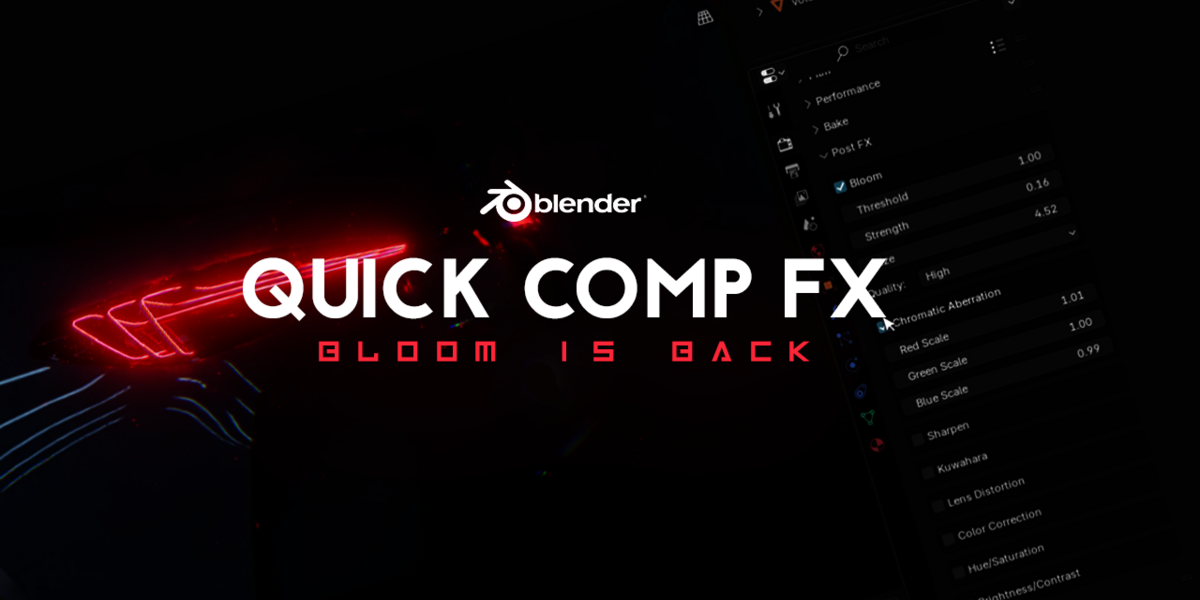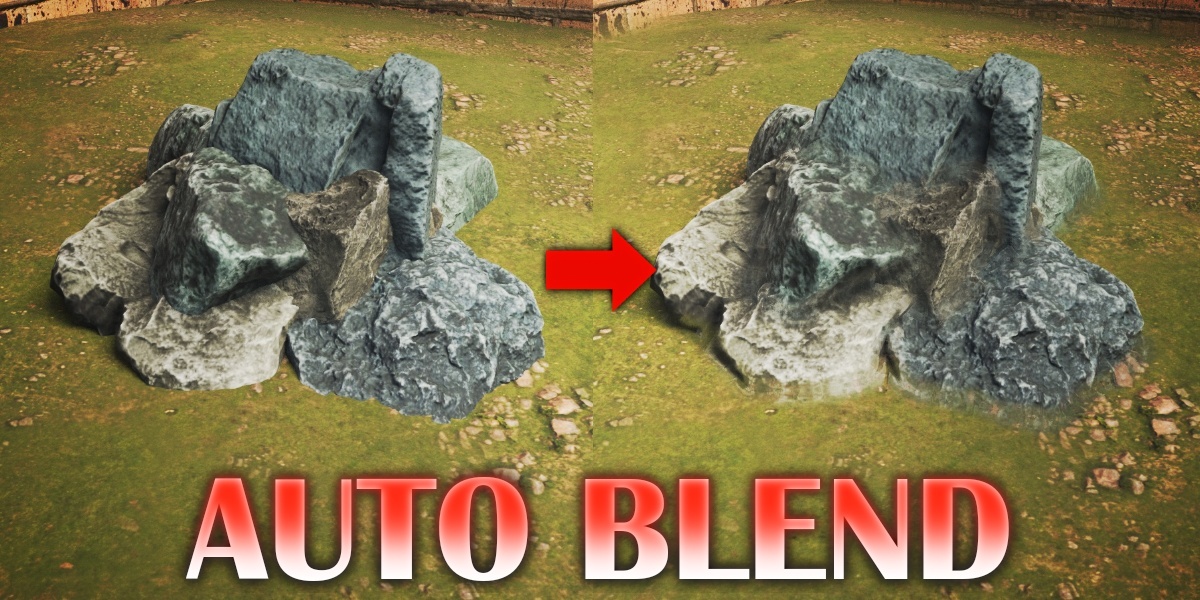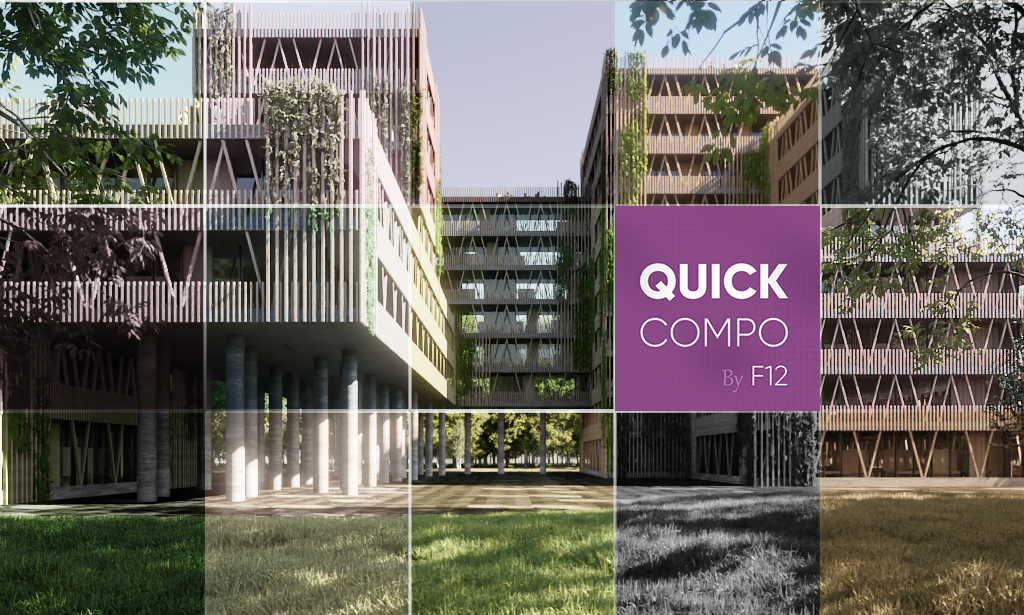
Quick Compo is a Blender compositing add-on for applying and adjusting effects on a render. It includes more than 30 presets that you can select and preview on your image, then customize to change its look after rendering. The presets give Blender artists prepared starting points for post-processing while leaving room to adjust each one.
Effects included
The filters cover color, lighting, optics, render passes, framing and volume:
- Color: Color Manager, Tint, Tint by Luminosity, Vibrance, Temperature and Saturation.
- Luminosity: Lighting Adjustment, Lighting and Clarity.
- Optic: Sharp, Noise, Glare, Anti-Aliasing and Lens Distortion.
- Passes: Background, Glossy Direct, Glossy Indirect and AO.
- Geometry: Vignette and Crop.
- Volumetric: Volume.
Customize and reuse presets
You can customize a preset, save the result as a new preset, and export or import presets to keep or share your setups. The listing also notes that scene color and luminosity may affect a preset, so you may need to adjust its exposure for your image.
Advanced users can edit the Quick Compo node tree, add nodes and save the result as a preset. The listing marks this feature as experimental. Export custom presets before removing the add-on; they can be imported again after reinstalling.
Compatibility and render workflow
The Quick Compo product listing gives a Blender version range of 3.2 through 4.4. It says the add-on is compatible with Blender's Realtime Compositor and works with both Cycles and EEVEE. An update for Blender 5.0 is not guaranteed, so check the creator's listing before relying on a newer version.
- Some effects use render passes. Enable “Initialize Quick Compo” before rendering; the add-on sets up what those effects need.
- Keep the compositor window open while using Quick Compo. The listing says Blender will not refresh the render if that window is closed.
- For faster compositor previews, render at low dimensions first, then render at full size once the look is ready.
Who might use Quick Compo?
Quick Compo is suited to Blender artists who want preset-based control over color, lighting, lens effects, passes or framing in a render. Its reusable presets support repeatable looks, while experimental node-tree editing gives advanced users another way to build custom setups. Check the version range carefully if your Blender installation is newer than 4.4.
The documentation tab links to Discord, BlenderArtists and a tutorial. The product listing says its documentation is in progress.