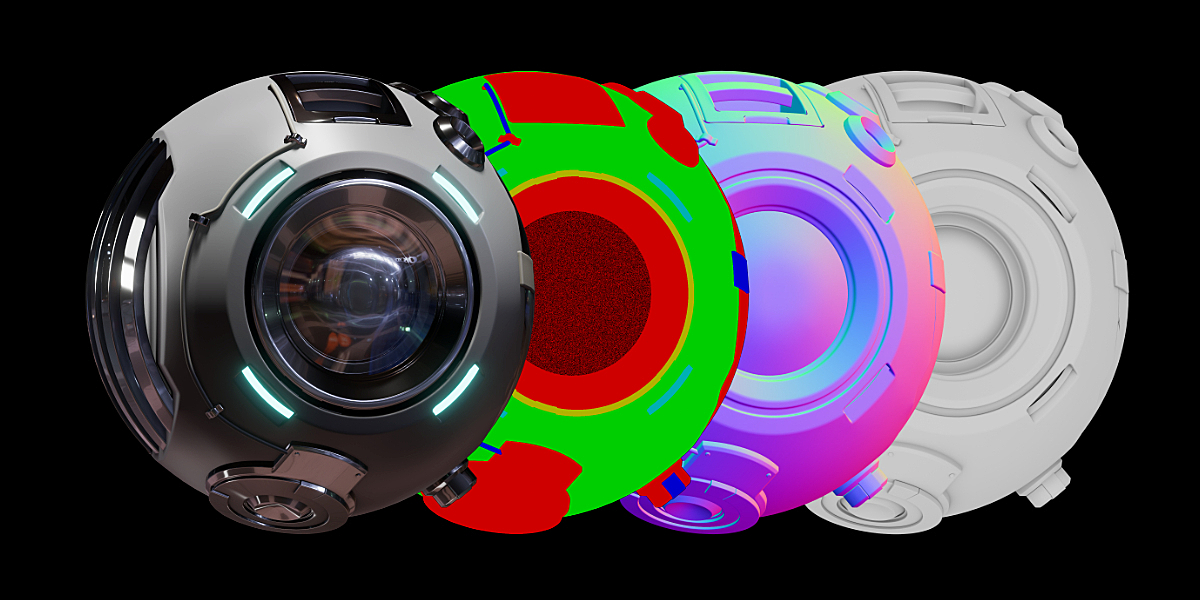
Blend Craft is a Blender compositing add-on by 3D Tudor. It sets up the compositor from the N-Panel, where you can adjust included passes and effects. The Superhive listing says one click enables passes such as Color, Ambient Occlusion, Light, Transmission and Mist, then prepares the layers for compositing.
Set up passes from the N-Panel
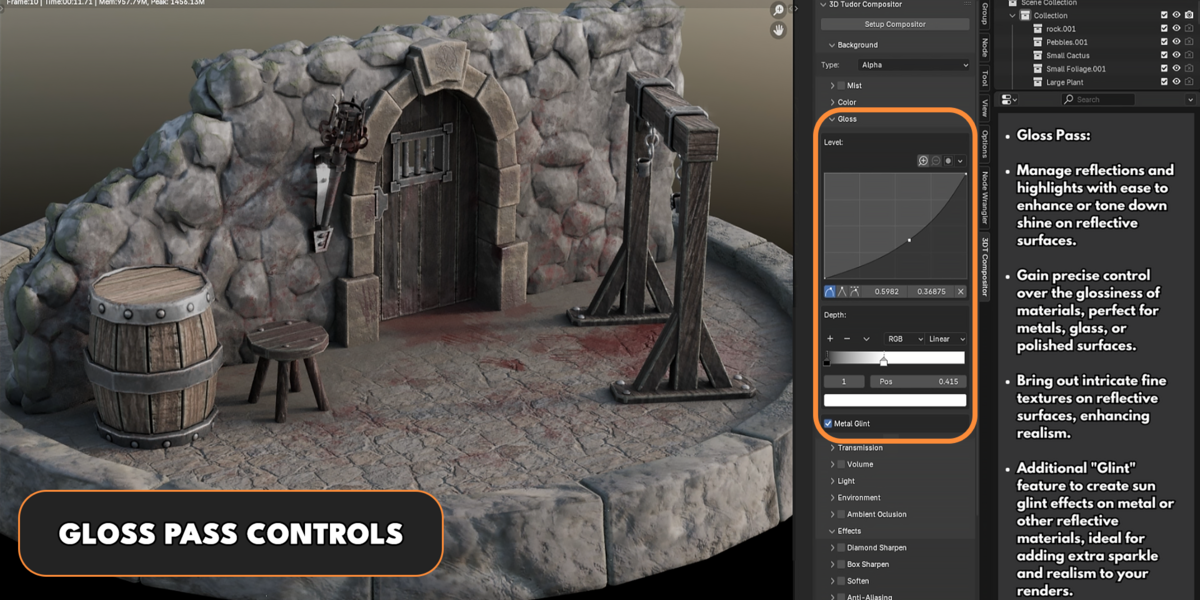
After the initial setup, its N-Panel controls let you adjust several render passes without building those node connections by hand. This can help Blender newcomers get started with compositing and give experienced artists quicker access to repeated pass adjustments.
Passes, backgrounds and effects
Blend Craft’s listed controls cover several parts of a rendered image:
- Mist settings include color, depth and intensity. Volume controls cover effects such as fog and smoke.
- Color controls include hue and contrast. Gloss adjusts reflections and highlights, while Transmission covers light through glass, liquids and translucent surfaces.
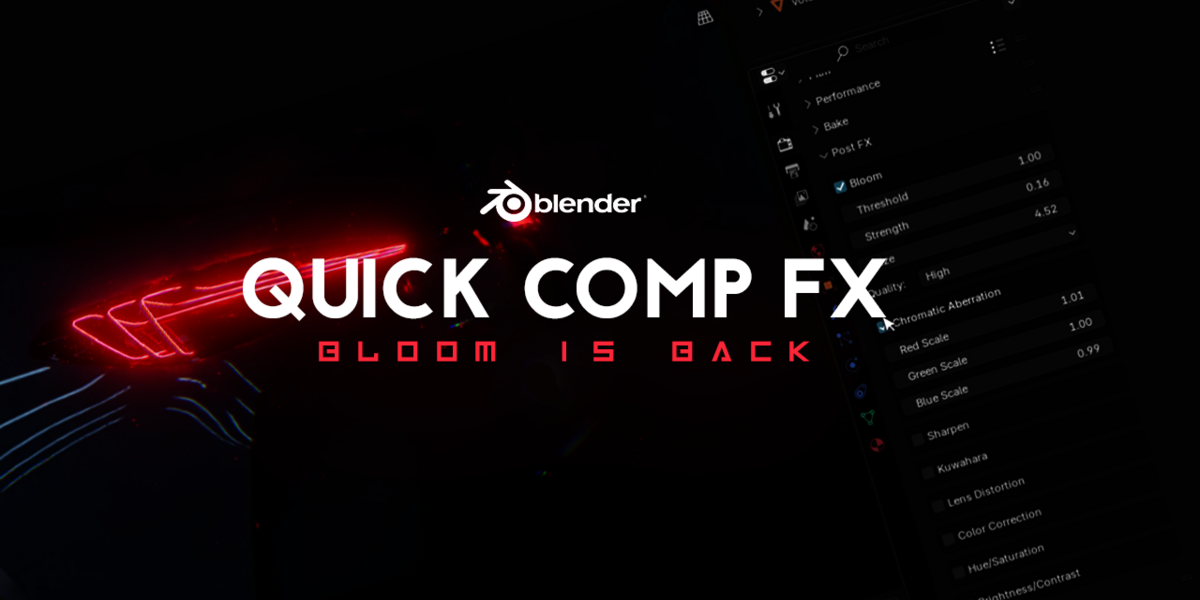
- Light Management includes brightness, glare and bloom. Environment controls adjust background lighting, and Ambient Occlusion affects shadows and surface detail where objects meet.
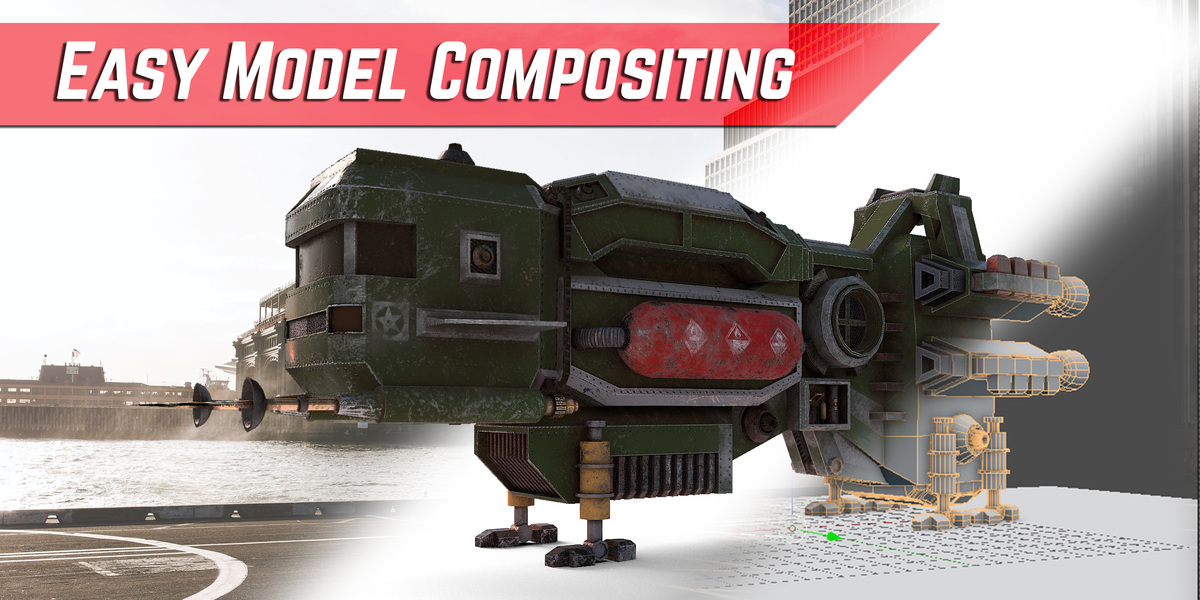
- For backgrounds, choose Blender’s default, an alpha channel or a custom image. The listing describes controls for image size, position, darkness and opacity.
- The Effects panel includes Diamond Sharpen for image clarity, Box Sharpen for broad sharpening, Soften to blur and smooth transitions, and Anti-Aliasing to reduce jagged edges. Color Balance adjusts lift, gamma and gain; RGB Curves adjusts tonal contrast and brightness per channel; Hue Correct adjusts hue, saturation and value; Brightness/Contrast changes overall light levels; Denoise removes render noise.
These controls are relevant when a Blender scene needs adjustments to atmosphere, reflections, color, background imagery or render noise. The product listing also includes a preview video and links to Blend Craft documentation.
Compatibility and listing details
The Superhive product listing names Blender 4.0, 4.1 and 4.2 as compatible versions and lists the license as GPL. Check the current listing before installing, especially if you use a newer Blender release. Superhive lists an Individual 1 User license at $19.99, a Deluxe Version with a pre-made Aztec environment scene at $34.99, Standard Studio/Business for up to 10 users at $199.99, and Large Studio/Business for up to 50 users at $499.99. Check the listing for current rates before buying.