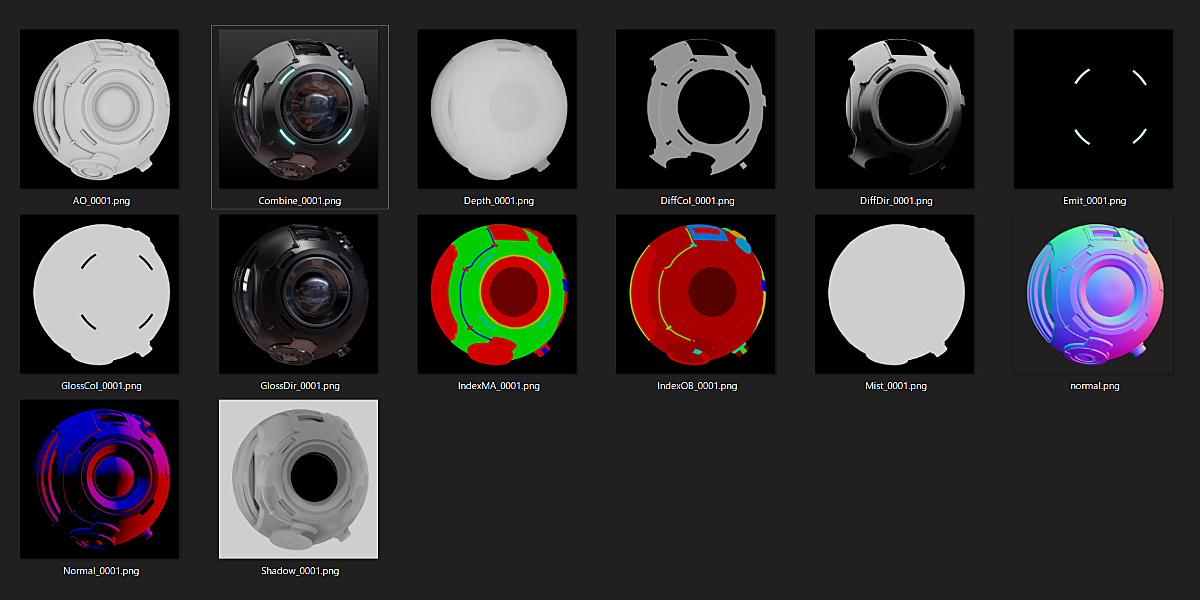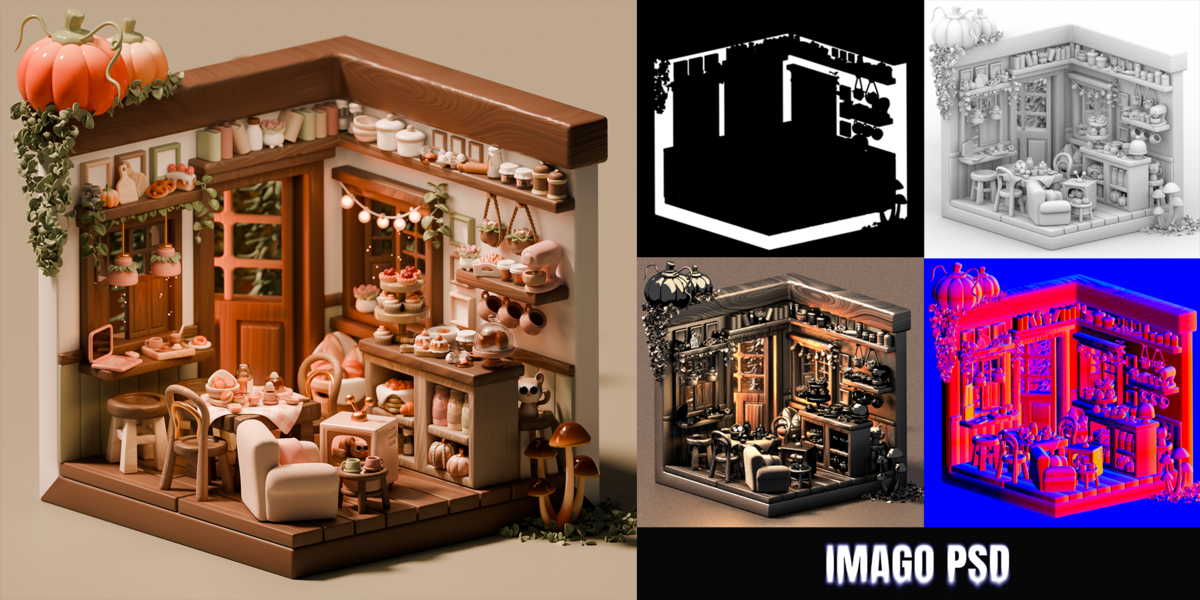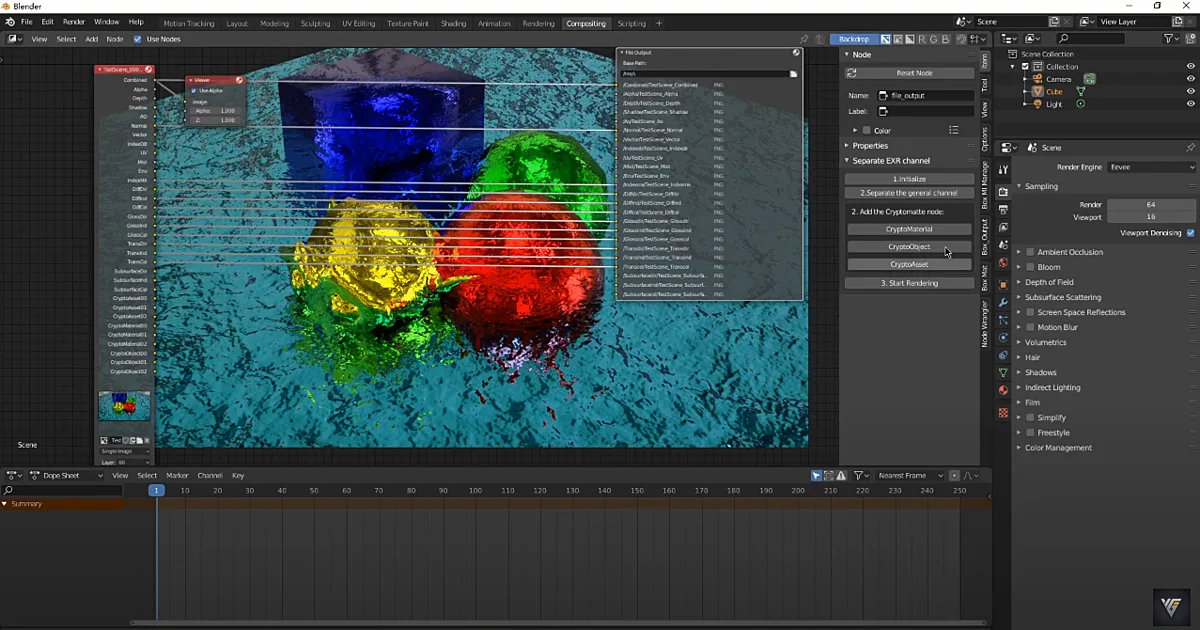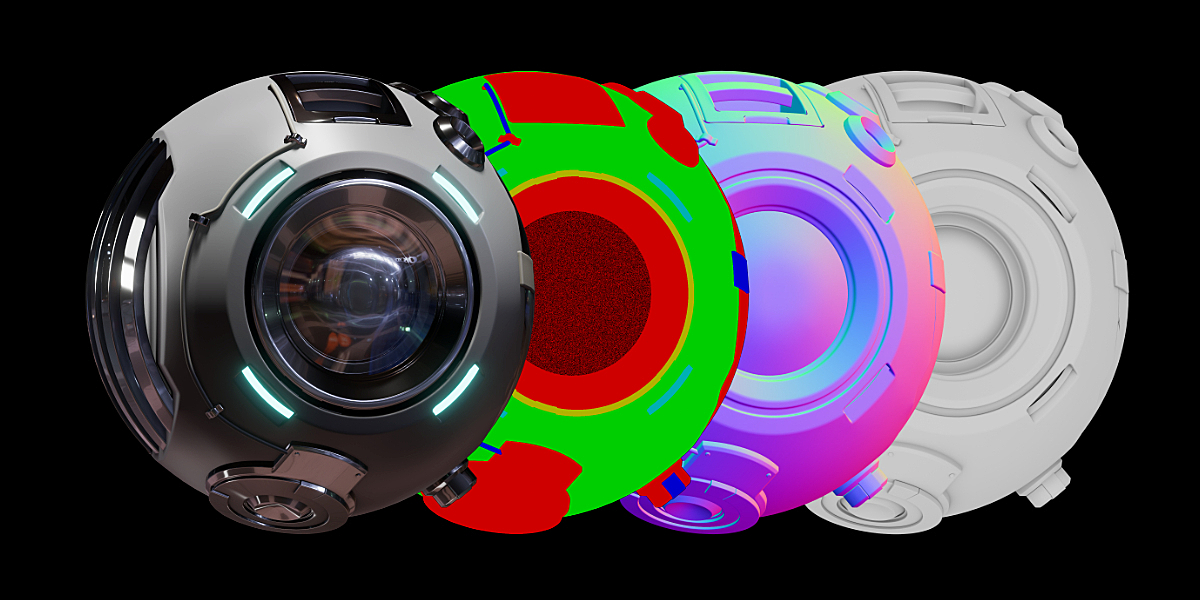
Build Export Node [View Layer Render Pass] is a Blender add-on that builds compositor nodes for exporting view layer render passes as image files. Open Properties > View Layer > Build Export Node and choose a node setup, then render. The add-on prepares the setup; Blender's compositor and File Output node save the images during rendering. It does not render the scene itself, as explained in the FAQ about the add-on's role in rendering.
Build output nodes for view layers
You can create output nodes for all passes in the active view layer or for all passes across view layers. When you build for every view layer, the output is divided into a folder for each layer. View layers disabled for rendering have their output nodes muted.
Prepare depth, mist, Cryptomatte and denoising
The add-on prepares depth and mist maps for export by passing them through a Normalize node and an inverted Color Ramp node. When Cryptomatte is enabled, it connects a Cryptomatte node so you can export a pick image similar to an ID map.
If denoising data is enabled, the node setup can denoise the combined image and ambient occlusion (AO). The add-on can also set up denoising nodes for various passes.
Set paths and viewport colors
Build Export Node can batch-set the path index for materials and objects. Filters include Slots, Selected objects, Scenes and All data. You can apply one value across the selection or set individual values. It can also assign random viewport colors to objects or materials for color-coding in the viewport.
Check compatibility by add-on release
The product listing gives a Blender version range of 2.8 to 5.2. Its documentation adds a release-specific caveat: versions 1.3.7 and later were rewritten for compositor changes in Blender 5.0 and are not compatible with Blender 4.5 or earlier. For an older Blender release, the documentation directs users to an older add-on version. Check the release you download against your Blender version.
Superhive lists the license as GPL.