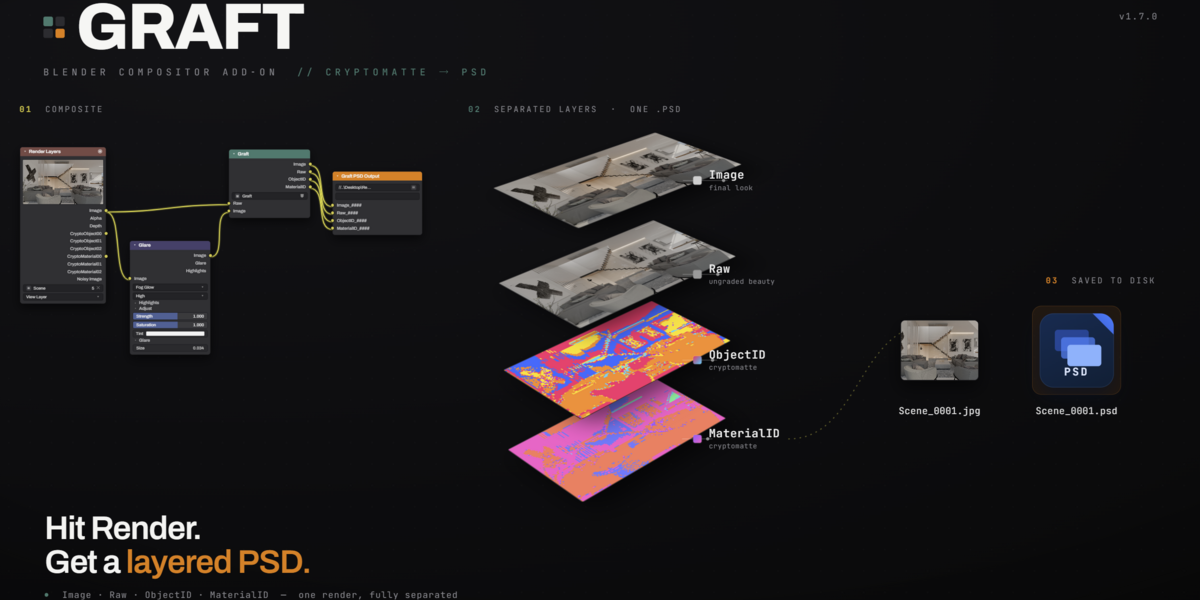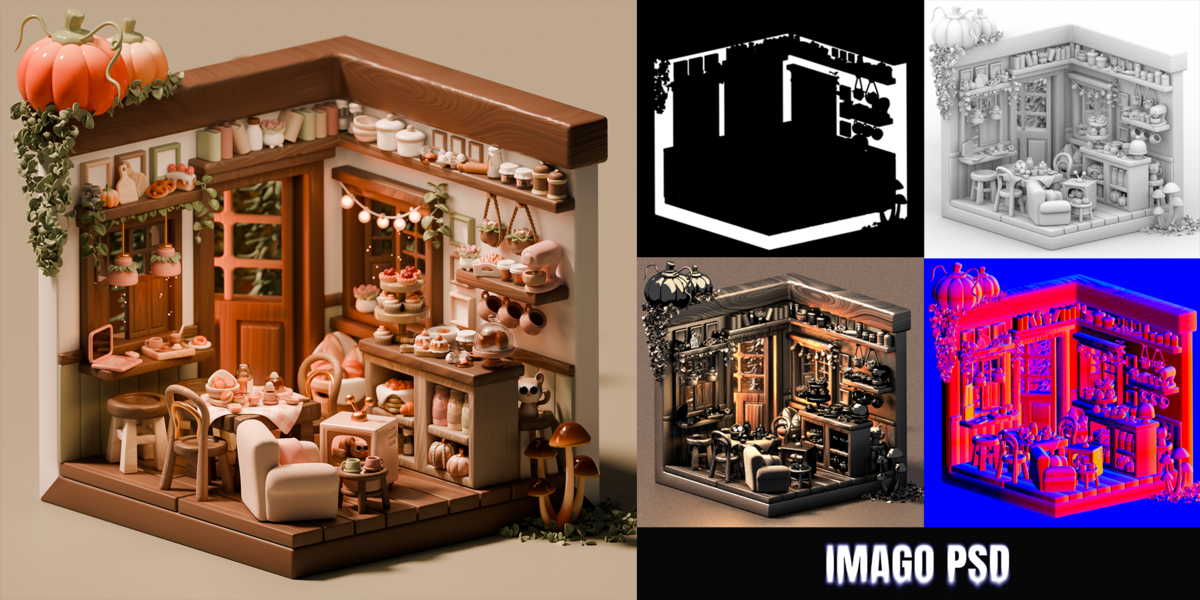
Imago Psd is a Blender add-on for PSD export, with render-pass handling documented for OpenEXR Multilayer output. Its controls are in Blender’s Output Properties, with separate sections for format selection, output settings and Cryptomatte. It is intended for artists who take Blender renders into a 2D editing workflow.
Configure the output
The Format List lets you add or remove formats and adjust settings such as color depth and compression. Output Settings specify the file destination, and the documentation says you must enter a filename. The documentation lists JPEG, PNG, TIFF, WebP, OpenEXR, BMP, Targa, JPEG 2000 and OpenEXR Multilayer among supported formats, alongside PSD export support.
Render passes require OpenEXR Multilayer
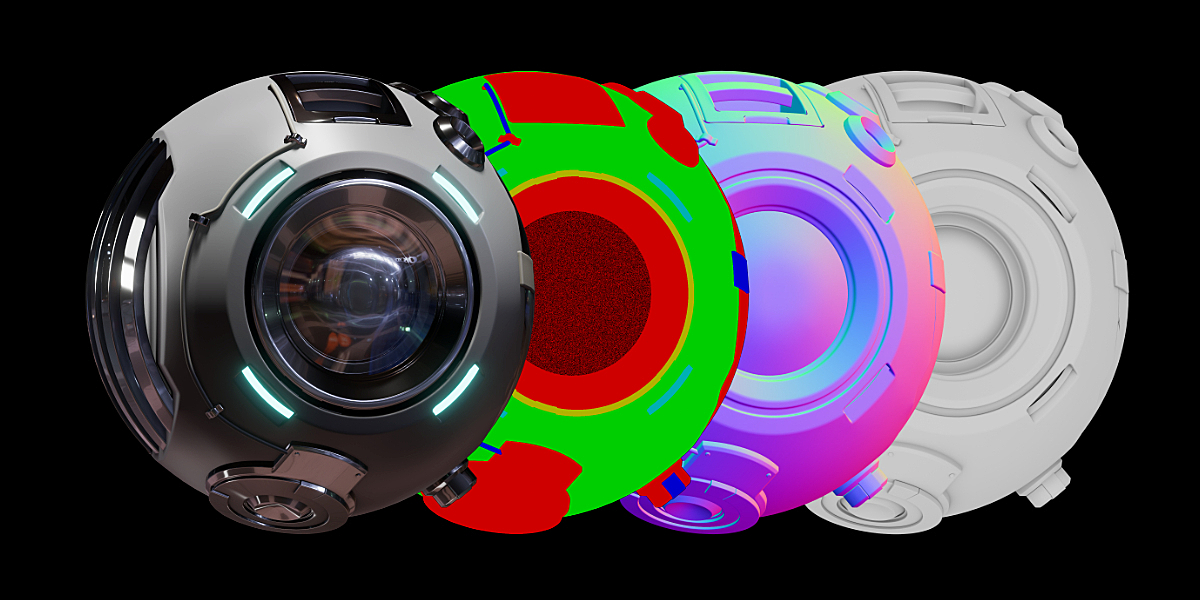
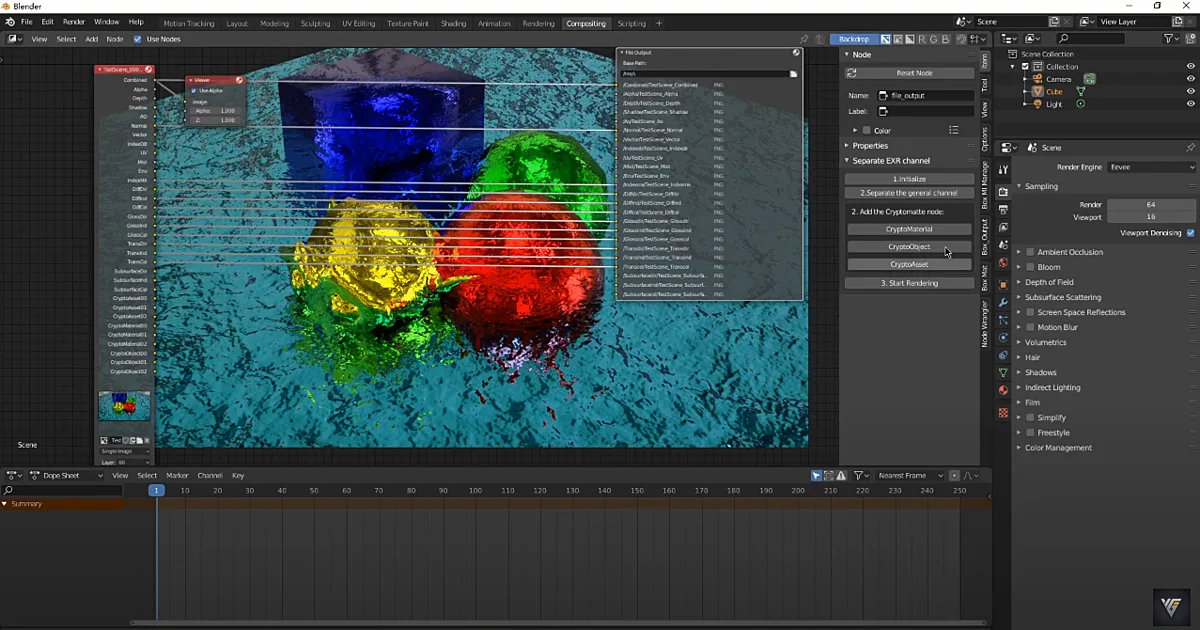
The documentation limits render-pass handling to OpenEXR Multilayer output. For that format, it lists Z-Depth, Mist, Normal, UV, Diffuse, Transmission, Glossy, Emission, Environment, Ambient Occlusion, Cryptomatte and Light Groups. Enable the passes you need in Blender’s View Layer Properties; the add-on documentation says it handles their export.
The product is described as exporting layered PSD files, while its documentation describes pass handling specifically for OpenEXR Multilayer. Check the current format settings if you need a particular combination of PSD output and render passes.
Compatibility and installation
The documentation specifies Blender 4.2.3 LTS or newer on Windows 10 or 11, 64-bit. Superhive’s listing names Blender 4.2 and 4.3, while the documentation requires 4.2.3 LTS or newer; compatibility with earlier 4.2 releases is unclear.
- Download the add-on ZIP.
- In Blender, open Edit, then Preferences, and select Get Extensions.
- Choose Install and select the downloaded ZIP file.
- Set the output format and destination in the add-on’s Output Properties controls.
Limits to consider
The documentation lists one PSD file per render and no View Layer support. It also warns that Blender may temporarily lock after rendering and show no progress in its interface while export continues in the background. If an export fails, the troubleshooting section recommends checking file permissions, the output path, available disk space and format compatibility. The product listing identifies the add-on as GPL-licensed.
See the Imago Psd documentation for format and setup details, and the Superhive product listing for its current product information.