Automate render passes for compositing
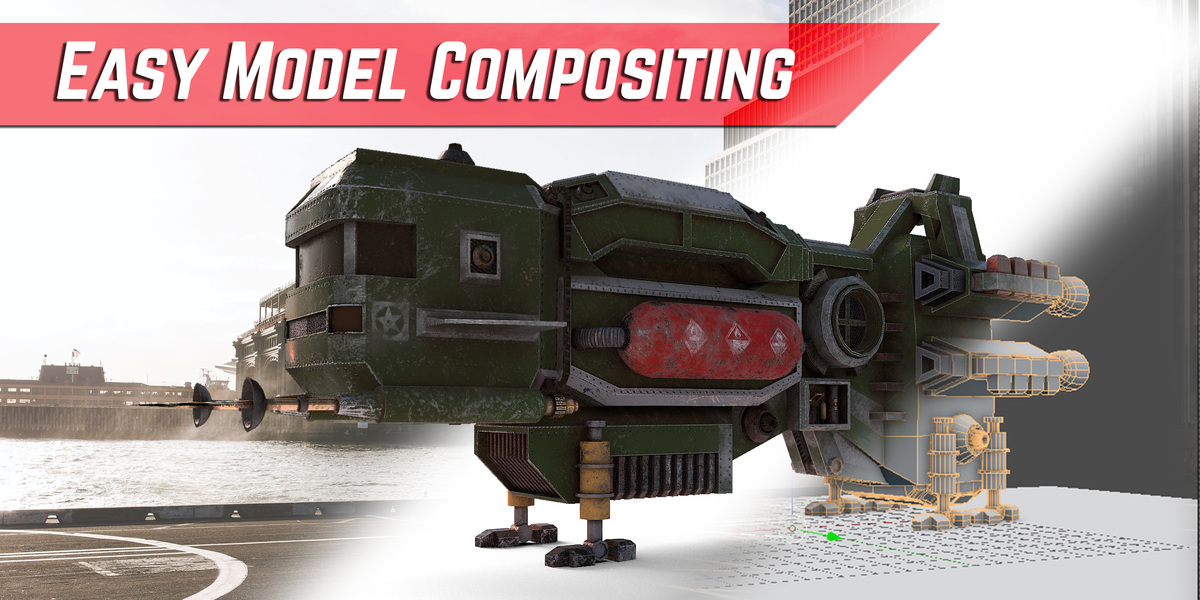
Easy Model Compositing Addon is a Blender add-on from Blackhart Films, developed in collaboration with John Roper. It outputs Object, Shadow, Reflection, and ambient occlusion (AO) passes from a render and sorts them into folders. It handles single frames and animations, so you can bring the resulting image sequences into compositing software such as After Effects.
The add-on is designed to collect these passes in one render instead of requiring multiple renders of the same scene or manual folder setup. Its creator says this can reduce render time, particularly for animations; the product page provides no measured comparison. The workflow can help when you want separate passes for compositing a model over a background or adjusting reflections and shadows afterward.
Shadow pass setup and limitations
Unlike Blender's standard Shadow Pass, which the product listing says captures shadows from scene lamps, this add-on also captures shadows from HDR environment maps. The product documentation says the ground plane needs a material with a Diffuse BSDF shader node for shadow capture. The included PBR material node is recommended.
Shadow output may look noisy or leave the ground plane grey, especially with environment-only lighting or very soft lamps. The documentation suggests increasing contrast in the compositing software with RGB curves or a contrast filter. It also warns that the method works best with horizontal ground planes: complex or vertical catcher geometry can self-shadow and muddy the result.
Development and Blender compatibility
Cycles introduced a built-in Shadow Catcher in Blender 2.79. The creator described that feature as better for quick shadow compositing inside Blender and said development of this add-on would cease. The creator also noted that the add-on could still organize AO and reflection passes. Check the product page before choosing it for a current workflow: its listed Blender versions are 2.6x, 2.7x, 2.77, 2.78, and 2.79, and the available listing does not establish compatibility with newer releases.
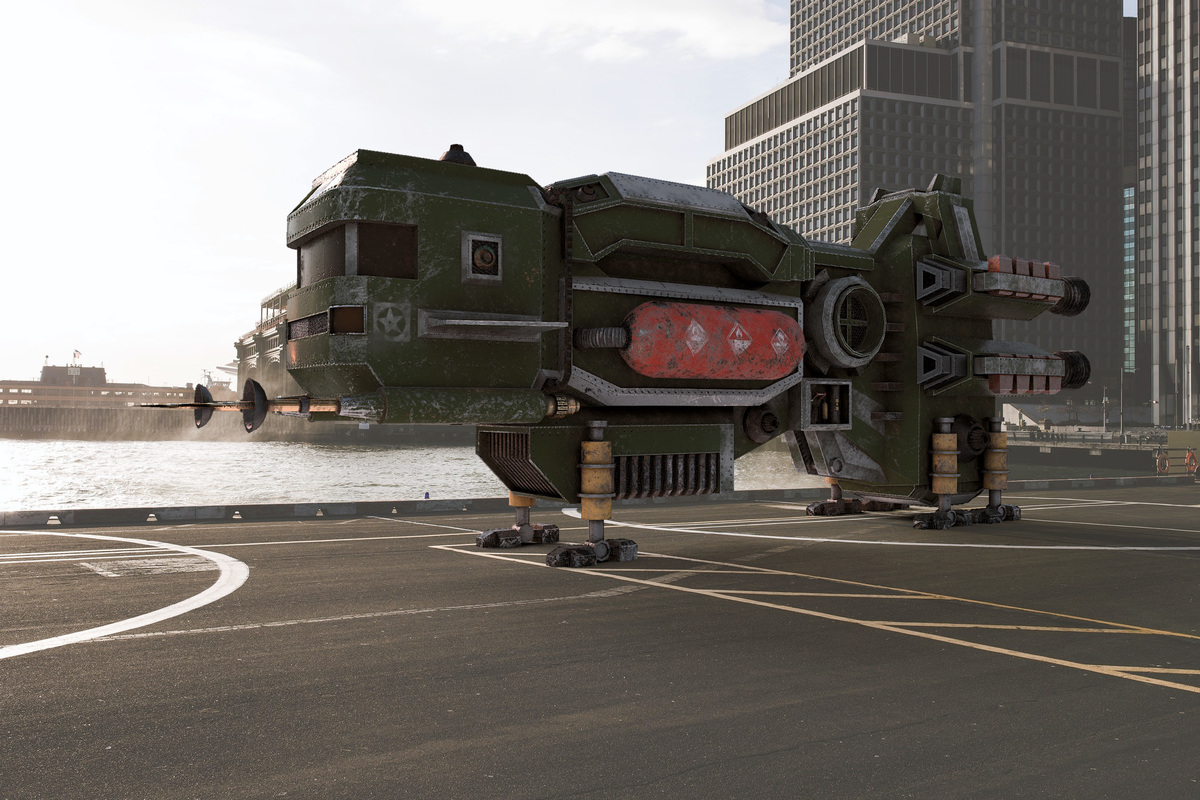
The package includes the add-on, the Titan Space Hauler model, a PBR material node, the background image and HDR map used in the demo, and a text transcript of the demo video.