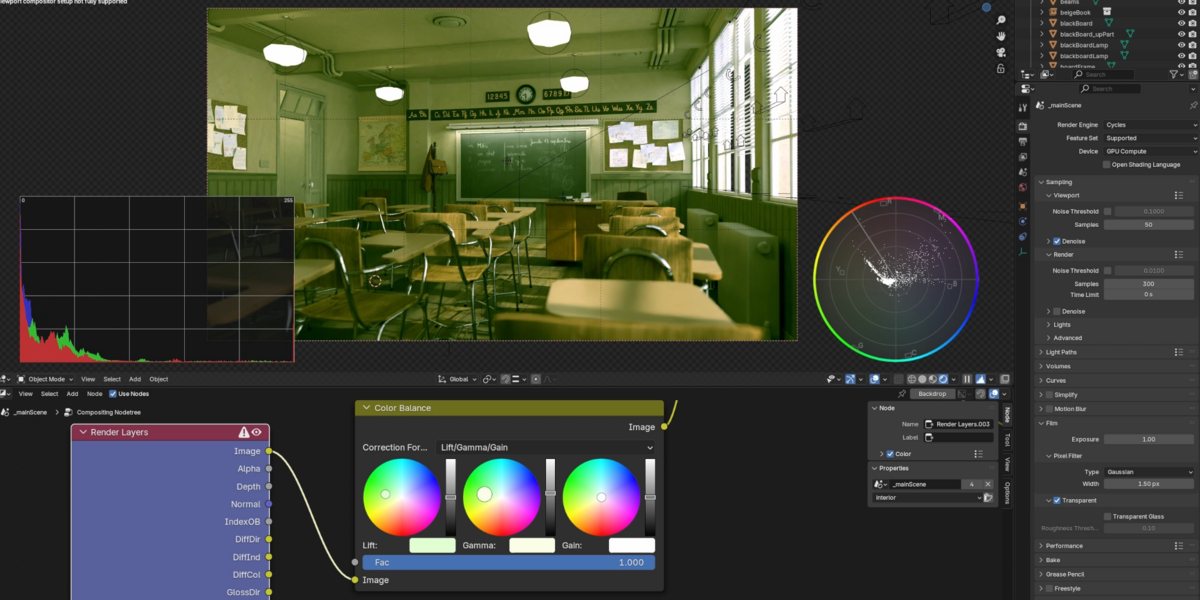
Bexar Studio is a color grading add-on for Blender. Version 1.1 includes Scene Mode for Blender scenes and Photo Mode for imported images, with grading controls and presets available inside Blender. The workflow avoids manual compositor node setup.
Grade scenes or imported images
Scene Mode works with Blender scenes, while Photo Mode lets you import an image, edit it, and export the result from Blender. Adjustments appear in the viewport, and a before-and-after split view lets you compare the grade with the original. The documentation lists controls for exposure, contrast, highlights, shadows, temperature, tint, saturation, vibrance, curves, vignette, film grain, and glow or bloom effects.
Build and compare looks
The preset library includes more than 30 cinematic looks with thumbnail previews. Apply a look, adjust it, then save your own presets or import and export them for reuse. Bexar Studio can also batch render a scene through multiple looks, which helps when comparing several grading options.
Compatibility and setup
The publisher lists Blender versions 4.4 through 5.0, support for Cycles and Eevee, and a GPL license. Install the add-on ZIP through Blender's Edit → Preferences → Add-ons → Install menu. The documentation describes activating BEXAR from the 3D View panel and choosing a mode. Check the publisher's product page for current version and compatibility details.