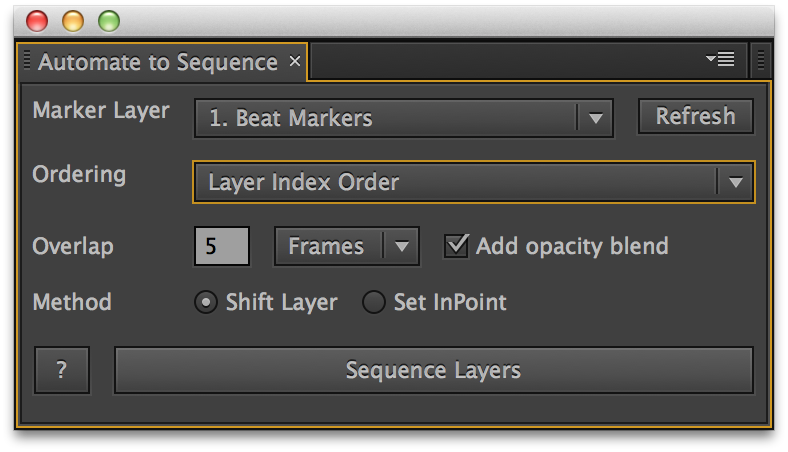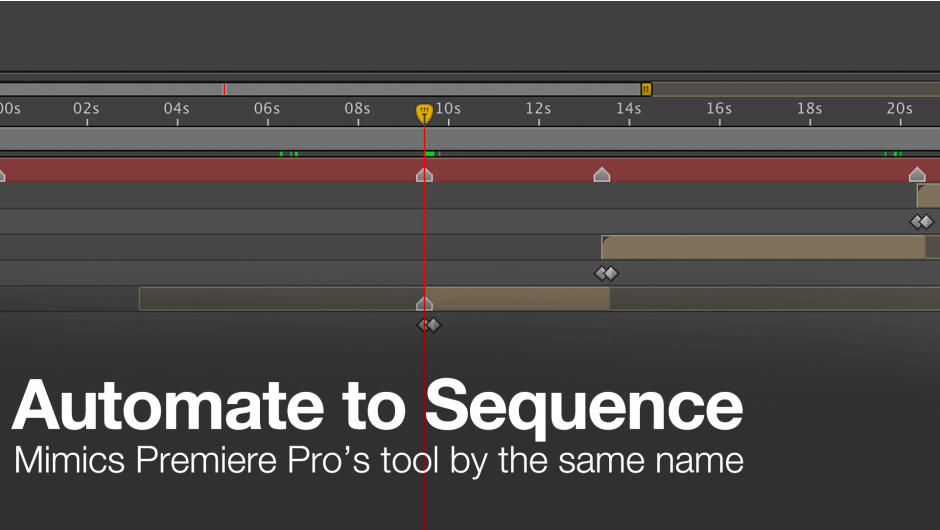
Automate to Sequence uses markers on a chosen layer to time selected layers in After Effects. It suits compositions where several layers need to follow marker positions. Composition markers are not supported.
Set the sequence order and timing
Choose whether the sequence follows your selection order or layer index, from bottom up. The overlap option controls whether sequenced layers overlap. For timing, the method setting shifts layers in time or adjusts their in points. The tool can also set selected layers' in and out points to markers.
Compatibility and license
The listed After Effects compatibility spans 2026 through 2020, CC 2019, CC 2018, CC 2017, CC 2015.3, CC 2015, CC 2014, CC and CS6. The EULA allows one installed copy for one user on one computer at a time, plus one archival copy stored off a hard drive for reinstallation. Additional users or copies require an appropriate license for each user and copy.