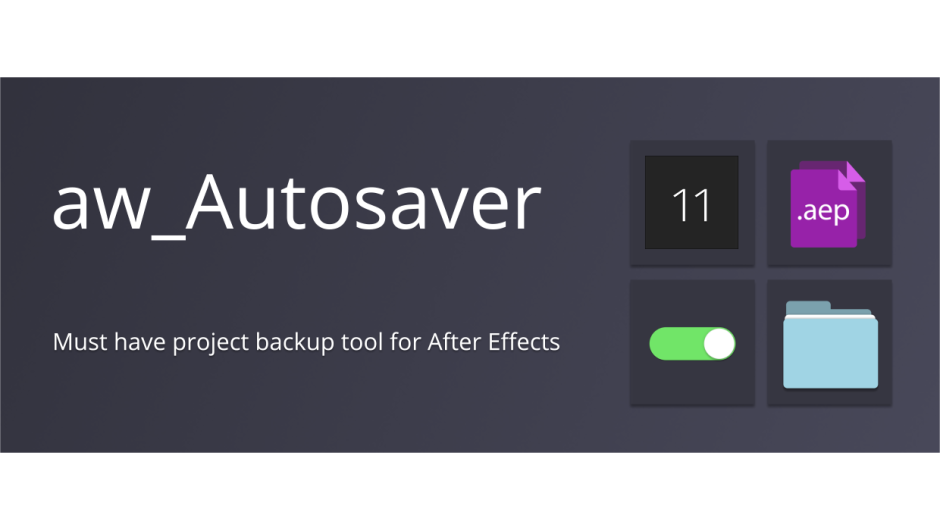
aw-Autosaver V2 replaces After Effects' standard autosave option with controls for making and organizing project backups. It can save automatic or manual .aep backups to a chosen location, and create an automatic project copy in its own folder.
Backups and version tracking
Set the autosave interval and version count, then use Alt+Click to add a comment to a version. The tool tracks the number of versions and provides one-click access to the project folder and versions folder. It can also back up the versions folder automatically.
This workflow suits After Effects users who want scheduled project copies as well as manual backups, with comments to identify saved versions. The product EULA does not guarantee uninterrupted or error-free operation and disclaims responsibility for data loss, so keep a separate backup routine for important projects.
Compatibility and licensing
The published compatibility list names After Effects CS6, CC, CC 2014, CC 2015 and 2015.3, CC 2017, 2018 and 2019, and releases from 2020 through 2025. It does not list After Effects 2026, so compatibility with that release is unconfirmed.
The product listing marks aescripts' Floating License Server as required and prompts buyers who do not own one to add it. aescripts' license FAQ says the server runs on the user's network; a floating license can be used on computers on that network, with one user per license at a time. Remote use requires VPN access to the network. Include server access and the number of simultaneous users in your purchase decision.