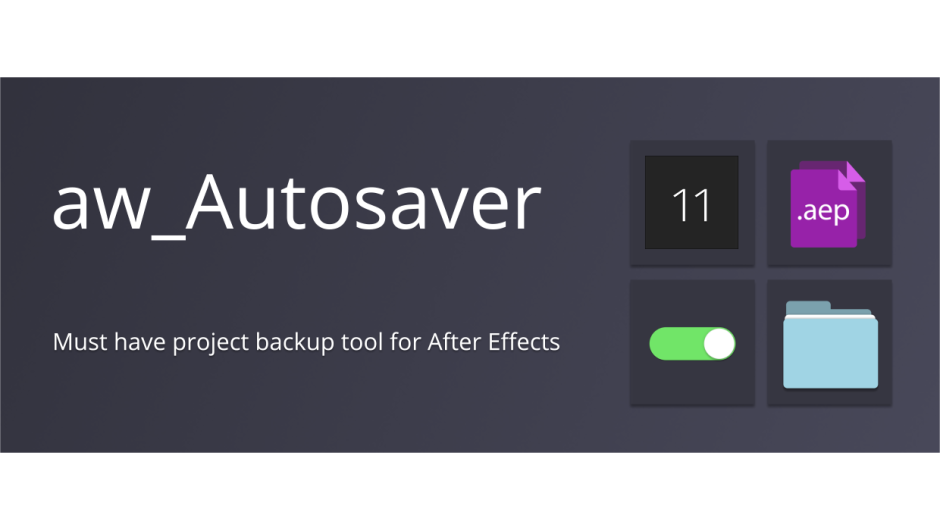
aw-Autosaver V2 is a replacement for After Effects’ standard Auto-Save option, with manual and scheduled backups of .aep projects. You can set the save interval, choose how many versions to keep and direct backups to another location.
Backup and version workflow
Set an interval and version limit for routine snapshots, or make a manual backup for a project milestone. Add a comment to a version with Alt+Click, open the project or versions folder in one click. The tool can also back up the versions folder automatically. A “Save only project copy” option is available, and the tool can autosave a project copy in an individual folder.
This suits editors and motion designers who want to manage separate project snapshots, limit how many versions accumulate or label saved states for later reference.
Compatibility and licensing
The product listing names After Effects 2025, 2024, 2023, 2022, 2021, 2020, CC 2019, CC 2018, CC 2017, CC 2015.3, CC 2015, CC 2014, CC and CS6. After Effects 2026 is not listed, so check compatibility if you use that version.
License setup depends on the selected type. The marketplace’s licensing guide says a Single User License does not need the Floating License Server, while a Floating License does. Check the selected license type before checkout.