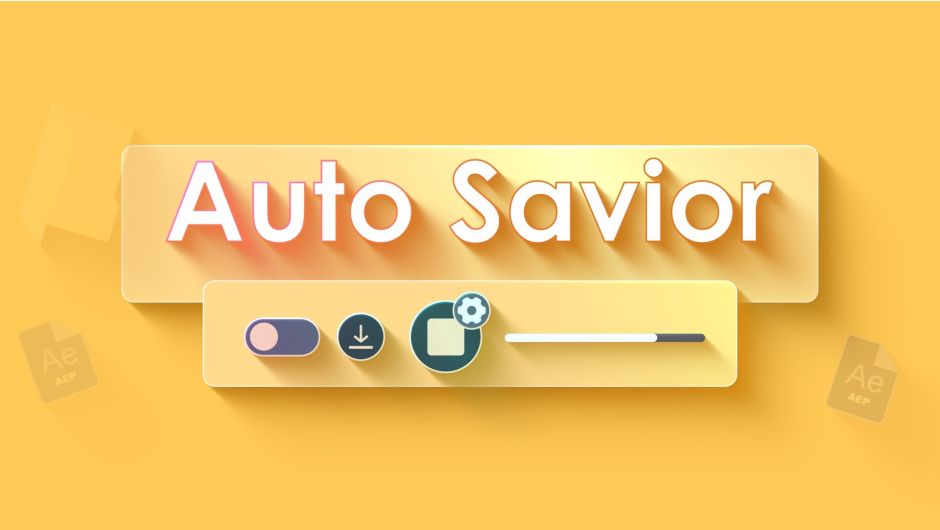
Auto Savior adds several save and backup options to After Effects projects. It can save the file you are working on at intervals without making copies, create a daily updated copy, or keep multiple incremental versions. It suits editors and motion designers who want to choose how much project history to retain and where saved files go.
Choose a save mode
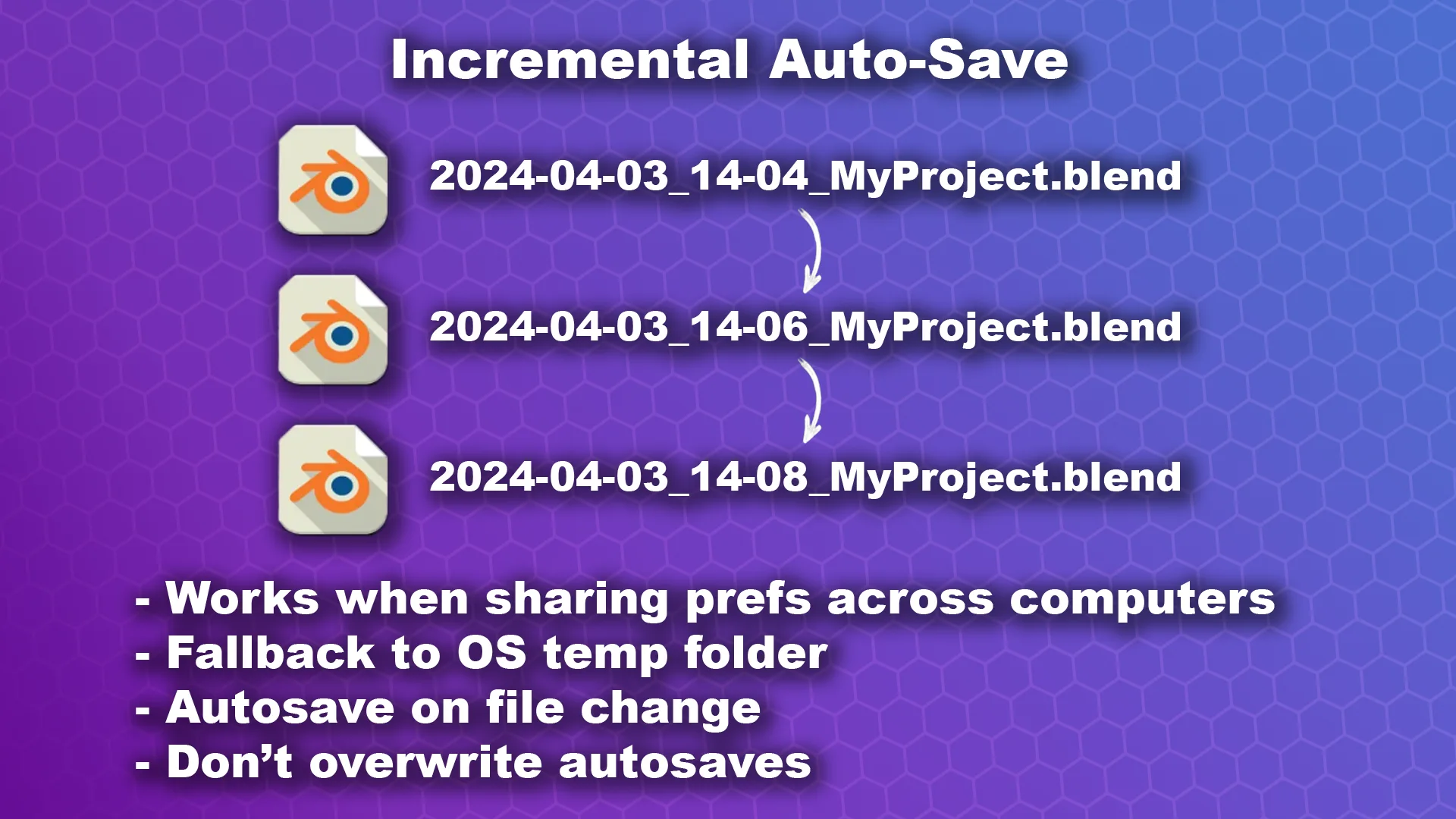
Project Auto-Save saves the current project at regular intervals without creating extra copies. Daily Backup keeps the original project and creates a copy that is updated daily, a setup intended for projects that run across multiple days. Incremental Copies create multiple versions so you can retain a history of project saves.
For incremental copies, you can set the maximum number of versions, up to 60, and choose what happens when that limit is reached: move the oldest file to a backup folder or delete it. The product also lets you choose whether to overwrite one file with the latest version or create multiple backup copies. A Save Now button starts a save on demand.
Set timing and file location
The save interval can be customized, with the Save Time control covering intervals from one to 60 minutes; the product also describes hourly and daily save options. Auto Savior can pause saving when the project has had no changes for one minute, then resume when you make a change. This option can be turned on or off.
Choose to save next to the project or use a custom location. Auto Savior remembers your preferences, and an auto-start setting controls whether the extension starts when After Effects launches.
Compatibility and license terms
The product page lists compatibility with After Effects 2020 through 2025. Its license permits one installed and used copy on one computer at a time. Use across multiple computers or users requires an appropriate license for each copy and user.
Auto Savior can add scheduled saves and version copies, but its license disclaims a guarantee of error-free or uninterrupted operation and excludes the author's liability for data loss. Keep any separate recovery or backup process your project requires.