Smart Save Pro is a Blender add-on for keeping earlier project versions close at hand. You can save a timestamped version with an optional note, create versions automatically on a timer, and open an earlier version from a restore list. The files are organized in a dedicated /versions folder for each project.
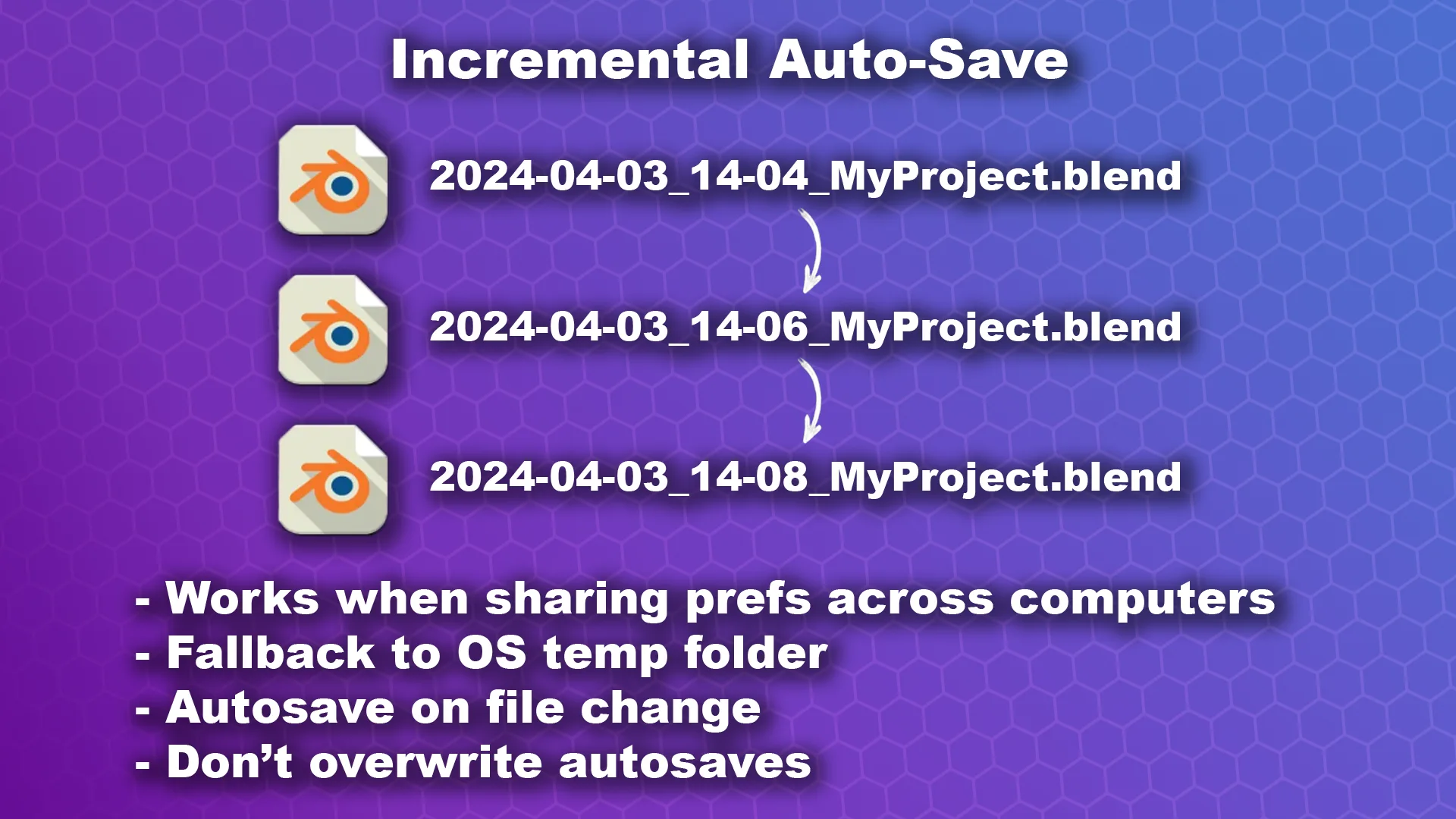
Blender's default autosave and Smart Save Pro handle different needs. The add-on gives you a browsable history of manually saved and timed project versions, which you can open when you need to return to an earlier state.
Save versions and restore earlier work
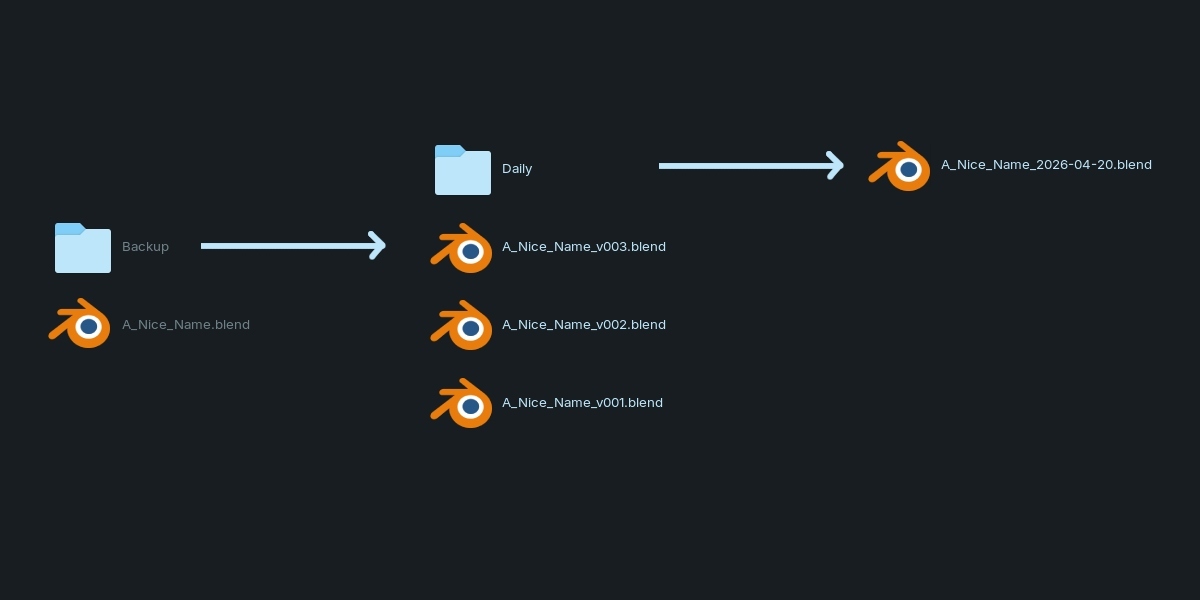
For a manual version, enter an optional note and select Save Version. Smart Save Pro creates a timestamped .blend file in the project's /versions folder. The note can help distinguish a version by its work stage, such as a lighting change.
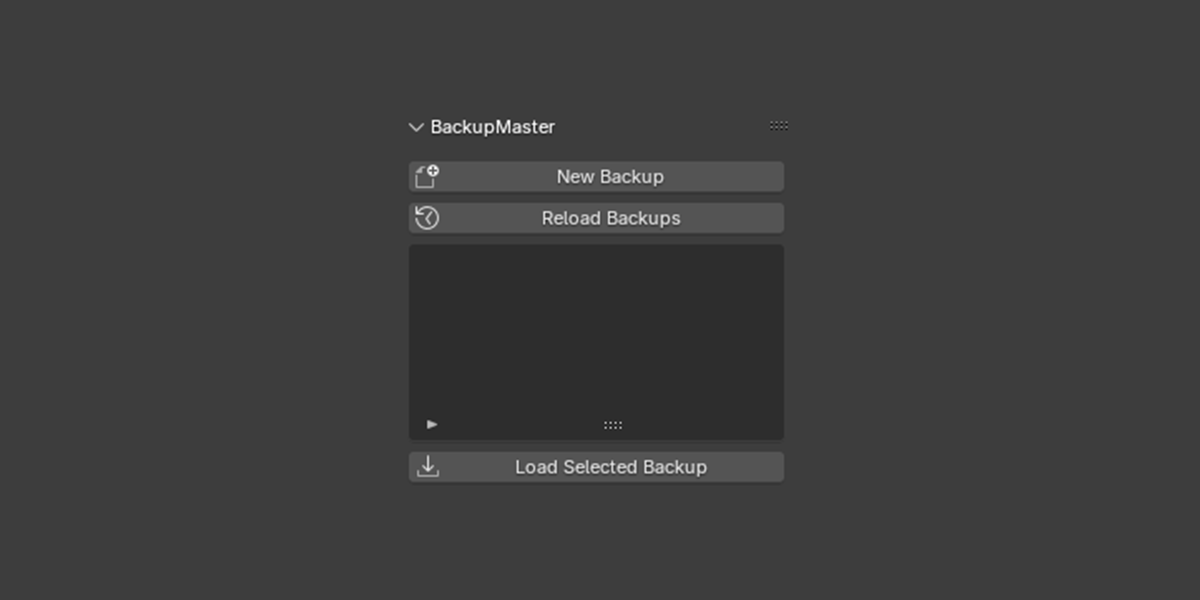
For automatic versioning, choose an interval in minutes. You can also set a limit for how many versions to keep; older automatic versions are removed when they exceed that limit. To return to an earlier file, choose it in Quick Restore and select Open Selected Version. Blender prompts you to save unsaved changes before opening it.
Where versions are stored
Versions stay on your local disk in a folder alongside the main project file. Use the Folder control to open that directory in your system file browser, or browse it directly. Smart Save Pro does not sync versions to cloud storage, and automatic versioning runs only while Blender is open. Large project files may take longer to save.
Installation and compatibility
The marketplace listing marks Smart Save Pro as Blender Extension compatible and lists Blender versions 3.5 through 5.2. It also lists Cycles and Eevee under Render Engine Used. The product documentation describes installation and where to find the add-on's panel. Check the product listing and documentation for details that match your Blender version.
Smart Save Pro suits Blender users who want a local, organized history of project files and quick access to earlier versions. If you need backups to continue while Blender is closed or to sync to cloud storage, its documented limits may not fit that workflow.