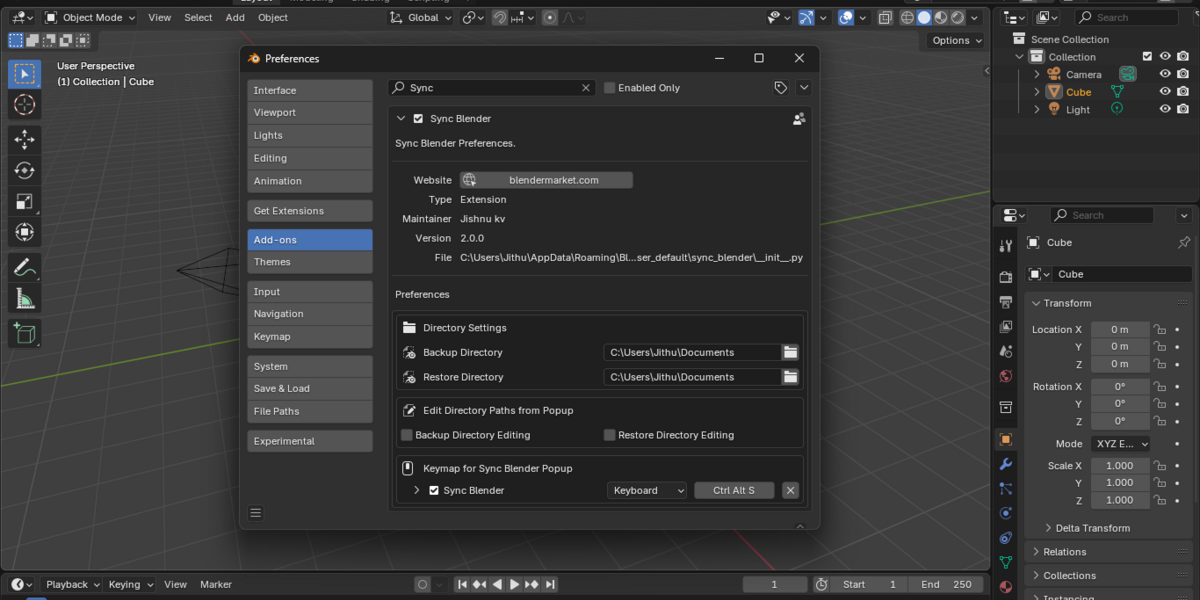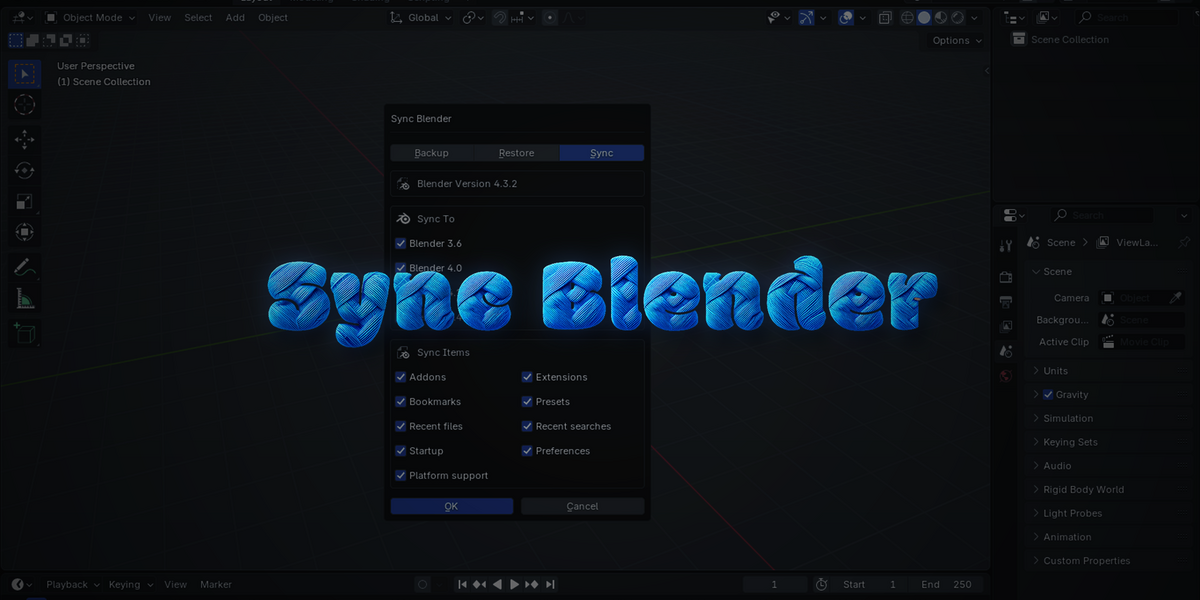
Sync Blender is a Blender add-on by Jishnu Jithu that stores selected settings in a folder on your computer. It is intended for artists and designers who use multiple Blender versions and want to bring a familiar setup into another version.
The add-on has separate backup, restore, and sync functions. You choose which settings to include, and a progress bar tracks each operation.
Settings You Can Manage with Sync Blender
Sync Blender can save, restore, or sync these parts of a Blender setup:
- Add-ons and extensions
- Bookmarks and presets
- Recent searches and preferences
- Startup and platform support
How backup, restore, and sync differ
Back up the settings you want to keep in one place. Restore brings saved settings back, while sync makes the settings in your current Blender version match settings from another version you use. Saved settings can be restored with one click.
Use a local folder for backups
Sync Blender saves settings on your computer. Its listing warns that online storage services such as Google Drive and Dropbox may not work correctly, and recommends a folder on your computer. If you need a team workflow across separate machines, check the Sync Blender documentation for setup details; the product listing does not describe an automatic shared cloud backup.
Compatibility and intended use
The Superhive product listing identifies Blender 3.6 to 4.5 as the supported range and marks the add-on as Blender Extension Compatible. Check the listing and documentation for current compatibility details before installing.
Sync Blender suits people who move between Blender versions and want to reuse selected preferences. The listing also names teams working on different computers as a potential audience, though its backup storage is local. Teams should confirm how the documented workflow fits their machines before relying on it for shared settings.